


I acnnot login to my favourite website: an Access Denied banner is displayed.

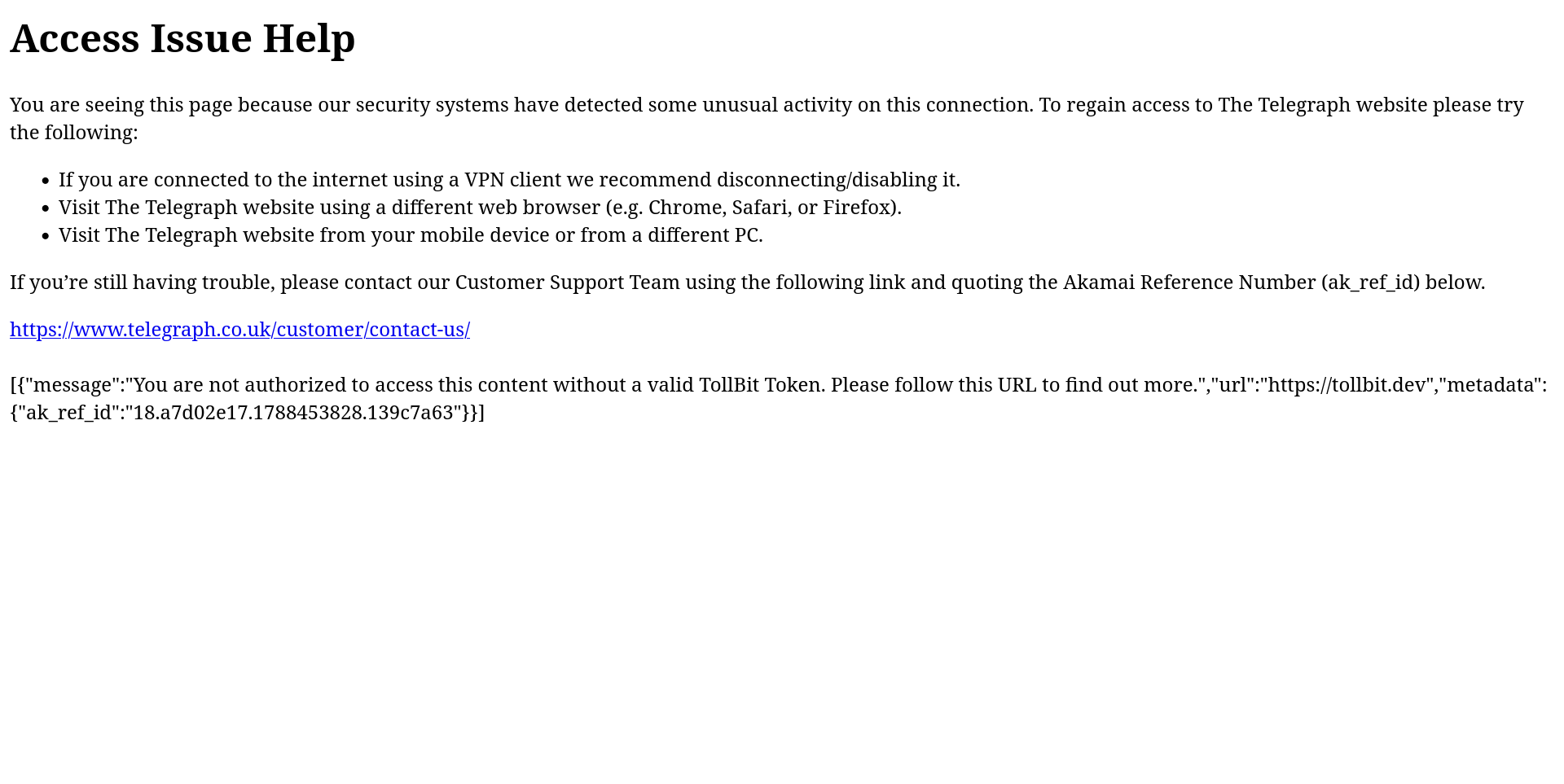
I use Ubuntu Linux on my laptop: this OS was updated two days ago, from 24.04 to 24.04.2. Since then I have been unable to access my daily favourite website. A banner showing ACCESS DENIED is displayed, citing "unusual activity". I have attached a screenshot. I have discovered that I CAN access the website in the Brave browser. But Firefox is my preferred browser. I have tried deleting browsing history, opening a Private Window, rebooting the laptop but nothing has worked. I do have some Firefox folders, on containing stored passwords, another containing a recovery file but I don't know how to safely proceed now. What is the best way forward for me to allow me to access my favourite website? Should I create an entirely new account and if I do would I be able to import all my passwords and add-ons, etc.?
All Replies (1)
Hello,
You can first try clearing cookies for that specific site.
next, you can search https://whatismybrowser.com, and see if your browser or OS is saying anything weird. If so, try Refreshing firefox (clear all data except essential ones)
Next, you can try disabling VPNS or proxies (if you have any).
Lastly, test if extensions are the problem by opening it on incognito window.