


Lost functionality of shortcuts on default home page

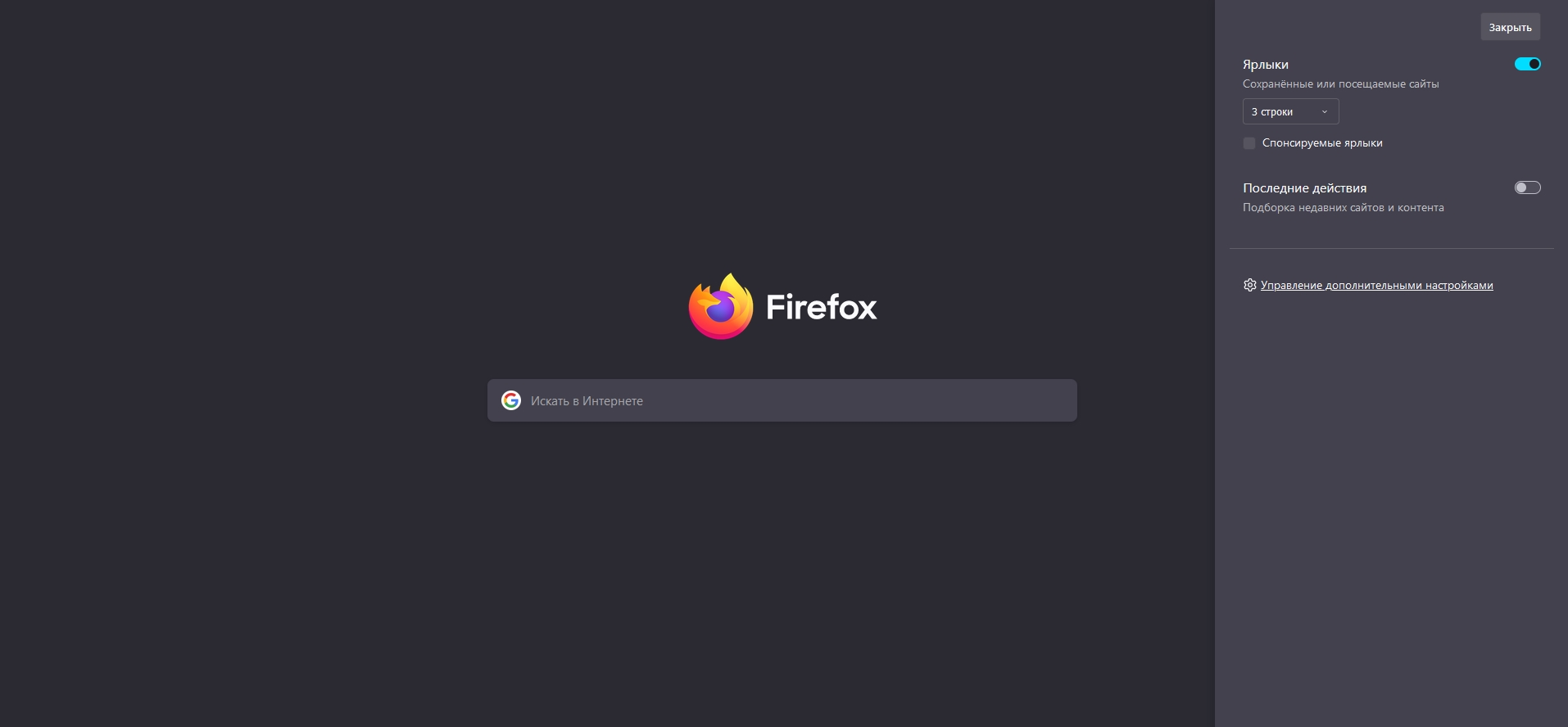
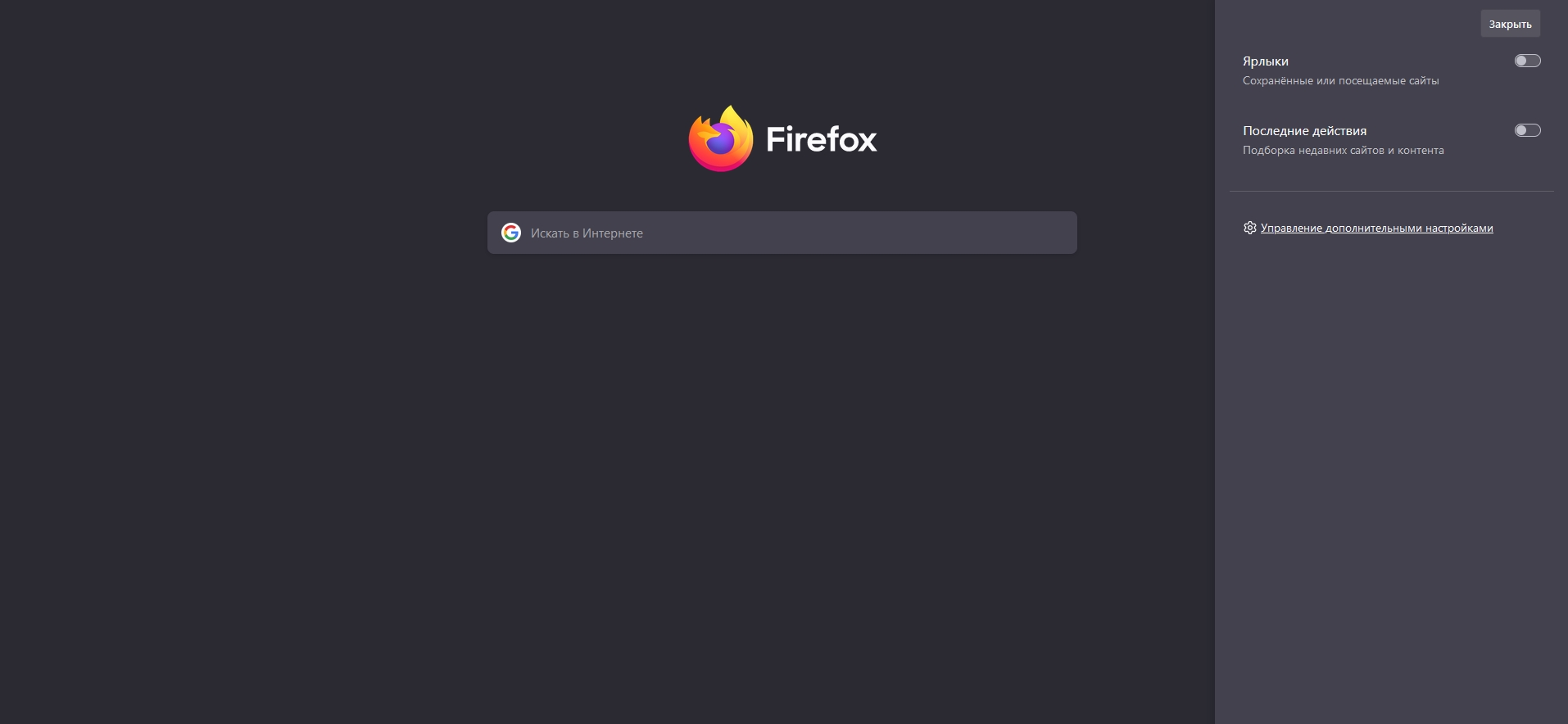
Hi there! After a short elektricity blackout my PC was rebooted and I lost functionality of shortcuts on Mozilla default home page, turning on or off this shortcuts leads nowhere and just move search bar.
தீர்வு தேர்ந்தெடுக்கப்பட்டது
You can try "Clear the startup cache..." in "Help -> More Troubleshooting Information" (about:support).
You can also try to delete compatibility.ini in the Firefox profile folder.
You can use the button in "Help -> More Troubleshooting Information" (about:support) to go to the current Firefox profile folder or use the about:profiles page (Root directory).
- Help -> More Troubleshooting Information -> Profile Folder/Directory:
Windows: Open Folder; Linux: Open Directory; Mac: Show in Finder - https://support.mozilla.org/en-US/kb/profiles-where-firefox-stores-user-data
All Replies (1)
தீர்வு தேர்ந்தெடுக்கப்பட்டது
You can try "Clear the startup cache..." in "Help -> More Troubleshooting Information" (about:support).
You can also try to delete compatibility.ini in the Firefox profile folder.
You can use the button in "Help -> More Troubleshooting Information" (about:support) to go to the current Firefox profile folder or use the about:profiles page (Root directory).
- Help -> More Troubleshooting Information -> Profile Folder/Directory:
Windows: Open Folder; Linux: Open Directory; Mac: Show in Finder - https://support.mozilla.org/en-US/kb/profiles-where-firefox-stores-user-data