


How do I unlock the domains for all of my bookmarks.

Firefox did an update this morning 1-4-16 and now all of my bookmarks are locked.
Firefox did an update this morning 1-4-16 and now all of my bookmarks are locked.
All Replies (3)

Start Firefox in Safe Mode {web Link} by holding down the <Shift>
(Mac=Options) key, and then starting Firefox. Is the problem still there?
Places Maintenance {web link} Allows to run Maintenance tasks on the database that drives Places, the bookmarks and history module behind Firefox.
Open the Add-ons Manager. Locate the add-on and press the Options button. Then follow the directions.
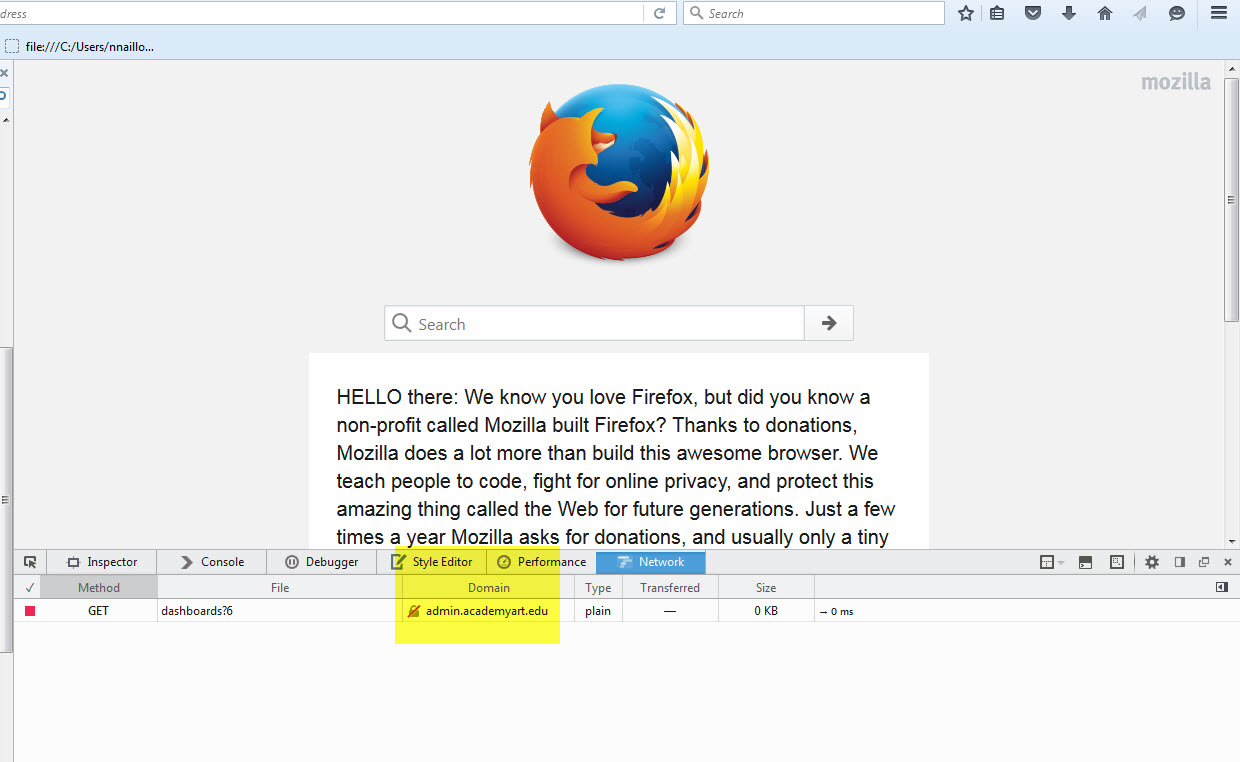
It won't even let me get the add-on. When I search for it not one add-on pops up. Attached is what it looks like for the domains.
Follow the instruction from my last post. Safe Mode. And the link to the add-on is the name.