


Page not redirecting when putting in correct username and password

Hi,
I am trying to use the website Jpay to connect with a loved one in prison. When accessing jpay's website I am prompted to enter my username and password in order to access the account. I enter the correct information- select login and the page will attempt to load and redirect me to the next page, but unfortunately nothing happens. The page will flash and prompt me to enter the username and password again. I am able to login into my Jpay account using safari, edge, and chrome however those browsers are no longer compatible with the jpay server for video visits. To add- I have purposely input incorrect details and when the page redirects it advises that I have input the incorrect username and password. Lastly, I have tried using several devices that range from a laptop, two different iphone, an ipad and an android tablet, the issue remains the same firefox will not redirect beyond the login screen. I have contacted jpay directly and there is nothing they can do. Please provide any advice on how to fix this issue. It appears to be on the back end. I have attached two snips. One showing i entered my information and clicked login. The next shows my username and password has disappeared after the failed load/ redirect. Thanks!
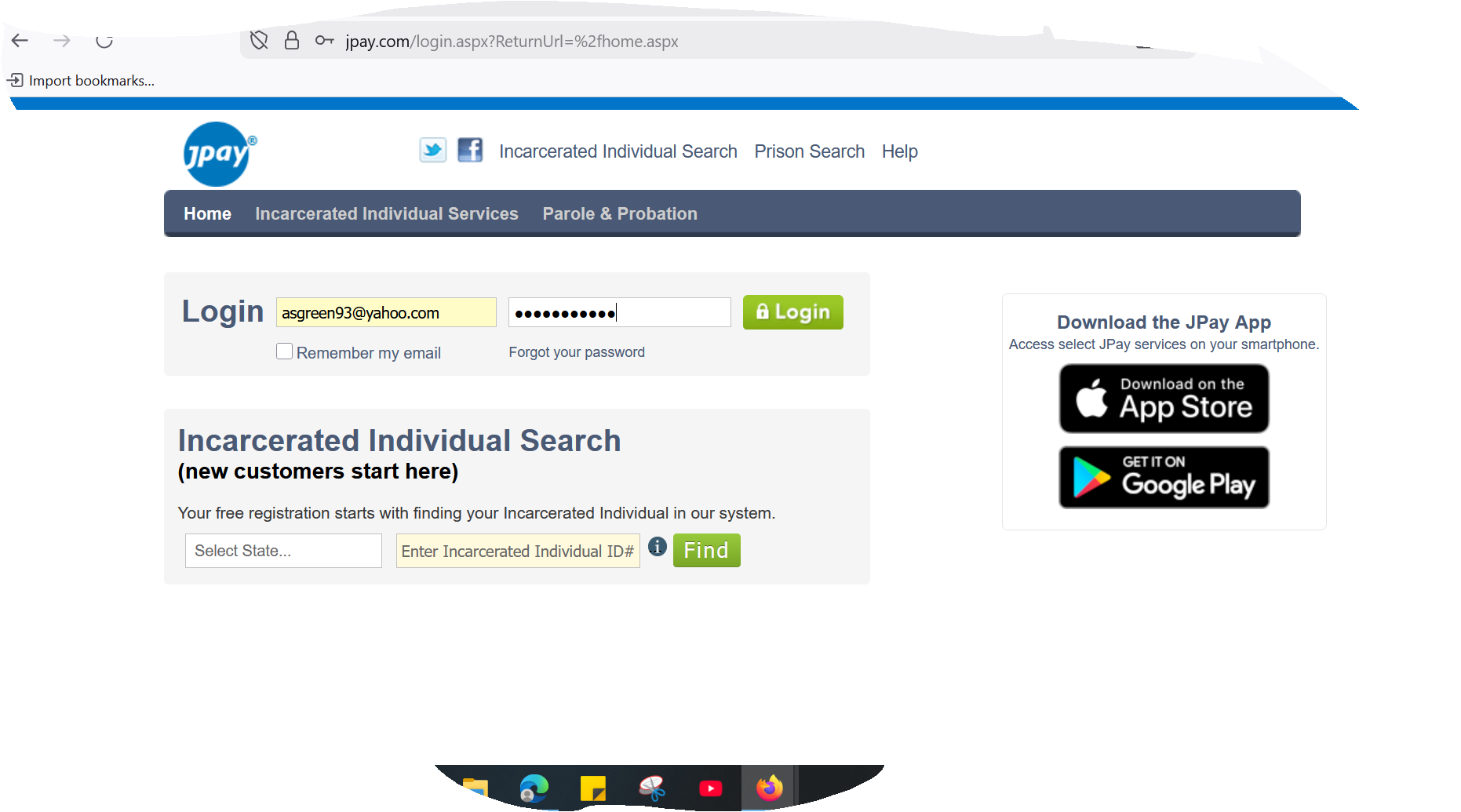
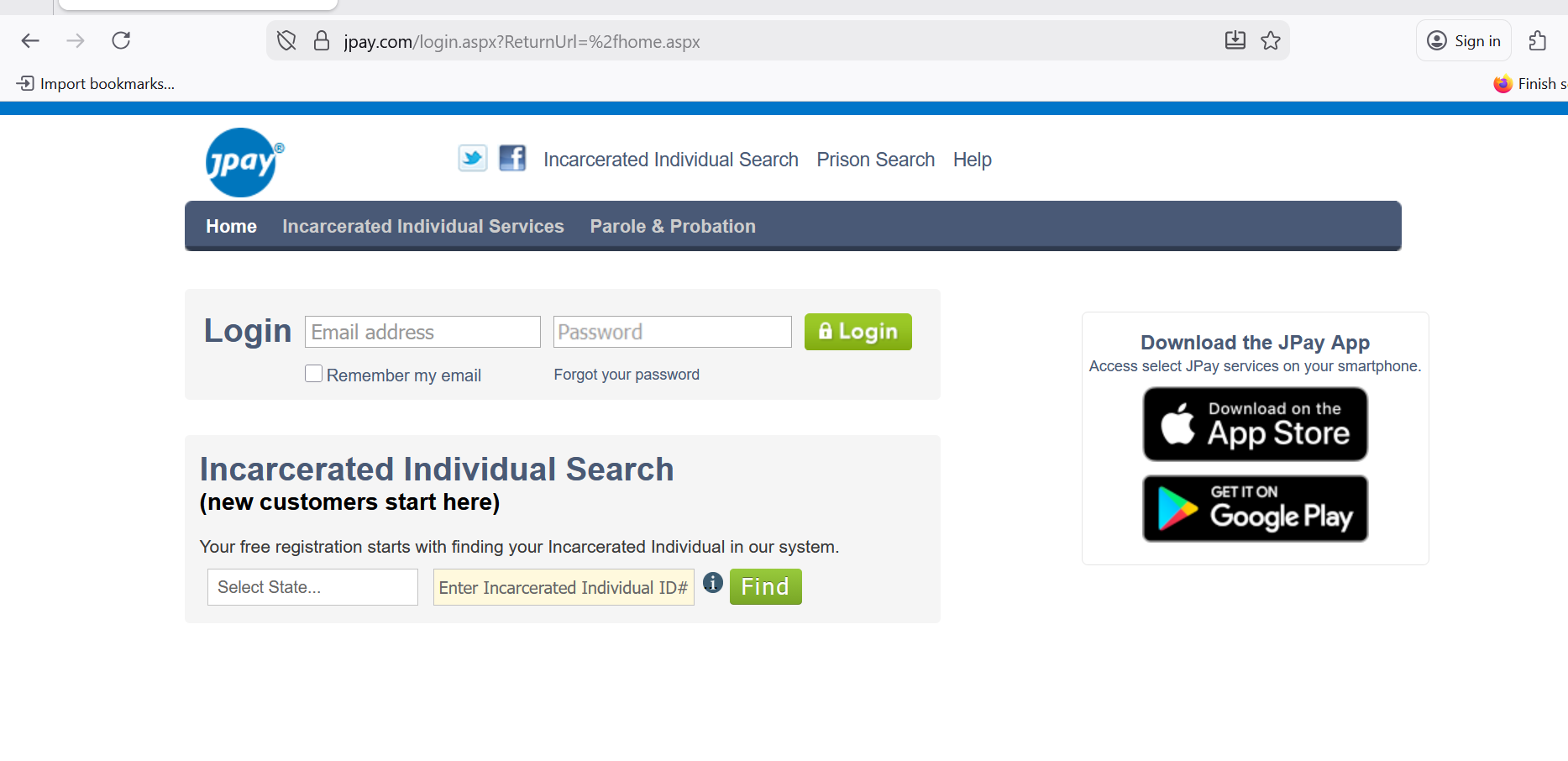
All Replies (1)
Hi,
Please try these standard troubleshooting steps that may resolve the issue:
- Please check if you have Enhanced Tracking Protection (ETP) enabled. You can do that by clicking the shield
 icon at the left of the address bar.
- If ETP is enabled, try disabling it.
- If the problem is not fixed, try clearing Firefox cache.
- If it does not help, also try clearing cookies and data for the website you experience troubles with (warning: you will be logged out on this website).
- If it also does not help, try running Firefox in Troubleshoot Mode. If the problem doesn't persist, please follow the steps from this article to troubleshoot further.
Does any of that help? Looking forward to your update!