


Yahoo Finance stock charts not loading.

Yahoo Finance stock charts are not loading. Never encountered this problem before this week. A GeekSquad tech support person was not able to fix the problem and recommended I contact Firefox. Edge and Chrome load Yahoo Finance stock quote sites just fine; I'm only having trouble with Firefox. Any ideas on how to fix? Thanks! Carol
Alla svar (5)

Can you copy and paste a link to a specific stock chart that isn't loading? It would help to diagnose whether the problem is occurring for all Firefox users or only you.
It'd also help if you could take a screenshot of what you see when trying to load the page and upload it here.
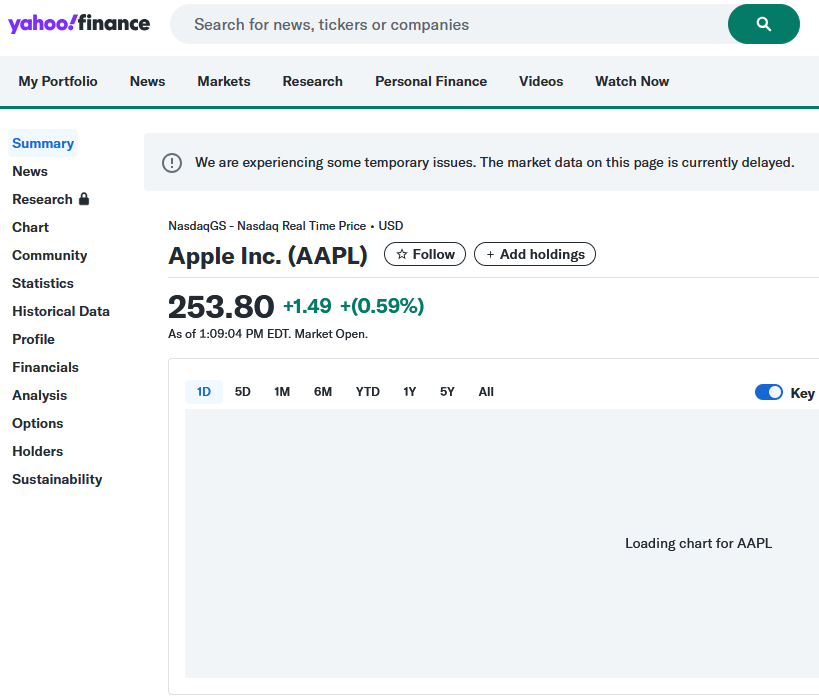
Thanks @t.r.ernst. Attached are screenshots of https://finance.yahoo.com/quote/AAPL/ in Firefox and Edge for comparison.
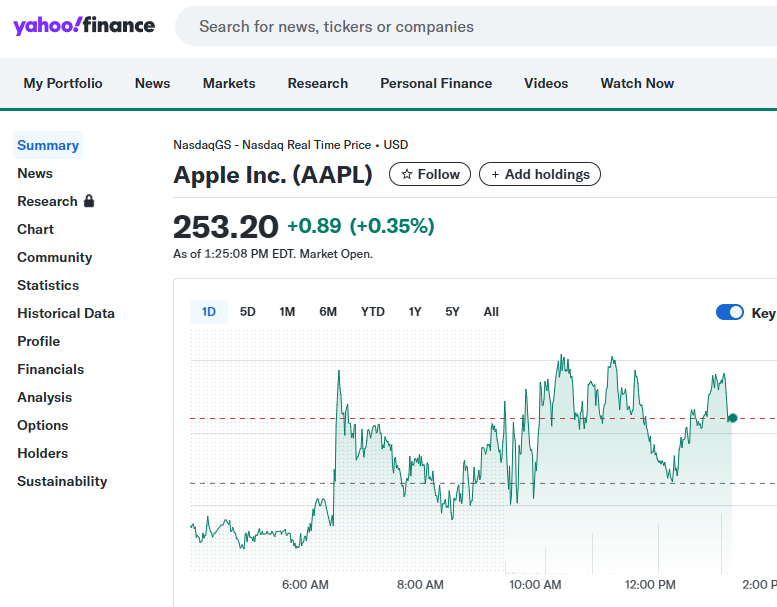
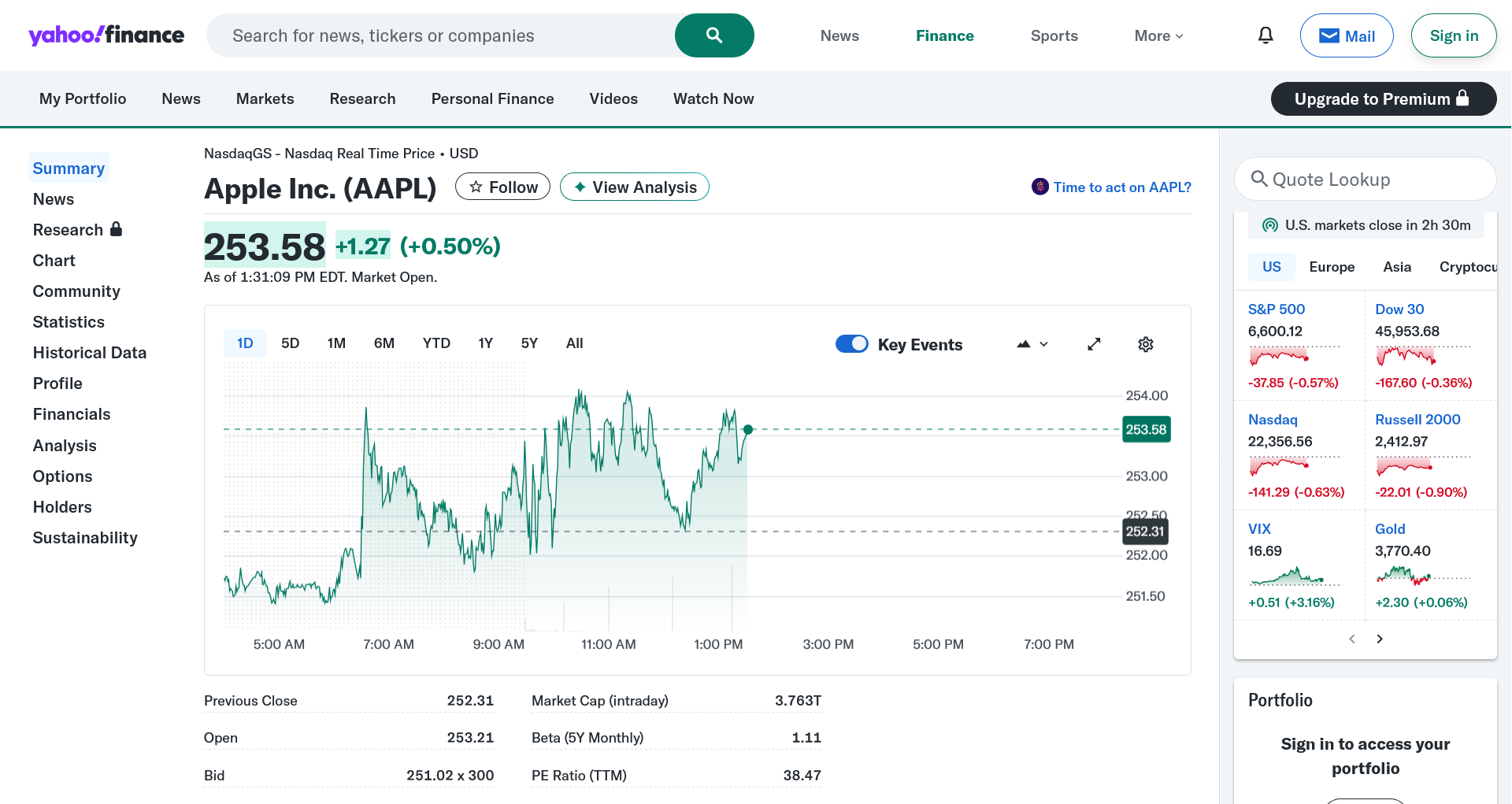
I just tried opening that link in Firefox and it seems to display correctly for me (see screenshot).
If you don't mind getting logged out of Yahoo, I would follow the instructions to clear cookies and site data for the current website with that link open. Sometimes clearing out that data can resolve issues with a site.
If that didn't help, I would recommend you try accessing the site again in troubleshoot mode to see if it displays correctly in that mode. That would help to narrow down if the problem is an extension or customization made to Firefox or not.
@t.r.ernst I tried both of your suggestions. I also uninstalled and reinstalled Firefox. I also removed the extension for Webroot web shield since I have AVG Internet Security installed and I didn't want any conflict there. Nothing is working. Since this problem only started this week after I installed AVG Tune Up and AVG AntiTrack, I wonder if these apps could be the cause. I previously tried excluding finance.yahoo.com from AVG Internet Security, but that didn't help, either. I appreciate your ideas so far. Any other ideas?
Hi,
Can you (temporarily) completely disable all the AVG features related to internet connections and see if the problem persists? Given that you started experiencing the issue after AVG installation, even reinstalling Firefox does not help and the website works fine for us, AVG must be the reason.