


Some sites stopped loading

Some sites stopped loading Restarting the browser and computer did not help.
Clearing the cookies of these sites also did not help.
Alla svar (6)

Examples please? What OS? What version of Firefox? Do you have the same issue with Firefox in Troubleshoot Mode? https://support.mozilla.org/en-US/kb/diagnose-firefox-issues-using-troubleshoot-mode#w_how-to-start-firefox-in-4troubleshoot-modesf5safe-modesf
The example is in the screenshot above. There were a couple more sites that opened, but the content didn't load. The others are fine.
Win 11 Pro 24H2 Firefox 136.0.2 (64)
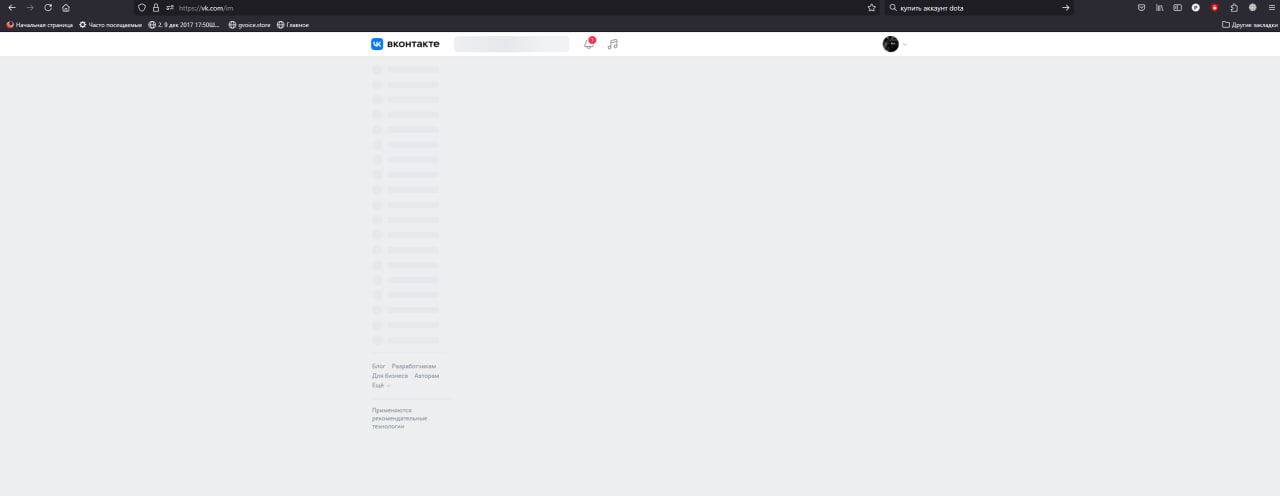
It appears you failed notice that the url is not showing in your screenshot. Which is why a full browser screenshot is always more useful.

ok (5 symbols)

after an autoupgrade of ubuntu snap version some inline script executions are blocked by browser itself.
duckduckgo.com does not return results like https://duckduckgo.com/?q=mozilla ``` Content-Security-Policy: The page’s settings blocked an inline script (script-src-elem) from being executed because it violates the following directive: “script-src blob: https://duckduckgo.com https://*.duckduckgo.com https://duckduckgogg42xjoc72x3sjasowoarfbgcmvfimaftt6twagswzczad.onion/ https://spreadprivacy.com 'unsafe-inline' 'unsafe-eval' 'nonce-bW96LWV4dGVuc2lvbjovL2YwY2Q5NTI2LTU5MDItNDlmNS1hMGFlLTIwMjIzNmQwODhmYS8='” ```
"after an autoupgrade of ubuntu snap version some inline script executions are blocked by browser itself."
How do I fix it?