


iCloud Not Signing In On Firefox -- Apple Support Says it's a Firefox Issue
iCloud has stopped signing in on the Firefox browser for Windows. I contacted Apple Support and they told me that this is an issue on Firefox's part, and told me to try signing in the next morning and they guarantee it'll work. It did not. In fact, it has been over a week, and it still does not work.
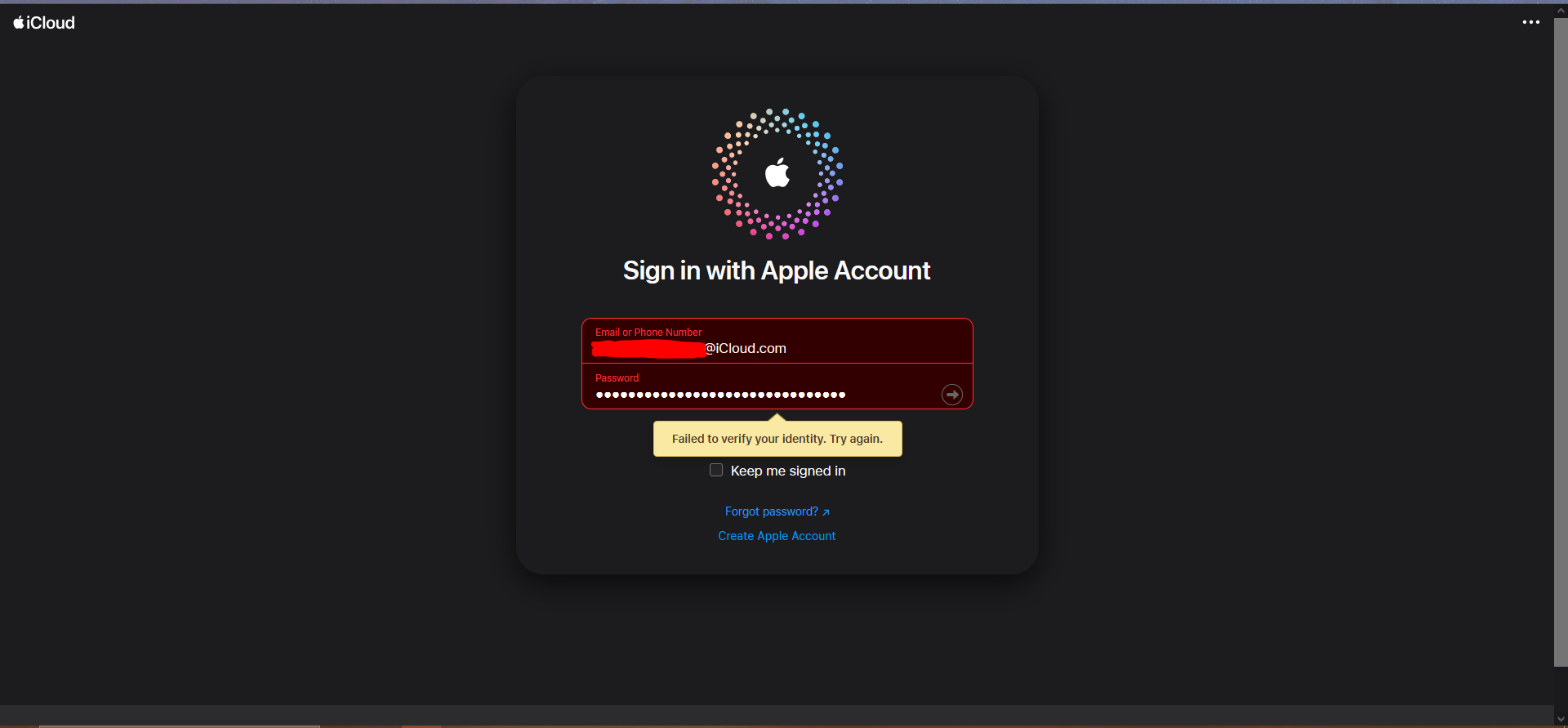
When I enter my Apple ID and Password, the website gives me an error "Failed to verify your identity. Try again." The website does NOT send me to the 2fa screen, yet it still sends a 2fa code to my iPad nonetheless.
As Apple has said this is an issue on Firefox's part, I am posting this here. Attached is a screenshot of the error.
Alla svar (3)

Vald lösning
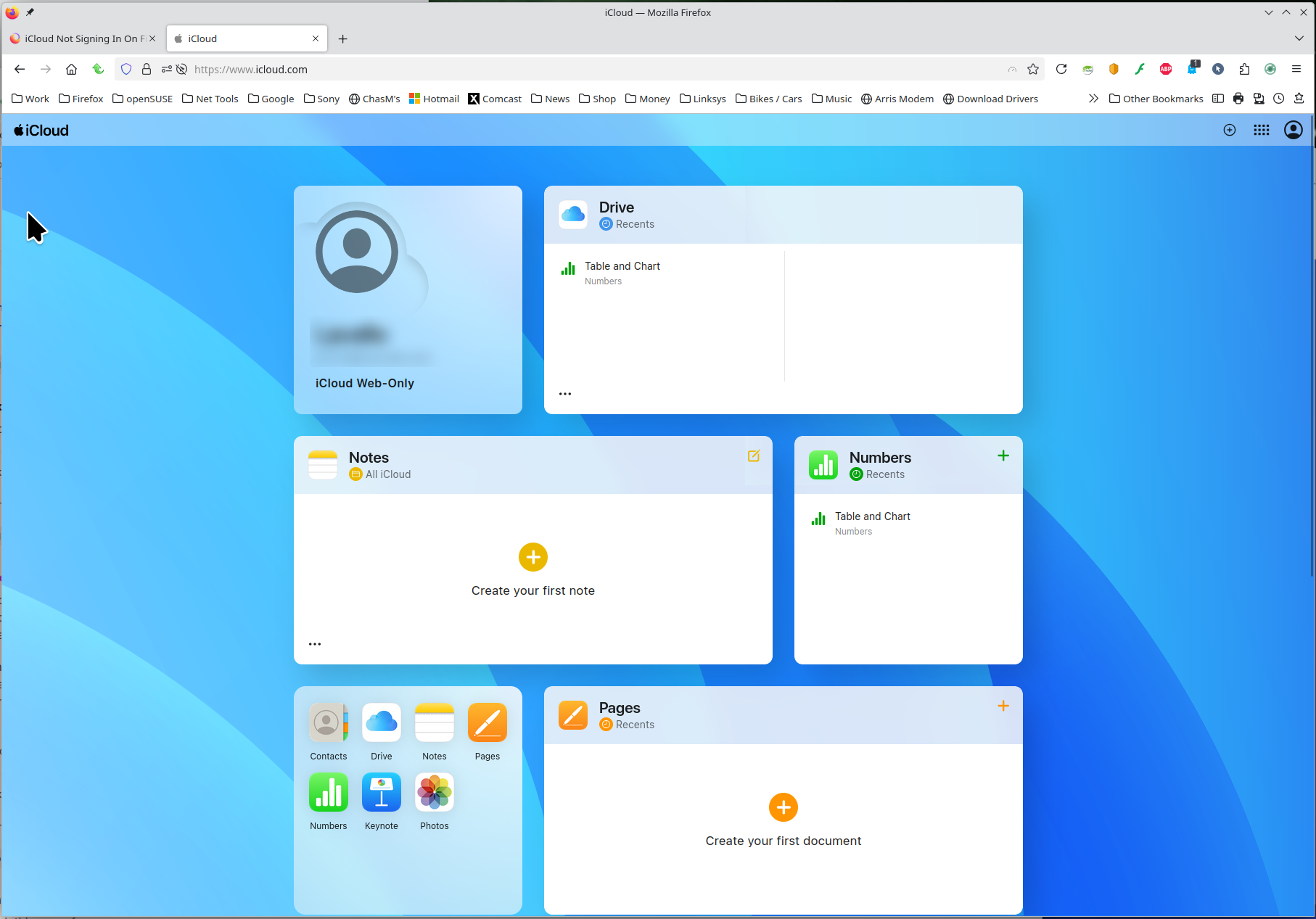
I can log into my account. see screenshot Did you try with Firefox in Troubleshoot Mode? https://support.mozilla.org/en-US/kb/diagnose-firefox-issues-using-troubleshoot-mode#w_how-to-start-firefox-in-4troubleshoot-modesf5safe-modesf
Did you clear your browser cache? https://support.mozilla.org/en-US/kb/clear-cookies-and-site-data-firefox
Ändrad av jonzn4SUSE
jonzn4SUSE said
I can log into my account. see screenshot Did you try with Firefox in Troubleshoot Mode? https://support.mozilla.org/en-US/kb/diagnose-firefox-issues-using-troubleshoot-mode#w_how-to-start-firefox-in-4troubleshoot-modesf5safe-modesf Did you clear your browser cache? https://support.mozilla.org/en-US/kb/clear-cookies-and-site-data-firefox
Will opening Firefox in troubleshoot mode close my tabs?
OH OH NEVER MIND! Clearing iCloud's site data fixed it for me!