password
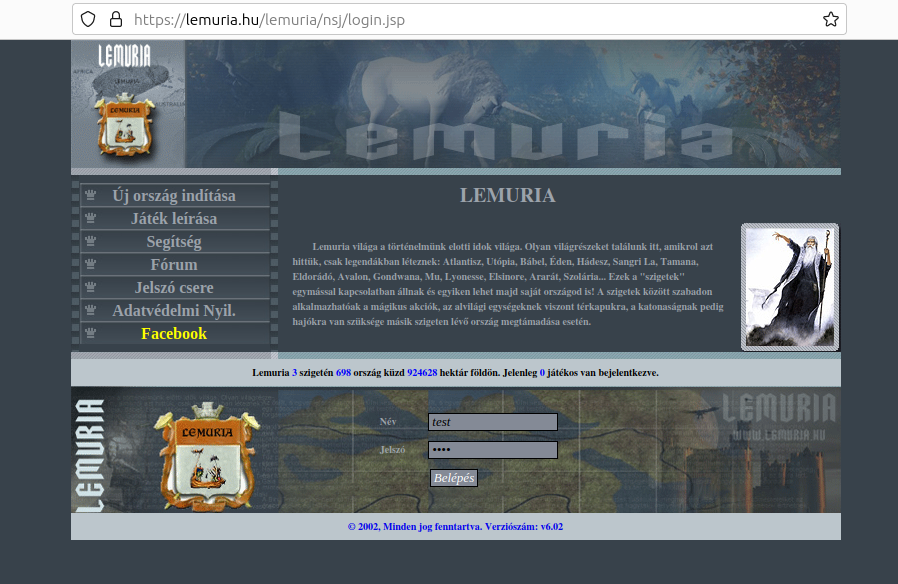
so last time if i go a website then my pass was auto filled out. no i need to cllick to the login space and click to my login name, why is that? pictures:
before , and now:
Alla svar (4)
moderndefender said
so last time if i go a website then my pass was auto filled out. now i need to cllick to the login space and click to my login name, why is that? pictures: before , and now:
That website autofills saved login and password for me without having to click anywhere. Maybe you have multiple accounts?
Does it still happen in Troubleshoot Mode?
zeroknight said
That website autofills saved login and password for me without having to click anywhere. Maybe you have multiple accounts? Does it still happen in Troubleshoot Mode?
no i dont have multiple account
Hi, if you want to share screenshots, you need to attach them from disk (save first to image files, then use the Browse button below the box).
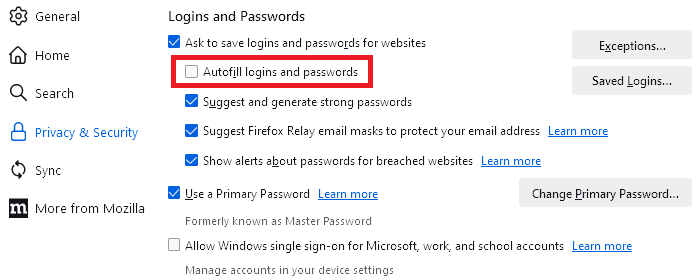
I don't know whether you were going to show your settings on the Settings page, but just in case, if the box in the red rectangle is not checked, then Firefox will show saved logins in a drop-down instead of filling for you: