


login problem @ Pinterest

I can't log into Pinterest via Firefox. After entering the info, the page rolls right back to the Pinterest home page. I have tried various proposed fixes from this support site (clear cache etc), but none worked. I am able to log in via Edge.
Alla svar (2)

You can also try the option to Forget About This Site, but make you know the login info for the site. https://support.mozilla.org/en-US/kb/remove-websites-address-bar-suggestions
Are you logging in via Email, Facebroke, or Google? Have you tried the other options to login? I'll try to login via Google and see what happens.
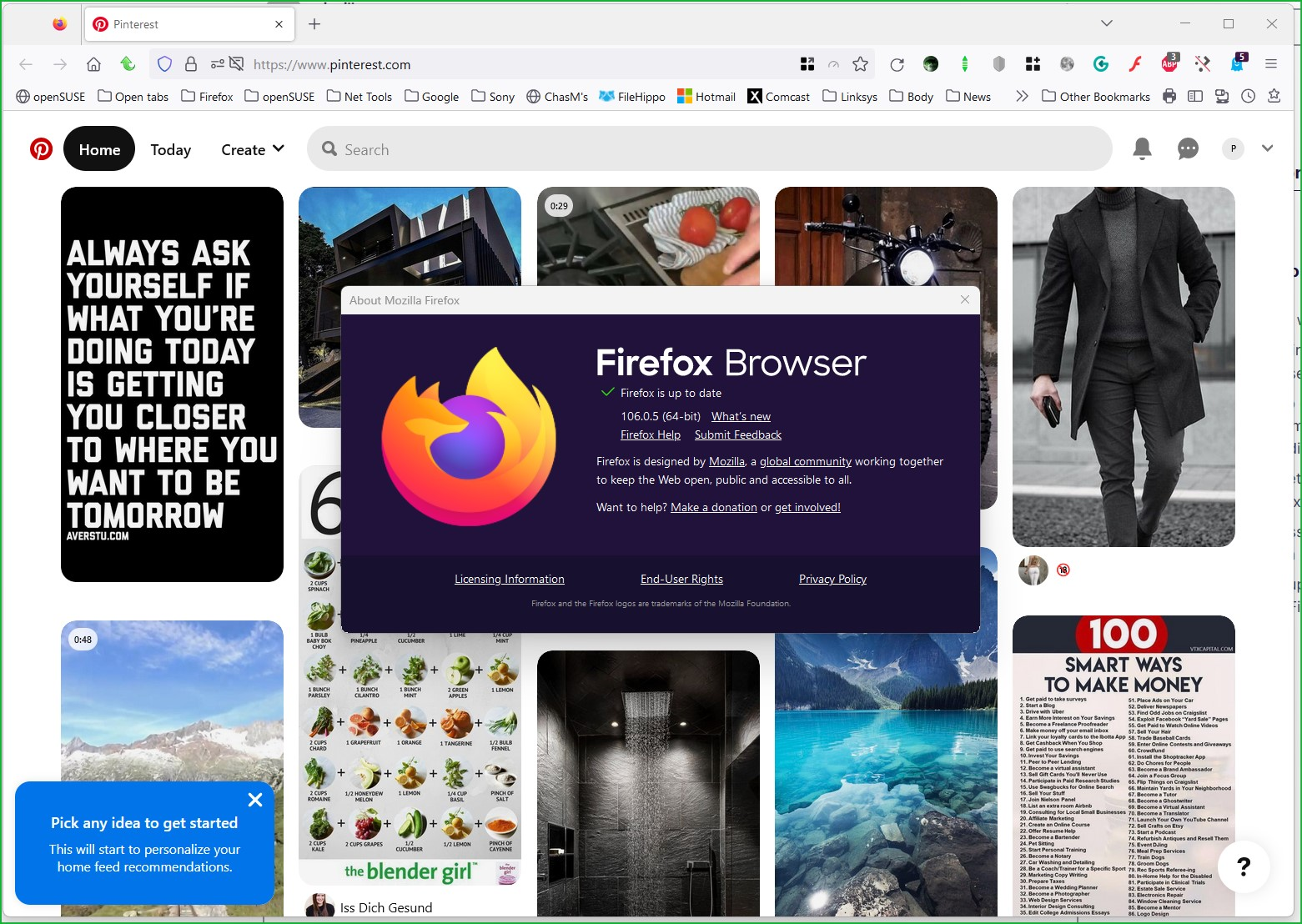
I'm in with my google account. see screenshot
Edition Windows 11 Pro Insider Preview Version 22H2 Installed on 04-Nov-22 OS build 25236.1010 Experience Windows Feature Experience Pack 1000.25236.1010.0
Ändrad av jonzn4SUSE