


When I try to apply for jobs using Glassdoor or Indeed, I get to the final page and the browser won't progress to the next step. I have successfully applied in other browsers (Bing) but I prefer to use Mozilla Firefox. This problem just began a week ago.

Since I have been able to proceed and complete job applications to Indeed/Glassdoor in other browsers, I have to assume there is a setting somewhere in Firefox that is preventing me from completing these tasks. I would like some ideas, theories, and instructions to correct this problem sent to my email, [edited email from community support forum]. I have included some images of what I am getting. In some cases, I just get a spinning circle. In other cases, the screen goes "grey" and won't proceed. In the third example I have provided, the screen does nothing. Clicking the "Continue" button simply does nothing. It is as if the button has been rendered inactive. Thank you for your assistance.
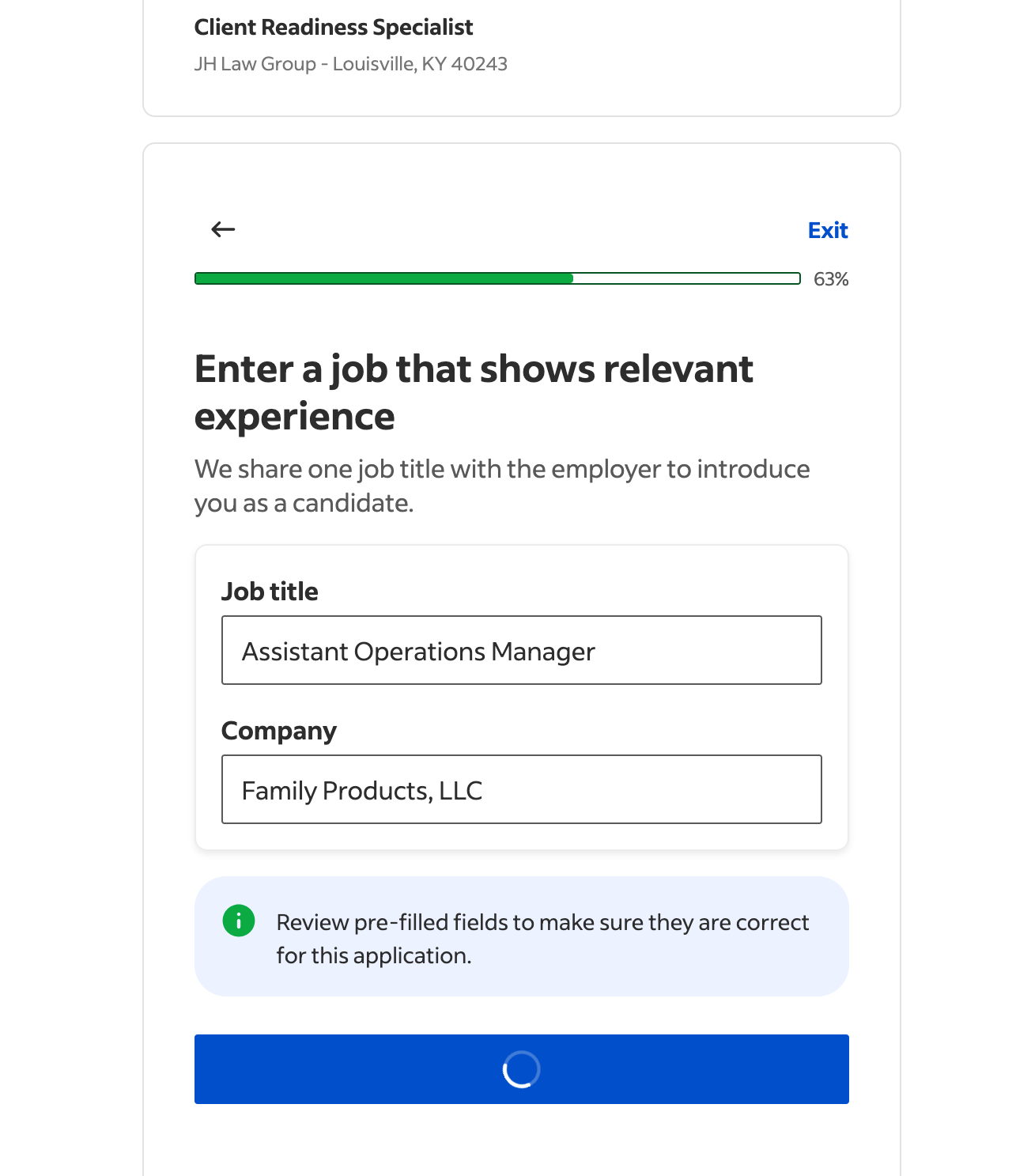
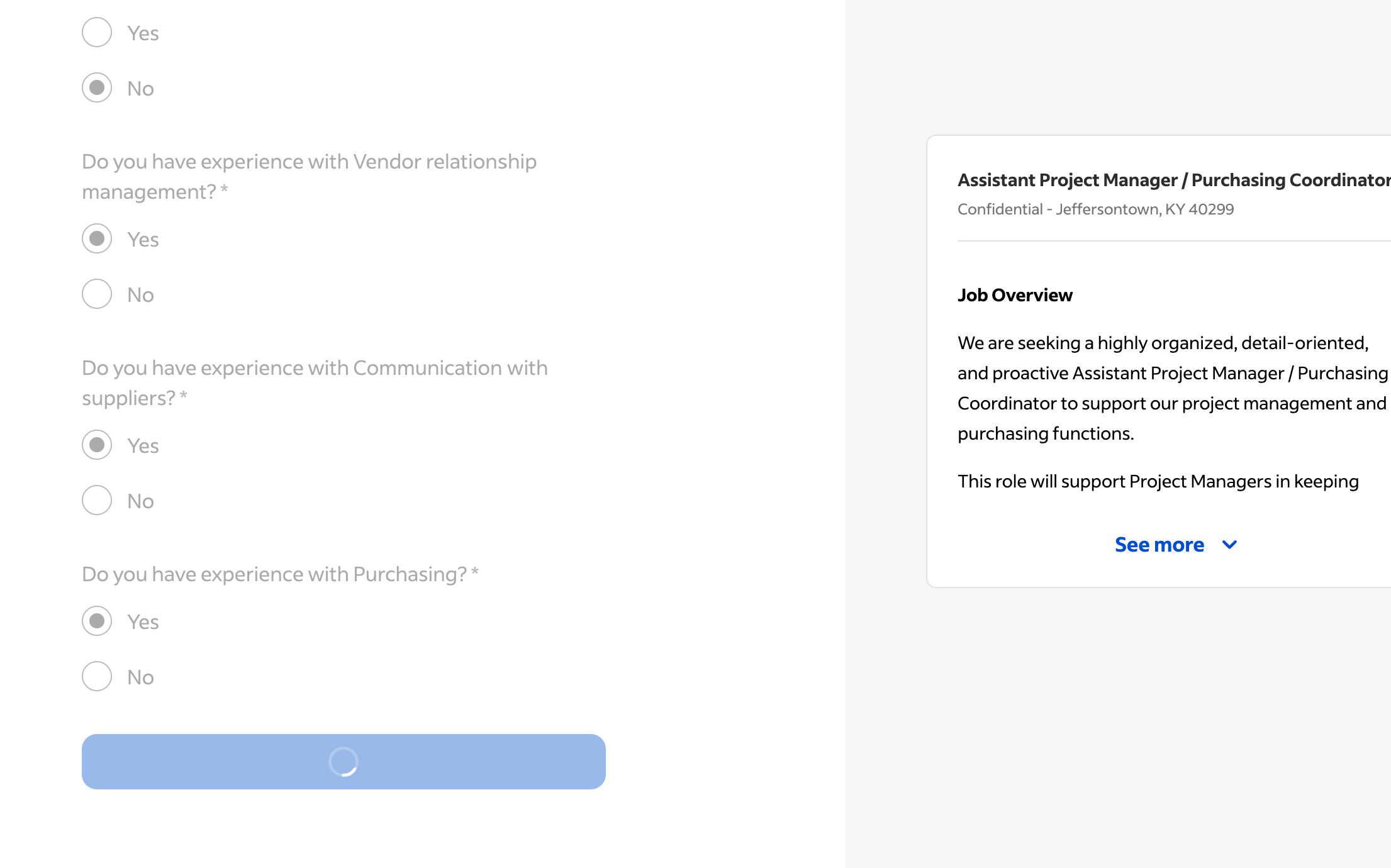
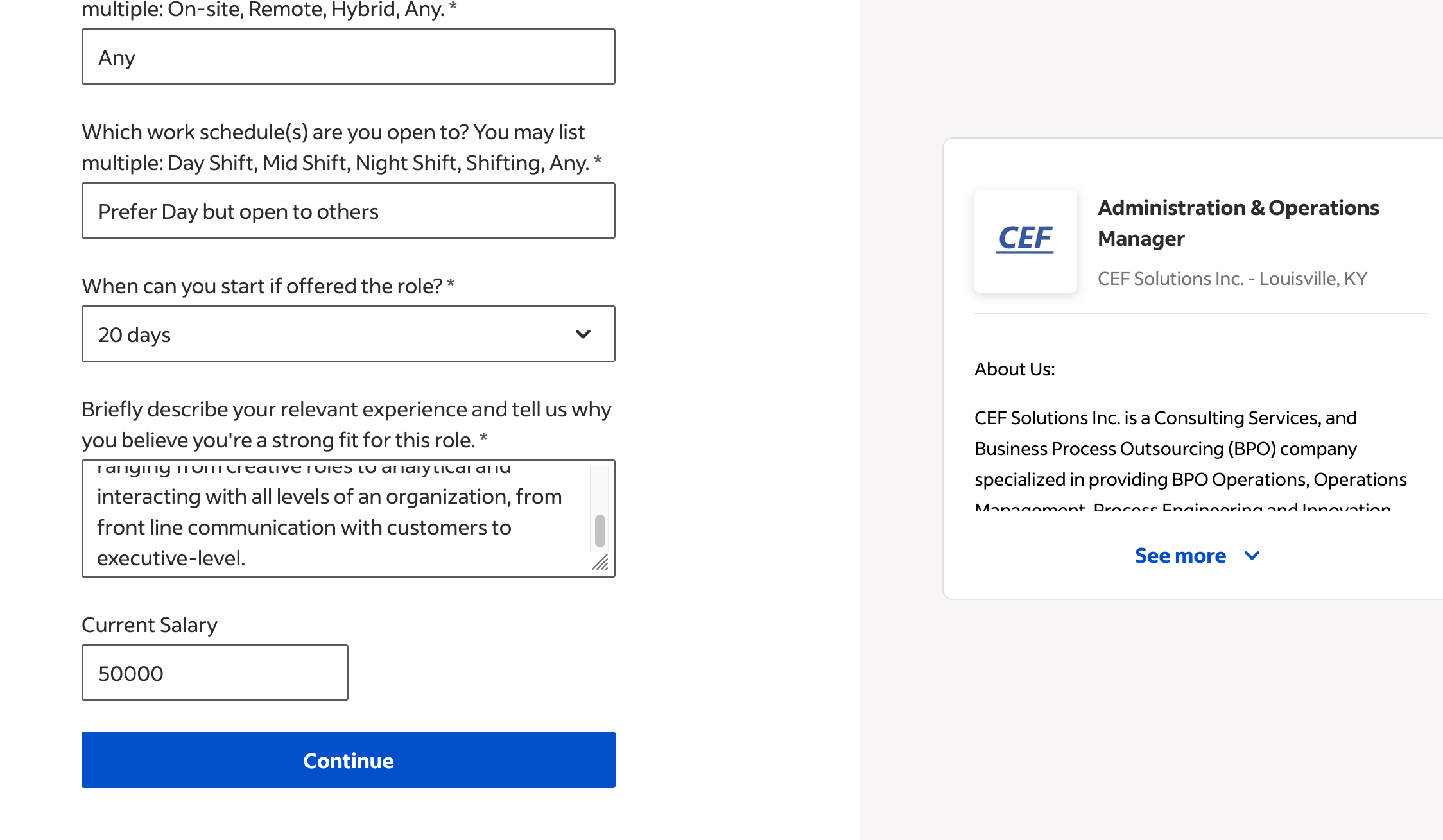
Ndryshuar nga James
Krejt Përgjigjet (2)
Hi there, thanks for reporting this. This can very well be a compatibility issue but before we report this, let's try to do some steps to see if you still get errors.
- Please check if you have Enhanced Tracking Protection (ETP) enabled. You can do that by clicking the shield
 icon in the left part of the address bar.
- If ETP is enabled, try disabling it.
- If the problem is not fixed, try clearing Firefox cache.
- If it does not help, try clearing cookies and data for the website you experience troubles with (warning: you will be logged out on this website).
- If it also does not help, try running Firefox in Troubleshoot Mode. If the problem doesn't persist, please follow the steps from this article to troubleshoot further.
- If nothing from the above helps, try creating a new Firefox profile and check if the issue persists there. If it doesn't, you can start copying files from your old profile to the new one to identify which one causes the issue. See this article on what files to copy.
Let us know if anything of the above worked
Ndryshuar nga Konstantina Papadea
Both these sites use Cloudflare as their delivery and security solution — so some "human" check on both might be failing the same way, preventing submitting the forms. While things like the internet provider region / IP address are also a factor, oftentimes things like "privacy" addons can interfere with these security systems quite badly. (The guide shared above basically steps through this kind of issues, esp. the Troubleshoot Mode skips loading any addons so that would show a difference if that's the case.)