


Open
vpn feature doesnt work for me

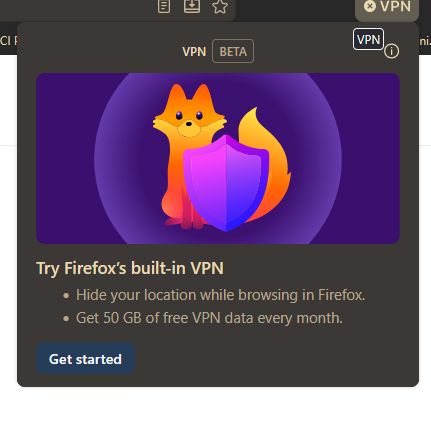
tried it. says "get started", clicked and logged in, says login successful and vpn extension opens, but it still says "get started" and takes me to the signin page again
tried it. says "get started", clicked and logged in, says login successful and vpn extension opens, but it still says "get started" and takes me to the signin page again
Krejt Përgjigjet (1)

See if this article helps at all: Use built-in VPN in Firefox
From a pending revision to that article:
Turn on VPN in Firefox
- Look for the VPN setup prompt in the top-right corner of your Firefox toolbar.
- Click Get started to begin the setup process.
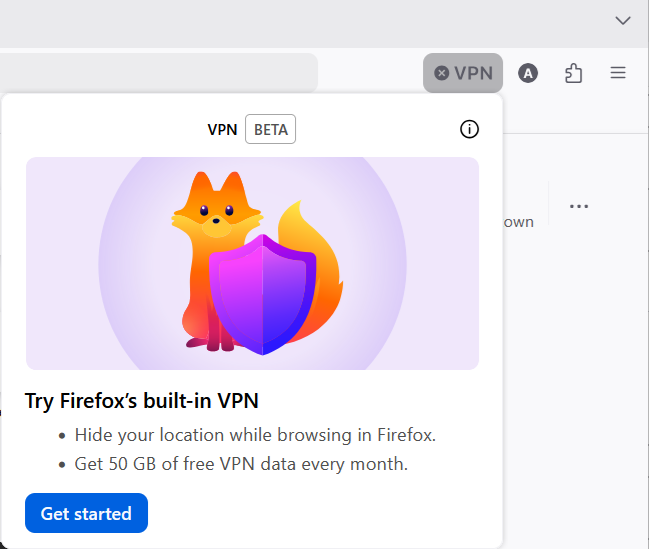
- Note: This prompt may appear twice. If you choose No thanks on the second prompt, the VPN icon will be removed from the toolbar.
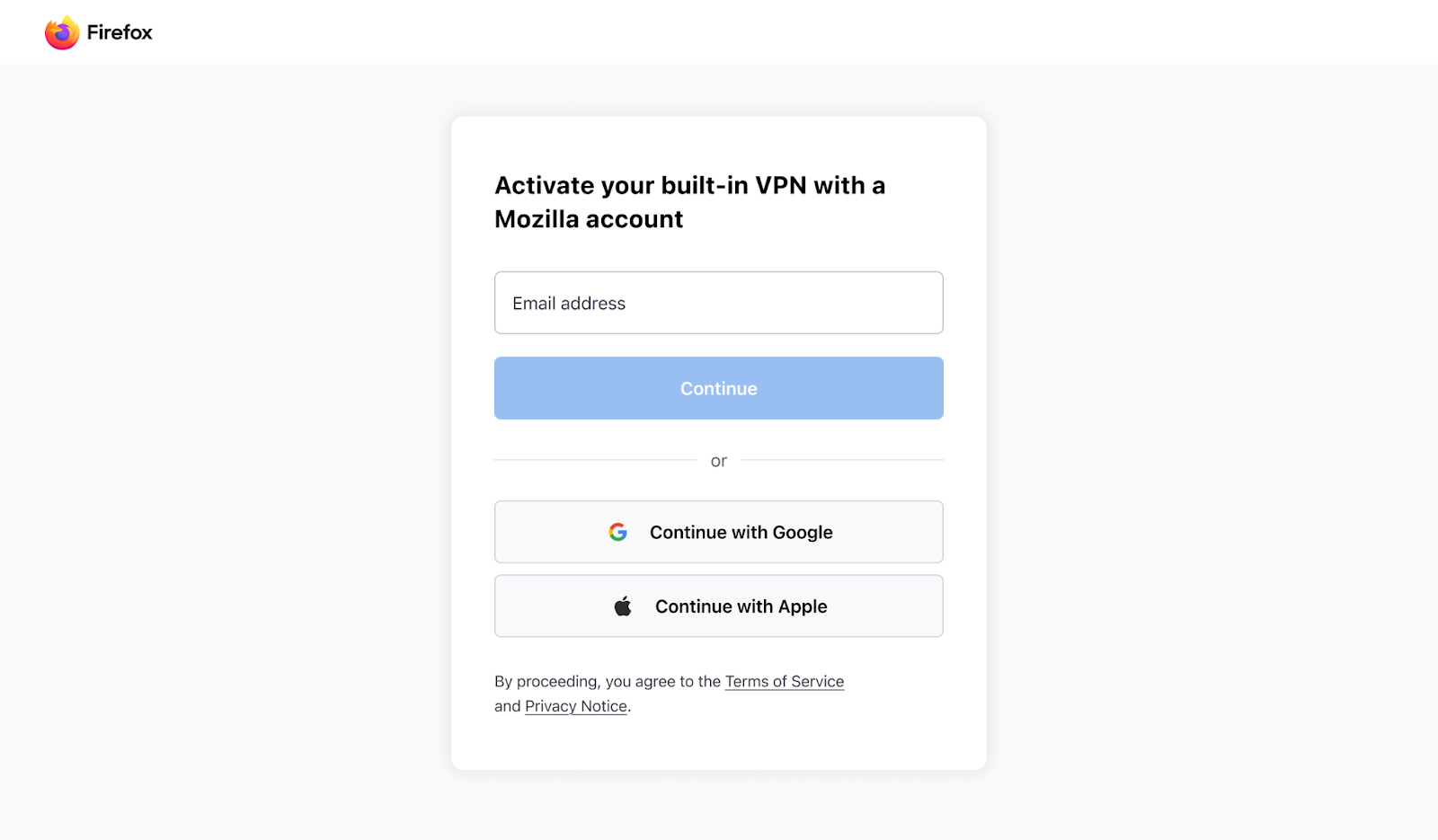
- Sign in or create a Mozilla account
- A page will open, prompting you to sign in. Follow the instructions.
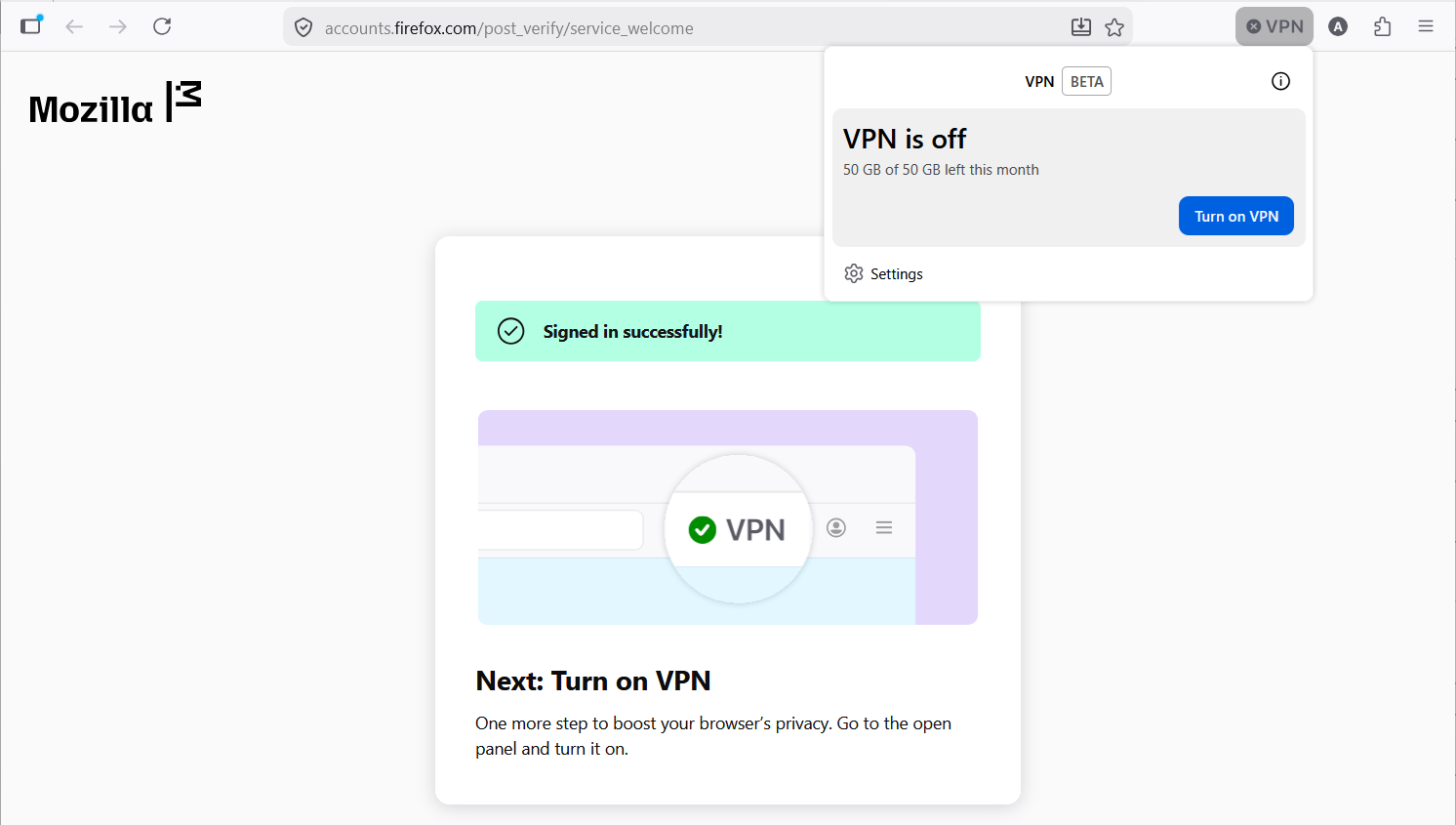
- Once complete, the VPN panel will appear.
- Use the [Turn on VPN] button in the VPN panel to turn the feature on.
- If you don’t see the panel, click the VPN icon in the toolbar.
- Activate/Deactivate VPN
- Use the toggle switch in the VPN panel to enable or disable the VPN for a specific site in Firefox.
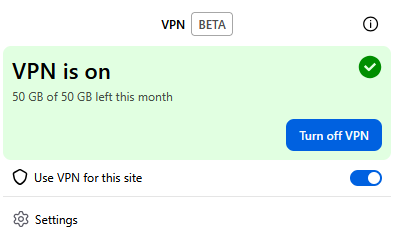
Firefox will route your web traffic through the best available server.