


Unable to send emails

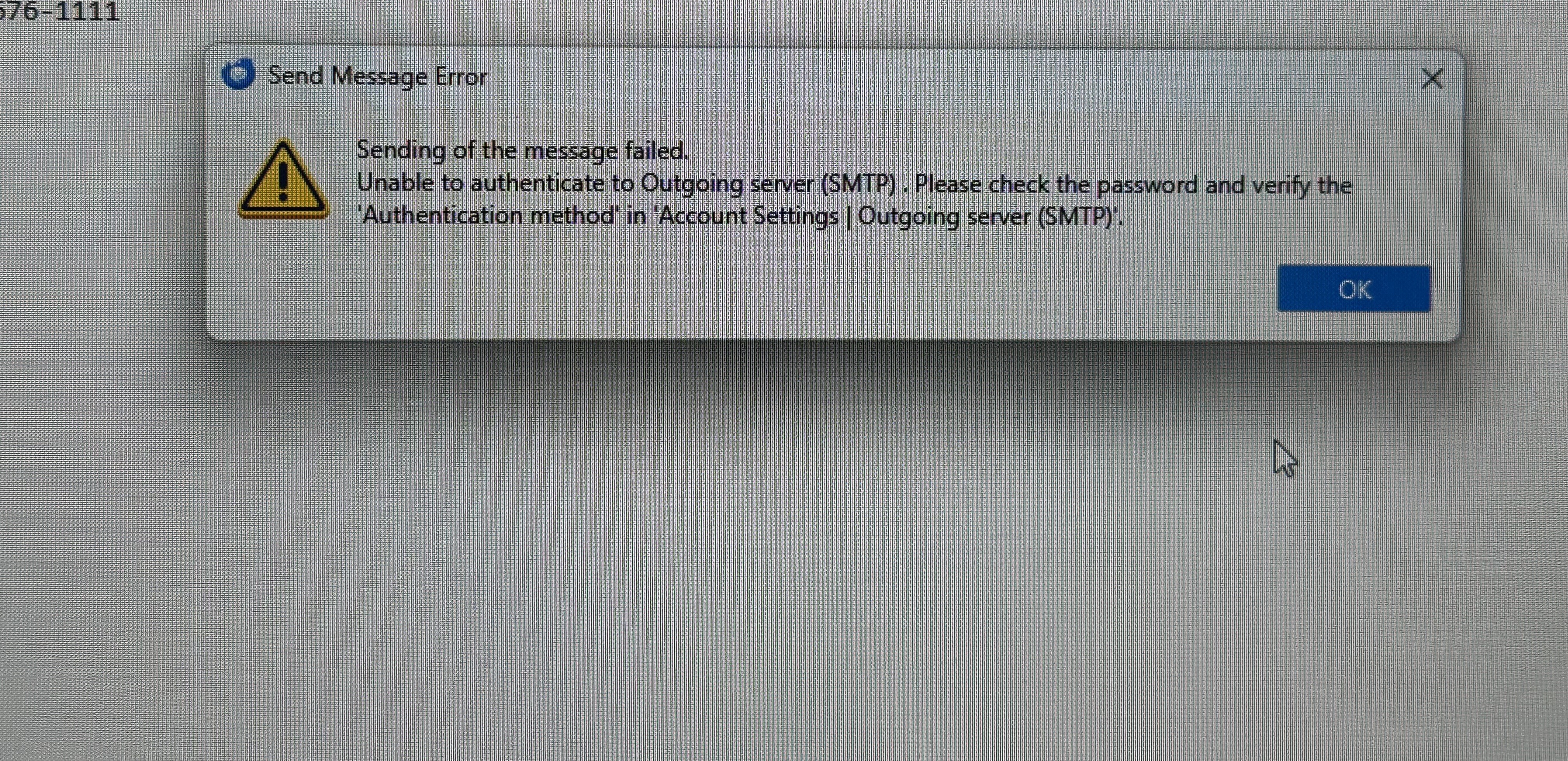
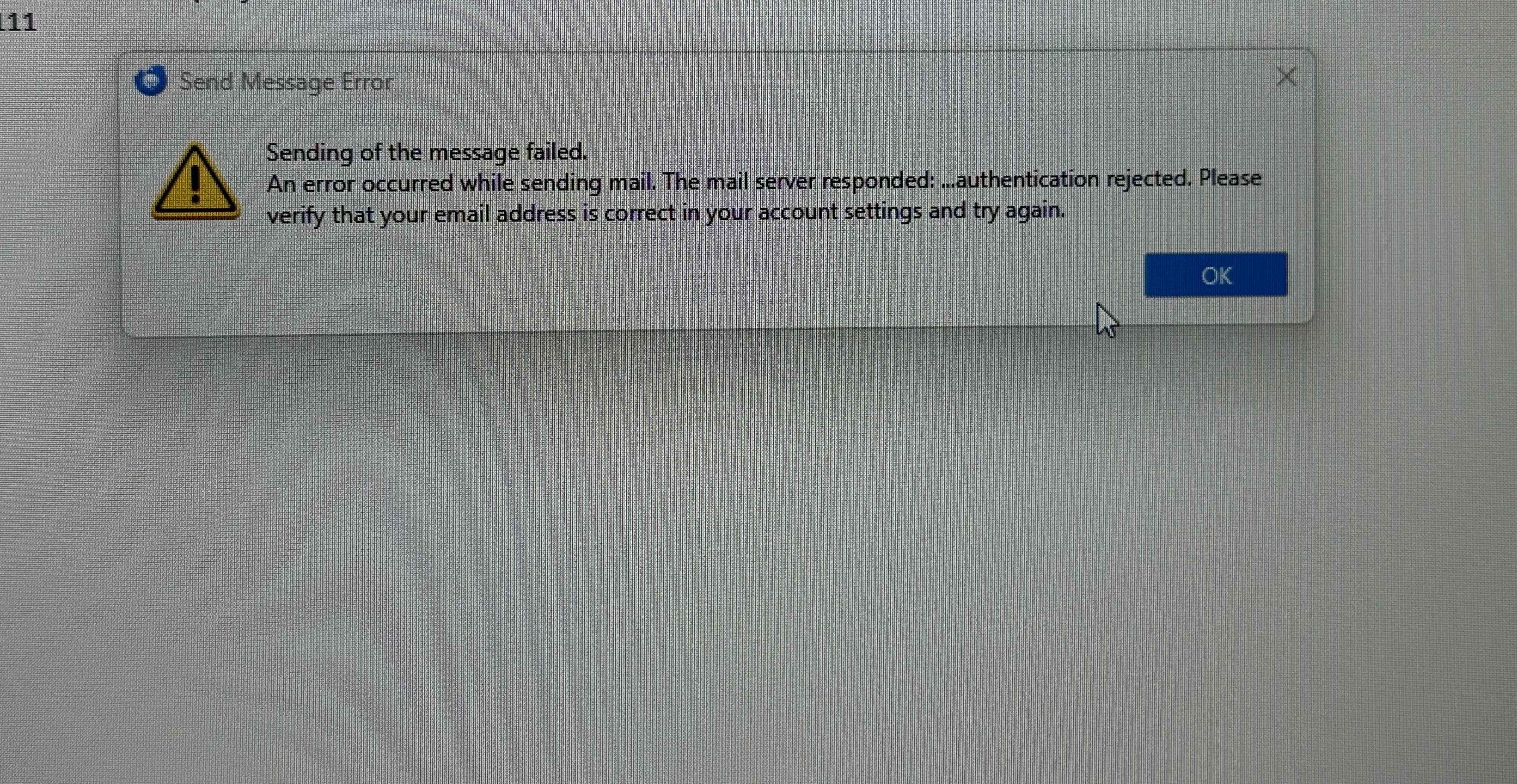
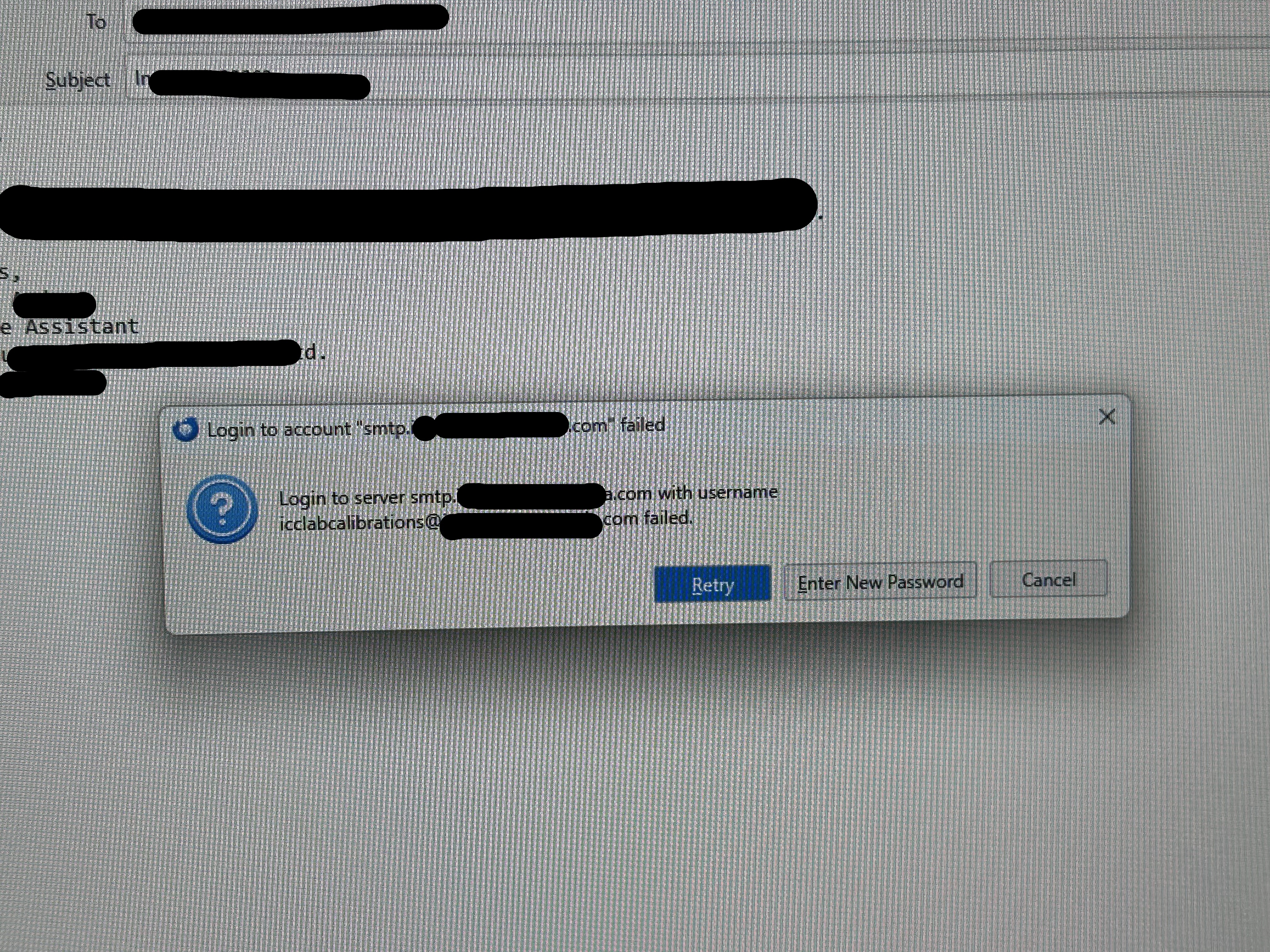
I am unable to send emails (but can receive). When I try to send an email with an attachment, I get the pop up that states "Login to server smtp.(companyemail).com with username icclabcalibrations@(companyemail).com failed". Once I hit "retry" twice, another message pops up that says "Sending of the message failed. The message could not be sent because the connection to Outgoing server (SMTP) smtp.(companyemail).com timed out. Try again." Once I try again, a third message pops up saying "Sending of the message failed. An error occurred while sending mail. The mail server responded: ...authentication rejected. Please verify that your email address is correct". I have made sure to check that the connection security settings are correct as well as the outgoing server settings. I have also edited my email and replaced it with "(companyemail)" for privacy reasons.
Krejt Përgjigjet (4)
Hello there
Looking at the Smtp settings Okay, you did checked for these email addresses.good. Can you send me all Smtp settings?
Going for the antivirus softwares If you use antivirus can you turn these to off for moments and send a message? Also the same for firewalls and Vpn services. What anti virus do you use?
Using troubleshoot mode. Try to be sure that other add ons or extensions are save to use. Using the trouble shoot mode it s possible to disconnect certain software. If sending email is oke in this mode it s one of them add ons that s outdated or incorrect to use now , replace this faulty extensions.
Passwords are incorrect Passwords can be old and still in use you might have to change these into new ones? Please first use all of the described in the text above.
Are you using multiple accounts If using multiple account s it is possible to mark or give it unique description to be sure that you do not use the default.
To use https://support.mozilla.org/en-US/kb/troubleshoot-mode-thunderbird
Ndryshuar nga Googlethunderbird.
I have used the troubleshoot solution and it seems to have fixed the problem. Thank you so much!
Hello there
Okay.
Troubleshoot mode Trouble shoot mode did bypass bad files like pref.js that blocked there for the outgoing mail, did clear the cache , and handled faulty data or extensions and add ons.
Greetings googlethunderbird
Ndryshuar nga Googlethunderbird.
I'd be curious to know if your problem remains gone through the full upcoming week.