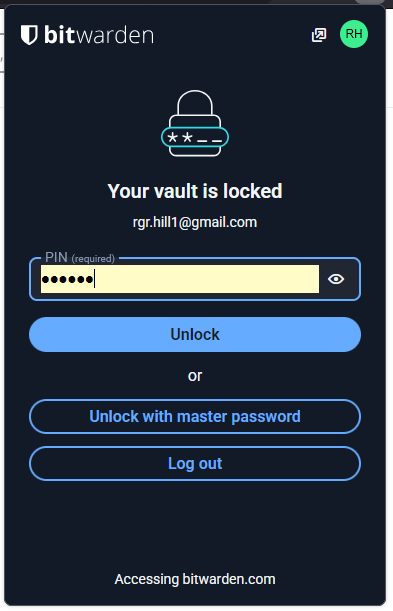
bitwarden now automatically fills in its own passwords, so you just need to click on it to get in. This is not secure. version Firefox 146. Other browsers don't have this problem
Get Firefox not to display login details for my Bitwarden accont
Get Firefox not to display login details for my Bitwarden accont
Krejt Përgjigjet (2)
NO, unfortunately... Autofill like that is what Bitwarden does well. I was refering to the Bitwarden Extension symbol in the top right hand of my browser Window. Click on the icon (Screenshot 2025-12-18 133012) and you get (Screenshot 2025-12-18 133803). Click on the eye (or make visible) symbol and it dislays my PIN, click on the white area and you get into my Bitwarden accont. It didn't used to do this.
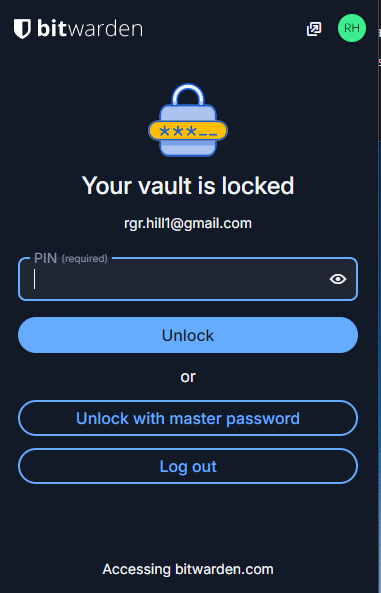
On Brave you get a normal, safe, behaviour (Screenshot 2025-12-18 134549.png) as you used to get in previous versions of Firefox