


Audible notifications for emails sometimes don't work and visual notifications are sometimes wrong

Recently my Thunderbird mail has been 'glitchy'.
Sometimes I receive audible alerts for emails, other times I don't.
Sometimes the number of new emails received is correct, other times it shows 4 new emails when, across all my accounts, the number is 2 (for example).
Are either or both of these known issues?
I also noticed when I was watching a live music stream on TikTok last week, I 'had' no emails for almost 2 hours. As soon as I left TikTok and closed my browser window emails 'arrived', one timestamped 45 minutes earlier. The settings for that account are set to check for emails every 5 minutes.
Could the Chinese be 'watching me' 😁 or is there another more innocent explanation?

Krejt Përgjigjet (2)
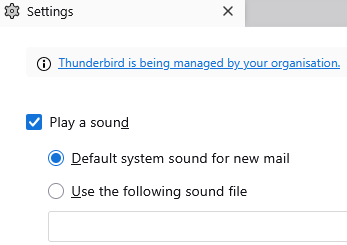
Welcome to Thunderbird not interrupting with notifications when the operating system says it should not.
Entertainment like video watching routinely sets to operating system do not disturb mode I guess music may well be the same, especially with audio notifications. Check your windows notification settings.
Note with providers like Google that place all new mail in the all mail folder that Thunderbird will routinely get 2 new emails, one in the inboxi and one in all mail for each mail received. Likewise those things like the prioritized inbox which places some email into another folder can cause an multiplying effect on new mails being received.
BTW 5 minutes if you have antivirus scanning incoming mail is quite possibly not long enough between checks to fully complete. It is one of the joys of slower internet connections and antivirus products that slow your system. Most IMAP providers (Google included) offer push notifications and with those enabled you will be notified locally as soon as the provider has the email. But only as far as the operating system notification settings allow.
.
Thank you Matt
I checked the settings. Notifications were set to Off so I changed this to On, and checked/changed the setting for each individual item. Do not disturb was set to Off.
I hope I hear and see some changes in the coming weeks.
Thanks again.