Windows 10 reached EOS (end of support) on October 14, 2025. If you are on Windows 10, see this article.

Kërkoni te Asistenca

Shmangni karremëzime gjoja asistence. S’do t’ju kërkojmë kurrë të bëni një thirrje apo të dërgoni tekst te një numër telefoni, apo të na jepni të dhëna personale. Ju lutemi, raportoni veprimtari të dyshimtë duke përdorur mundësinë “Raportoni Abuzim”.

Mësoni Më Tepër
Arkivuar

PWAs only work for domain, not full url path?

Agent virtuel replied
fiffox

I tried making a PWA ("Add tab to taskbar") for "https://discord.com/channels/@me," but when I launch it, it only navigates to "https://discord.com," which is a splash page that prompts you to either download the Discord desktop app or continue on the web (clicking to continue on web then takes you to ./channels/@me). Examining the desktop shortcut for the PWA confirms that the URL it targets is "https://discord.com"; however, changing this url manually in the shortcut then relaunching it STILL only navigates to the discord.com domain, not the full discord.com/channels/@me url path that I specified.

Can anyone else confirm whether PWAs can only currently target a domain, not a specific url path?

I tried making a PWA ("Add tab to taskbar") for "https://discord.com/channels/@me," but when I launch it, it only navigates to "https://discord.com," which is a splash page that prompts you to either download the Discord desktop app or continue on the web (clicking to continue on web ''then'' takes you to ./channels/@me). Examining the desktop shortcut for the PWA confirms that the URL it targets is "https://discord.com"; however, changing this url manually in the shortcut then relaunching it STILL only navigates to the discord.com domain, not the full discord.com/channels/@me url path that I specified. Can anyone else confirm whether PWAs can only currently target a domain, not a specific url path?

Krejt Përgjigjet (4)

Hi,

As far as I understand, web apps are designed for websites (domains), not webpages :(

Firefox Nightly. A test with an me.

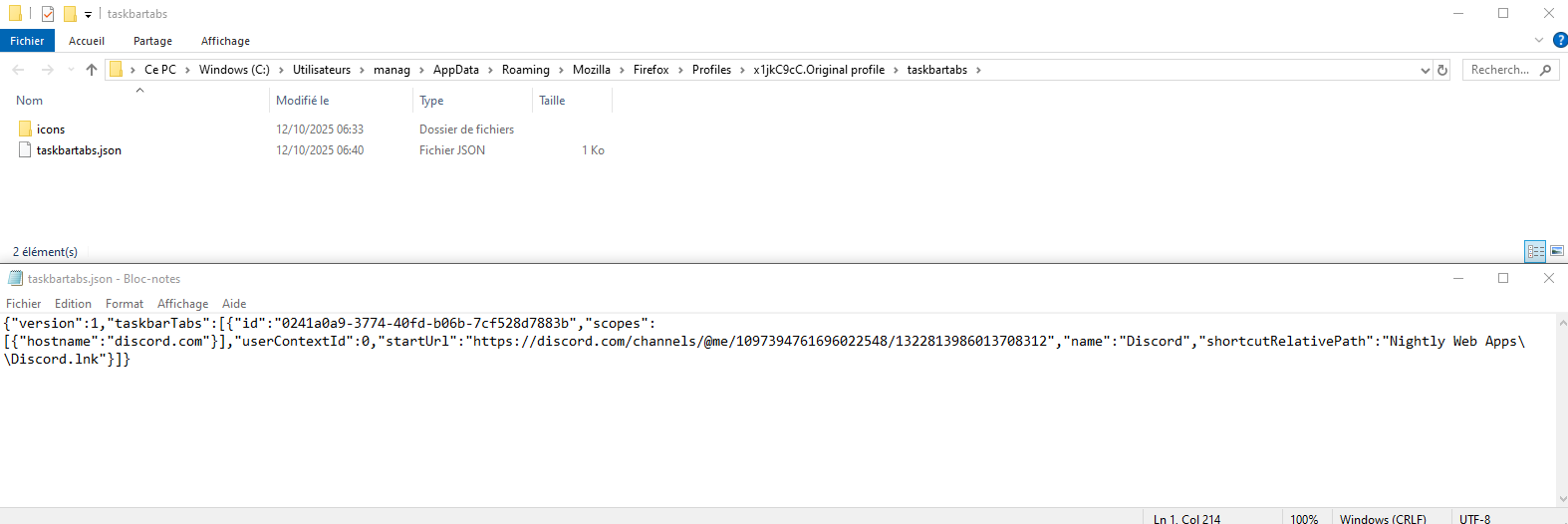
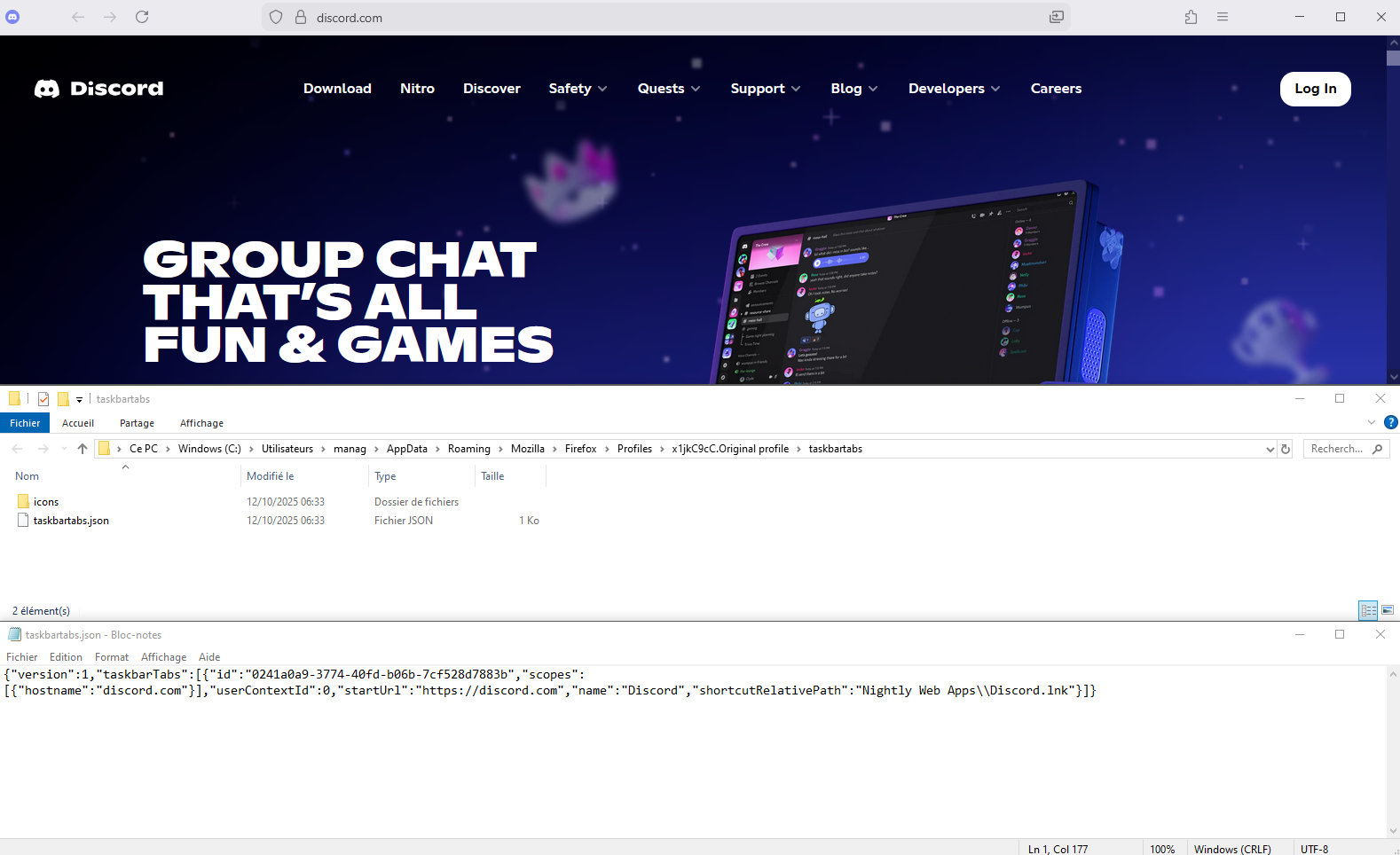
Screenshot1. Website pinned. The path portion of the URL gets truncated.

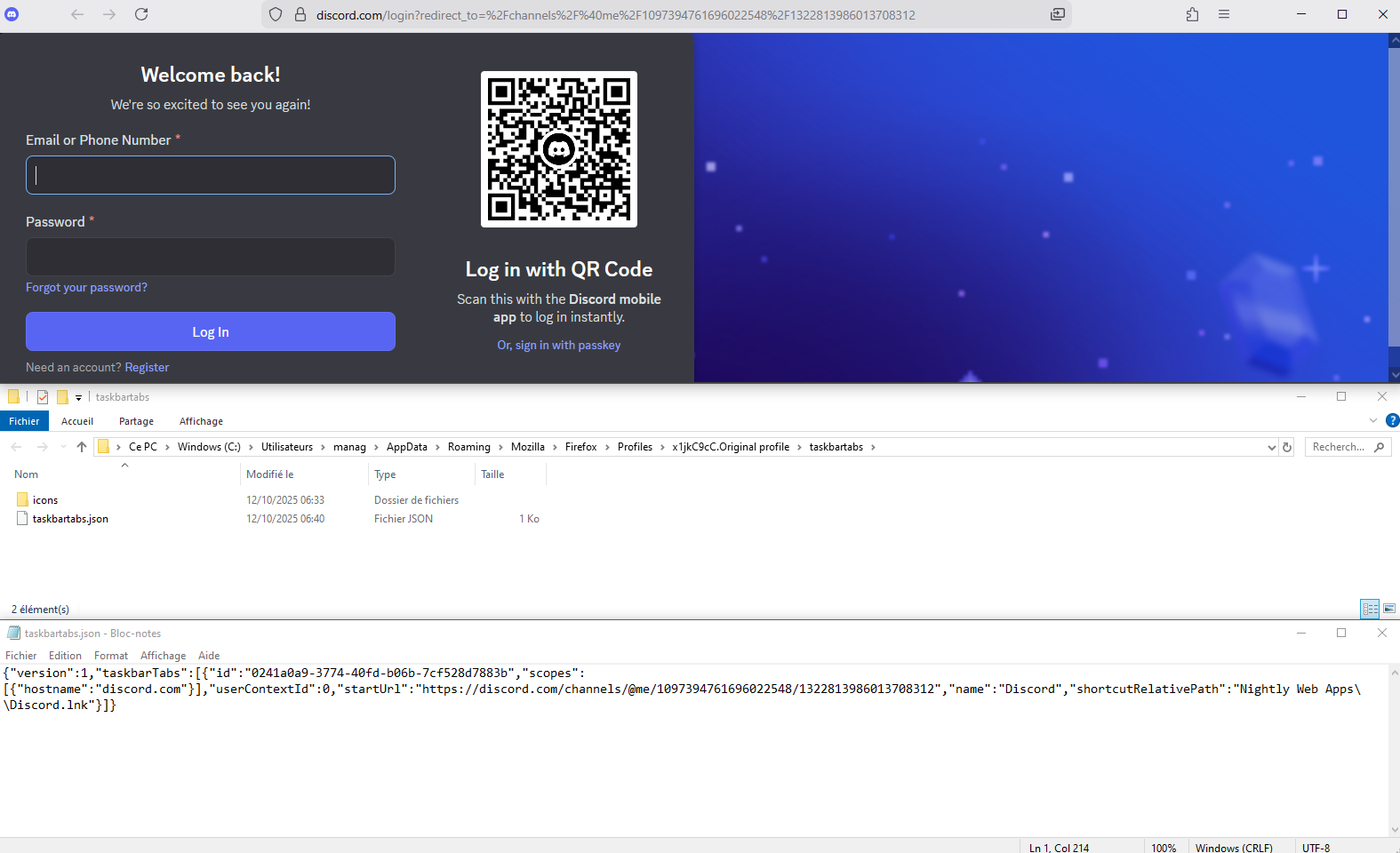
Close window.

Screenshot2. I edited taskbartabs.json with the desired URL, and save.

Screenshot3. Start, website pinned, apparently it works.
Ndryshuar nga Agent virtuel