how to save telephone permissions for G Voice page https://voice.google.com/u/0/calls
W 11 May, 2025 update really made my computer unable to go online in any way and I had to restore. But FFox updates to have made it impossible to communicate. My phone has trouble s too. So, how do we make stick telephone permissions for, say: G Voice page https://voice.google.com/u/0/calls now? Thank you
Zgjidhje e zgjedhur
I have solved this lack of access to W11 microphone myself. W11 ended support for voice recognition, with was a big part of the microphone software, so if AI/Cortana/Gamebar now only get access to the microphone.
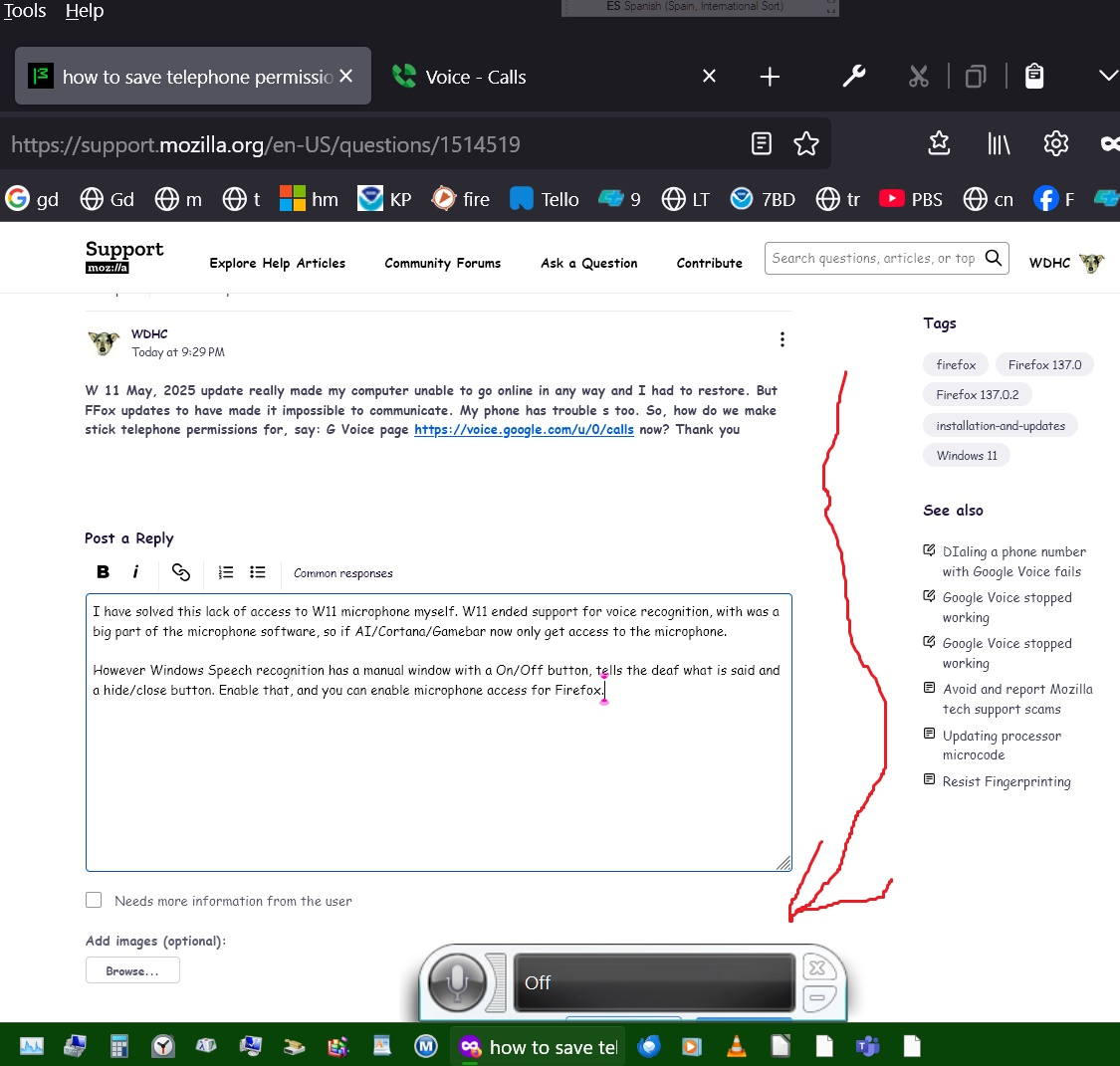
However Windows Speech recognition has a manual window with a On/Off button, tells the deaf what is said and a hide/close button. Enable that, and you can enable microphone access for Firefox.
Lexojeni këtë përgjigje brenda kontekstit 👍 0Krejt Përgjigjet (1)
Zgjidhja e Zgjedhur
I have solved this lack of access to W11 microphone myself. W11 ended support for voice recognition, with was a big part of the microphone software, so if AI/Cortana/Gamebar now only get access to the microphone.
However Windows Speech recognition has a manual window with a On/Off button, tells the deaf what is said and a hide/close button. Enable that, and you can enable microphone access for Firefox.