


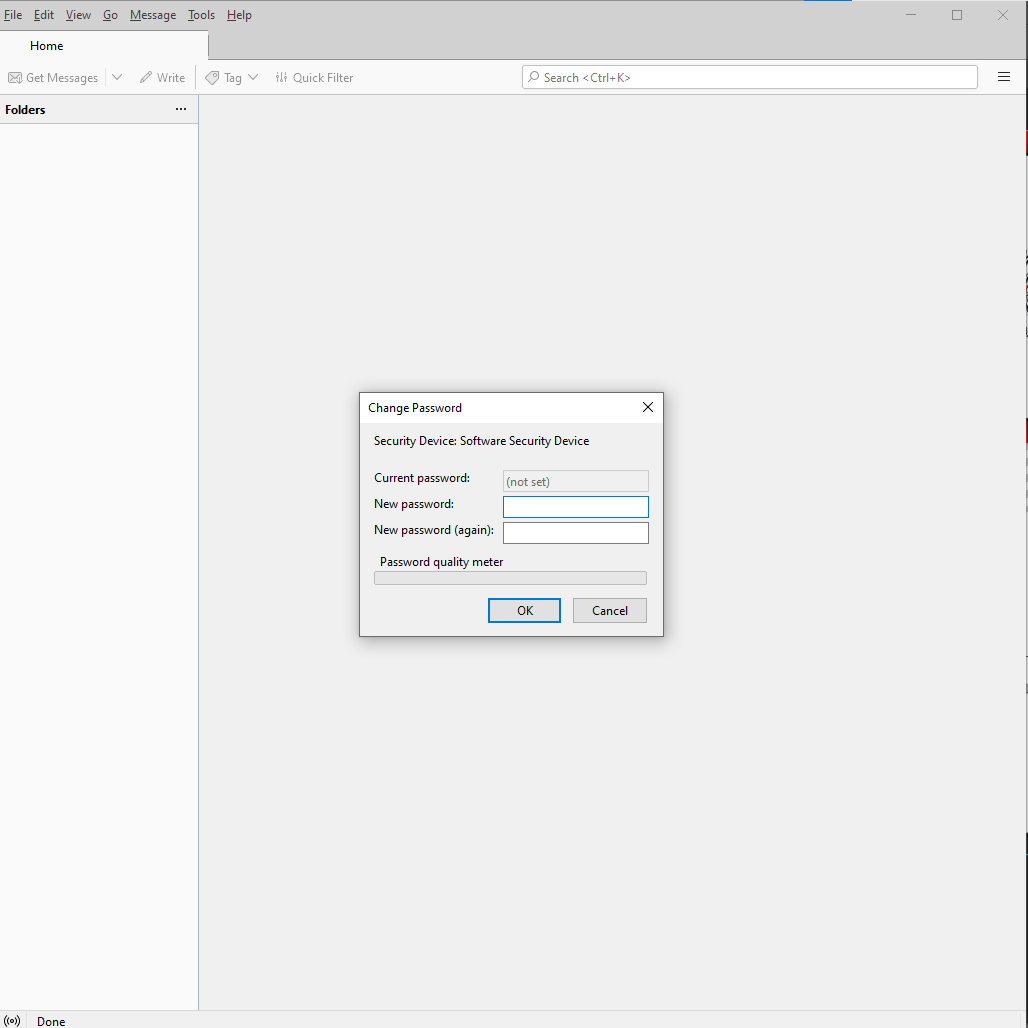
Change Password Security Device

Hi there,
So everytime i launch TB this windows always show up. I have tried fill the new password but it seem nothing change, it always show up on launch.
I can fill the both of the new password with anything even with nothing and press ok and this windows will dissaper but after that i dont see any account or folder. I have tried to add an account but failed, nothing happen after i press OK button.
Thanks.
Krejt Përgjigjet (3)
That screenshot does not look like Thunderbird. Are you running any addons? Or have some security software running on your computer?
Thank you for your respond David.
I only have 1 addon installed "filtaquilla", turned it off and the pop up still there. I dont have any sort of security software install. I also tried disable secure boot from bios but the pop up still there.
That looks a whole lot like a primary password prompt.
Try checking setting to see if you have somehow turned it's use on. https://support.mozilla.org/en-US/kb/protect-your-thunderbird-passwords-primary-password?#w_setting-a-primary-password