


Custom addons / extensions broken in Firefox nightly

Hi, I tried following this guide:
For these add-ons: https://addons.mozilla.org/en-US/firefox/addon/ublock-origin/ https://addons.mozilla.org/en-US/firefox/addon/bypass-paywalls-clean/ https://addons.mozilla.org/en-US/firefox/addon/kindle-it/
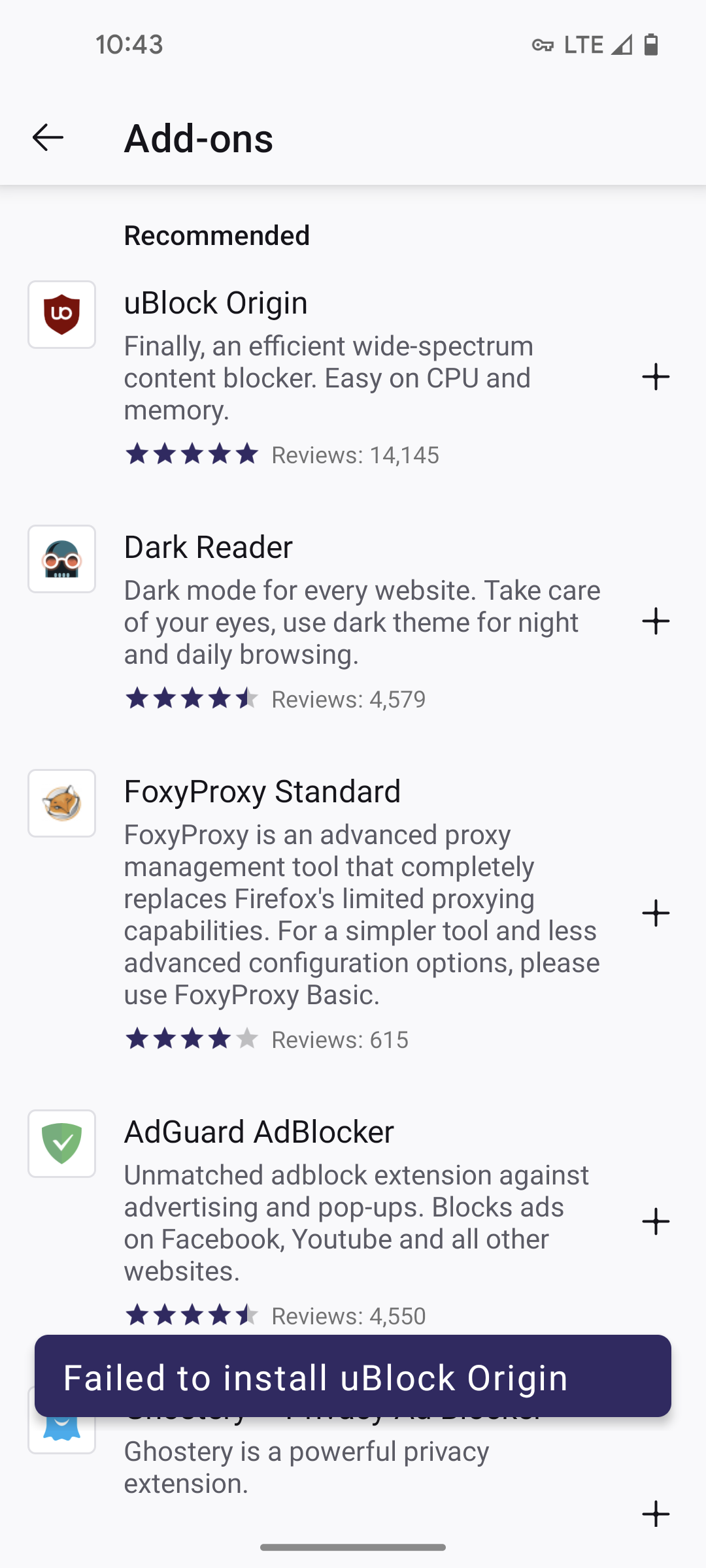
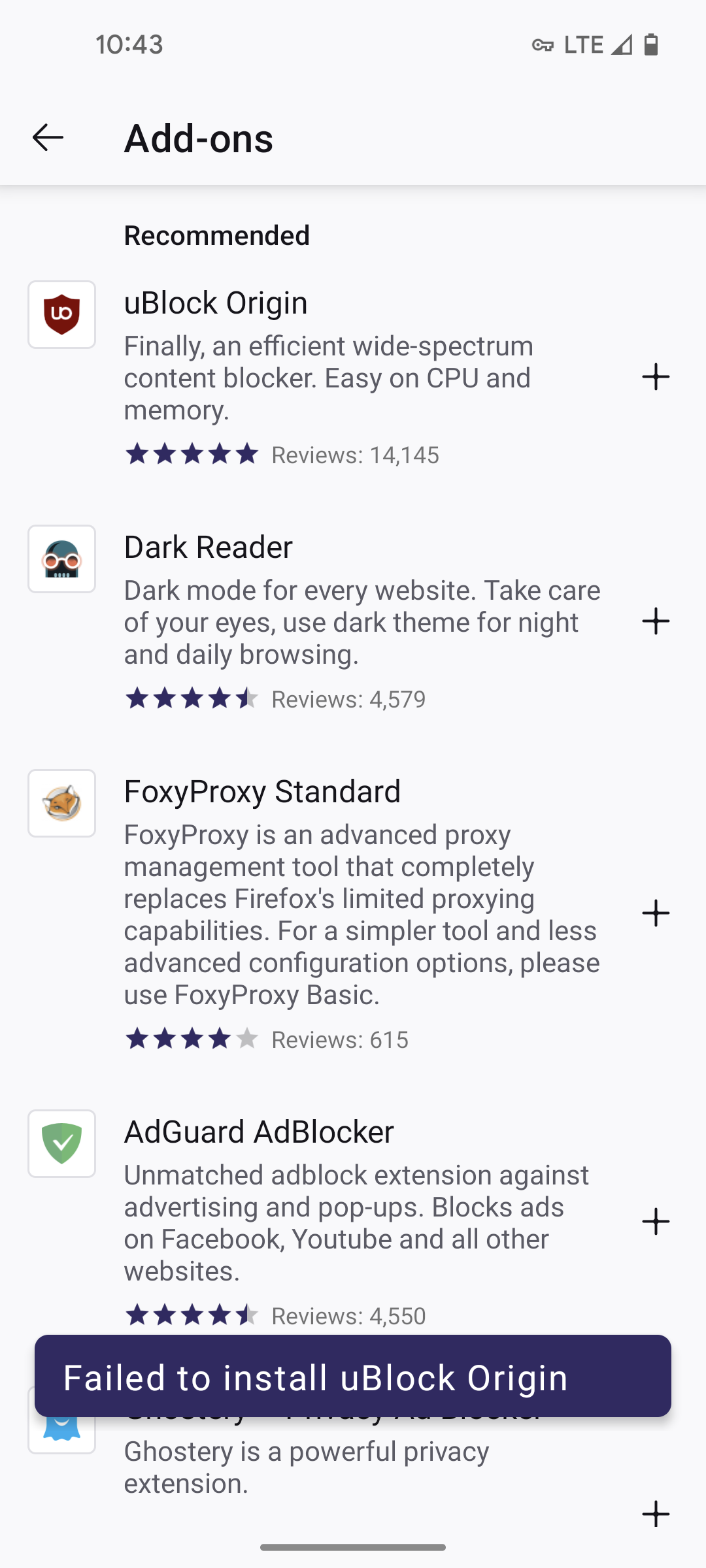
However for all add-ons, I get the error: "Failed to install *addon name*"
Any help?
Ndryshuar nga Zach
Zgjidhje e zgjedhur
Hi - I figured it out. I have Adguard installed, and addons weren't installing until I disabled it. After disabling, installing addons, and then re-enabling, I followed this guide to enable Adguard for websites:
https://kb.adguard.com/en/android/solving-problems/firefox-certificates
Thanks for your help!
Lexojeni këtë përgjigje brenda kontekstit 👍 1Krejt Përgjigjet (12)
Hi
For uBlock Origin, you do not need to use this process as it is available as an add-on in Firefox for Android. If you are installing it in a custom collection, please be sure to use the Firefox for Android version, rather than the desktop Firefox equivalent.
For the other add-ons you mentioned - not all add-ons are currently supported. The extended add-ons process is not guaranteed to allow all add-ons to work in Firefox for Android at the present time.
Hi - thanks. Regarding this statement:
- If you are installing it in a custom collection, please be sure to use the Firefox for Android version, rather than the desktop Firefox equivalent.
I am doing that, but still running into the same error.
Ndryshuar nga Zach
I suggest that you install that add-on from the Firefox for Android menu.
Hi, i tried that as well. I click the link "add to Firefox" on the extension webpage to install the addon, get redirected to the browser's addon page asking me to install, click "add", and then get same failed error message.
Ndryshuar nga Zach
Do not use the webpage, just use the option in the Firefox for Android menu.
I removed my custom collection, restarted Firefox, but when I go to the add-ons page and try to add any of the add-ons, I get the same error.
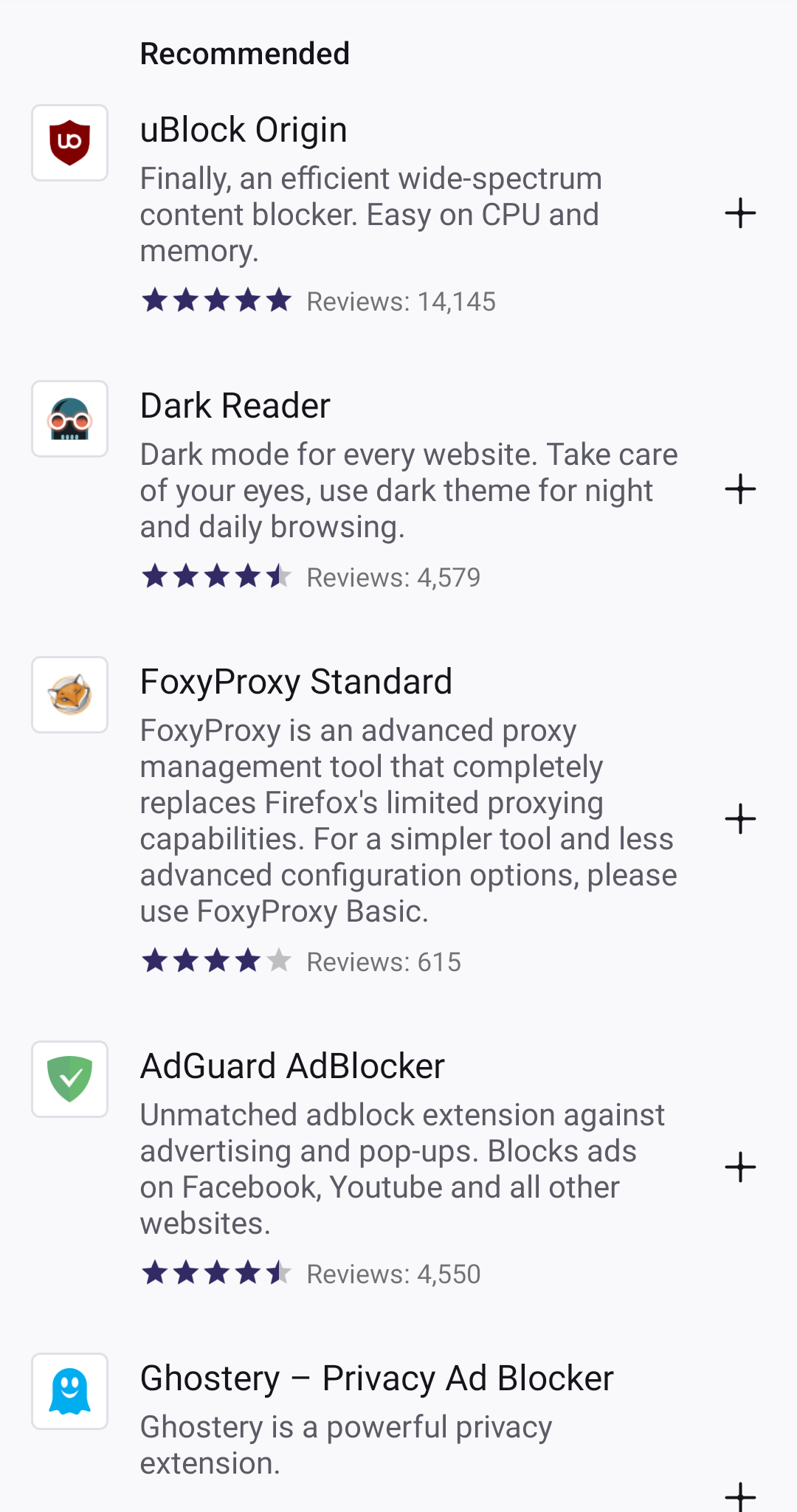
Are you able to share a screenshot of what you are seeing?
Sure. See attached
Is this happening with any other add-ons?
I hope that you do not mind me asking, but where in the world are you based?
Zgjidhja e Zgjedhur
Hi - I figured it out. I have Adguard installed, and addons weren't installing until I disabled it. After disabling, installing addons, and then re-enabling, I followed this guide to enable Adguard for websites:
https://kb.adguard.com/en/android/solving-problems/firefox-certificates
Thanks for your help!
Ndryshuar nga Zach
Hi - I figured it out. I have Adguard installed, and addons weren't installing until I disabled it. After disabling, installing addons, and then re-enabling, I followed this guide to enable Adguard for websites:
https://kb.adguard.com/en/android/solving-problems/firefox-certificates
Thanks for your help!
I have the same issue and the solution works. But I didn't have this problem before. Something has changed. Thx for sharing this, I wasn't expecting this.