


Outlook does not open when I use Firefox

Hello,
When I try to open Outlook by using Firefox it does not. (Installed MS Office 365). When I use Microsoft Edge it does open so I can read the messages. I cleared the cache and it works the first time but when I try to access it again, it does not work. It just not upload the message.
Thank you, Dorina Grossu
Krejt Përgjigjet (11)
Hi
What happens when you try to open Outlook 365 in Firefox? Is there any error message?
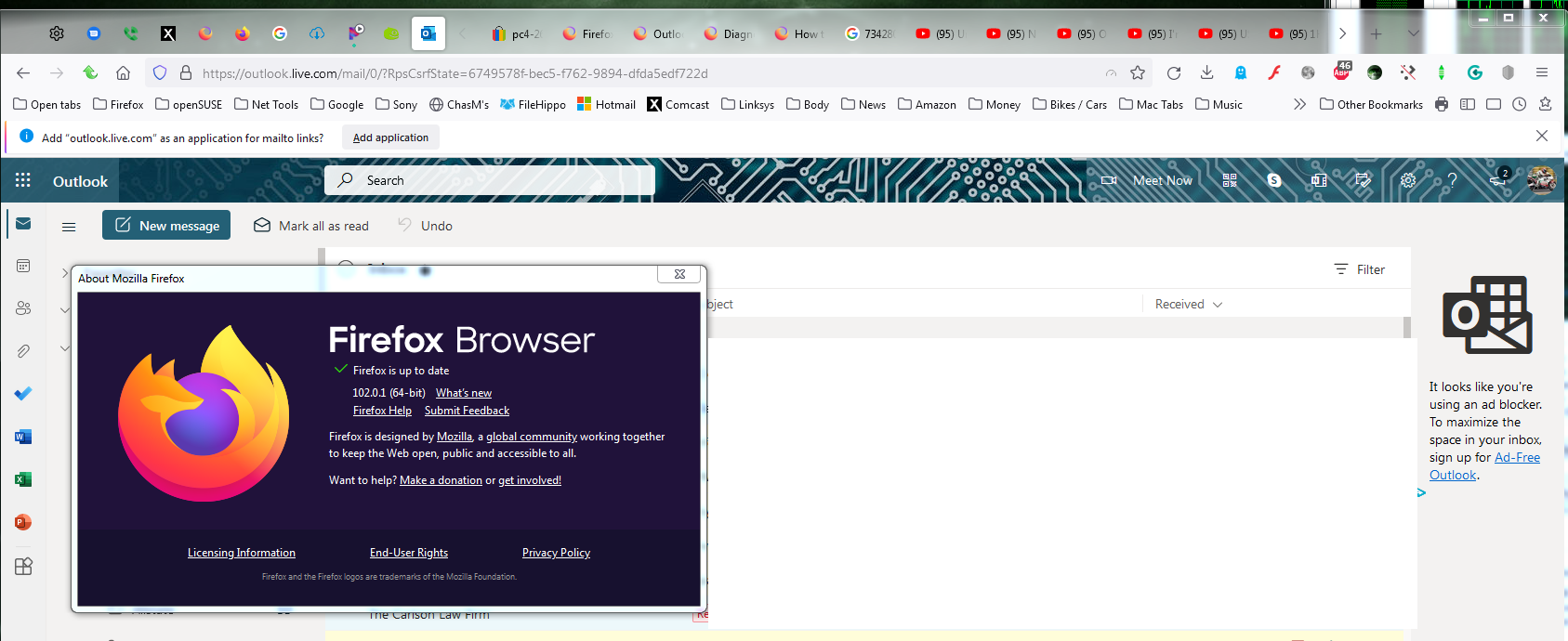
There is no message. After a while, on the screen it shows the Outlook logo as it tries to open the mail, but nothing happens.

A screenshot like mine showing the issue would help us. I have seen recently that the Outlook email logo keeps loading.
Ndryshuar nga jonzn4SUSE
Hello,
Here is the picture.
Thank you

Exactly what I've seen. What add-ons are your running?
I'm not a fan of 102 right now. Can you try another version (Dev, Beta, or Nightly) of Firefox just for kicks and see if it works better? https://www.mozilla.org/en-US/firefox/all/#product-desktop-developer
I've had no issues with 102 on mac, but Windows and Linux there has been multiple issues.
Ndryshuar nga jonzn4SUSE
I only have Grammarly- no other add-on! It was working fine until yesterday morning when I had to update the MS Office.
Can you try under a different Windows account? If you don't have one, create it and try the same steps.
It worked with Firefox when I signed with another MS Office 365 account. So, what is the solution?
Update: So what's the difference between the accounts?
Ndryshuar nga jonzn4SUSE