


connection not secure

Hi! I'm trying to access a site however there is a padlock at the top of the screen with a red line across when I click on it it says "Site information for -----.com" "Connection not secure" (photo below) which is not letting me scan a barcode or put in my pin to access my account when I put in my pin, and press enter, it doesn't move onto the next page I'm almost certain it isn't the website, because it works on other devices which doesnt have this padlock Is there anyway to remove this padlock?
Thanks
Krejt Përgjigjet (4)

First, check if the connection HTTP (insecure) instead of HTTPS. 1. Click on the address bar to see the website's URL. If it is like https://www.example.com then it is an HTTPS connection (see first attachment). If it is www.example.com then it is HTTP (see second attachment). 2. If the connection is HTTP, then changing it to HTTPS could solve the problem. Add https:// to the front of the URL and press ENTER.
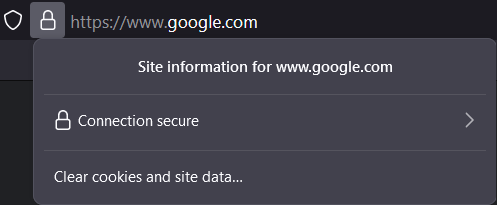

Hi! When I add https:// this error shows up (image below)
Image didnt load
Does this website support secure HTTPS ? What do other browsers use ?
This question has been locked because the original author has deleted their account. While you can no longer post new replies, the existing content remains available for reference.