


pair or sync 2 computers firefox - all open windows and tabs possible?

Hi! I have 2 apple computers running high sierra with updated versions of Firefox. The "laptop" has all my current work on it in Firefox using 7 browser windows with 60 tabs open. How do I get all that to open on the other computer "desktop?" On the desktop, the Firefox "synced tabs" sidebar is open and showing all the laptop open tabs...
I am logged into the same Firefox account on both computers which have different names in my Firefox account.
THAAANKS!!!
Zgjidhje e zgjedhur
You do not get the tabs from other devices opening automatically, you will have to open tabs you are interested in yourself from the synced tabs list.
Lexojeni këtë përgjigje brenda kontekstit 👍 1Krejt Përgjigjet (5)
Another possibility is to transfer data directly using a removable USB drive. For opens tabs and windows this is about sessionstore.jsonlz4 in the profile folder. This file is only present when Firefox is closed.
You can copy certain files with Firefox closed to the current profile folder to transfer or recover personal data. Note that best is to avoid copying a full profile folder.
You can use the button on the "Help -> Troubleshooting Information" (about:support) page to go to the current Firefox profile folder or use the about:profiles page.
- Help -> Troubleshooting Information -> Profile Folder/Directory:
Windows: Open Folder; Linux: Open Directory; Mac: Show in Finder - https://support.mozilla.org/en-US/kb/profiles-where-firefox-stores-user-data
- bookmarks and history: places.sqlite
- favicons: favicons.sqlite
- bookmark backups: compressed .jsonlz4 JSON backups in the bookmarkbackups folder
- cookies.sqlite for the Cookies
- formhistory.sqlite for saved autocomplete Form Data
- logins.json (encrypted logins;32+) and key4.db (decryption key;58+) for Passwords saved in the Password Manager
key3.db support ended in 73+; to use key3.db in 58-72, make sure to remove key4.db - cert9.db (58+) for (intermediate) certificates stored in the Certificate Manager
- persdict.dat for words added to the spell checker dictionary
- permissions.sqlite for Permissions and possibly content-prefs.sqlite for other website specific data (Site Preferences)
- sessionstore.jsonlz4 for open tabs and pinned tabs (see also the sessionstore-backups folder)
That is a great stop gap. But, I am looking for a solution which also continuously duplicates the tabs and windows open on one computer to a second computer without the extra steps.
You can use Sync if you want to access your tabs and windows on anther computer.
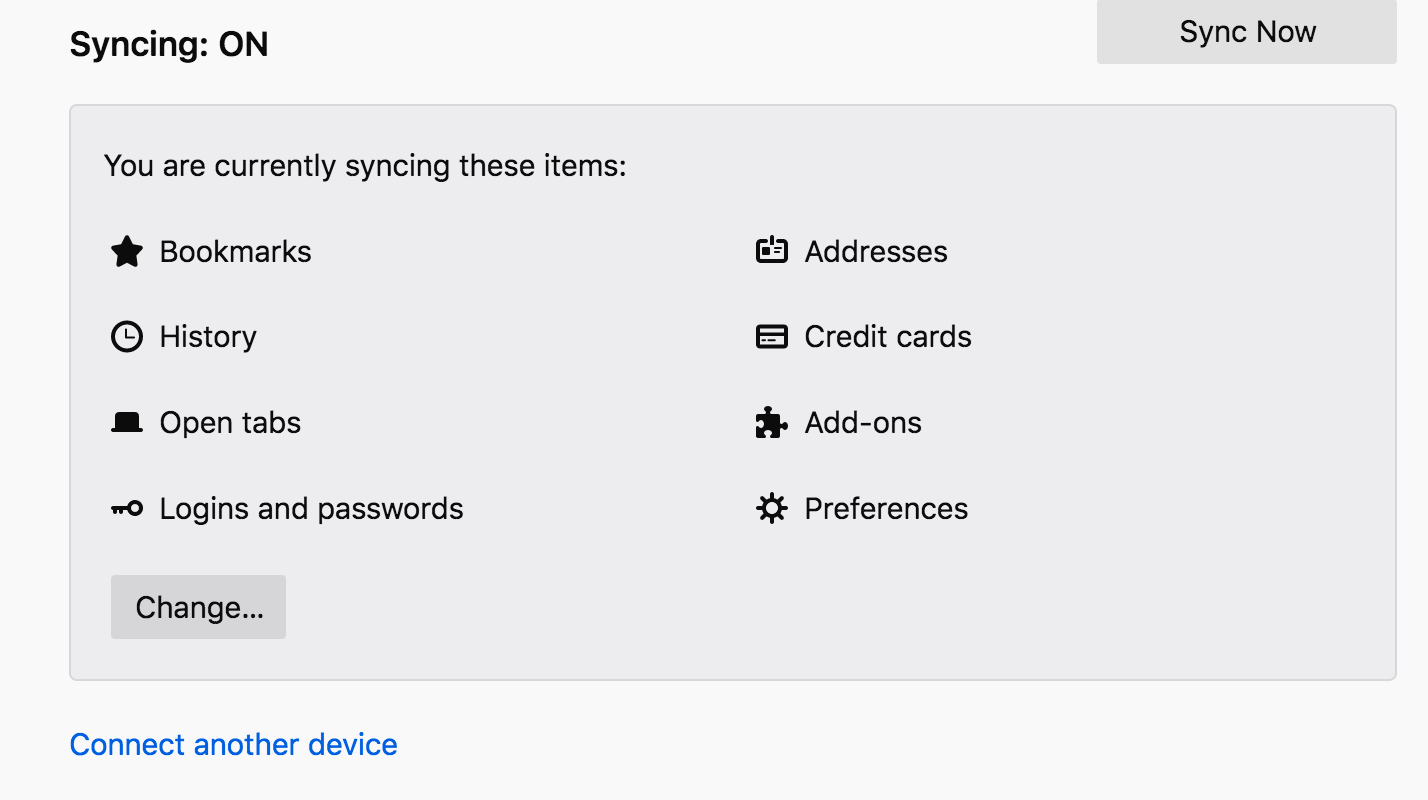
Isn't that working for you if you include "Open tabs" as part of sync ?
You can possible open the synced tabs list in the sidebar.
Ndryshuar nga cor-el
"Open tabs" as part of sync is turned on on both computers. but, nothing opens on second computer no matter what I do. I have logged out and in.
Yes I have the synced tabs sidebar which is good.
Zgjidhja e Zgjedhur
You do not get the tabs from other devices opening automatically, you will have to open tabs you are interested in yourself from the synced tabs list.