


Windows 10 reached EOS (end of support) on October 14, 2025. If you are on Windows 10, see this article.

Kërkoni te Asistenca

Shmangni karremëzime gjoja asistence. S’do t’ju kërkojmë kurrë të bëni një thirrje apo të dërgoni tekst te një numër telefoni, apo të na jepni të dhëna personale. Ju lutemi, raportoni veprimtari të dyshimtë duke përdorur mundësinë “Raportoni Abuzim”.

Mësoni Më Tepër
Locked Arkivuar

How to restore close button on right, browser.tabs.closeButtons feature from Legacy Firefox in Quantum

Foxmeariver

Hi there,

I've just made the switch to Firefox Quantum (using 60.1.0 esr 64bit) and am looking to restore some usability.

One feature that I've always used in firefox since its existence is having a single close button on the right (not one for each tab or anything else) as it was in Firefox 1.5. This feature was disabled as a user controlled feature in firefox 31, but could previously easily be restored by an extension (which is only legacy compatible). Is there a settings option, an extension or a way to edit the about:config in such a way to restore this functionality?

"you can change the tab close button appearance by setting the value below in browser.tabs.closeButtons preference: 0. Display a close button on the active tab only. (Default of firefox 31 and later) 1. Display close button on all tabs. (Default of Firefox 30 and earlier) 2. Don't display any close buttons. 3. Display a Tabstrip close button."

Looking for option 3. The about:config contains the above setting, but changing the value doesn't impact firefox currently.

Thanks for your help!
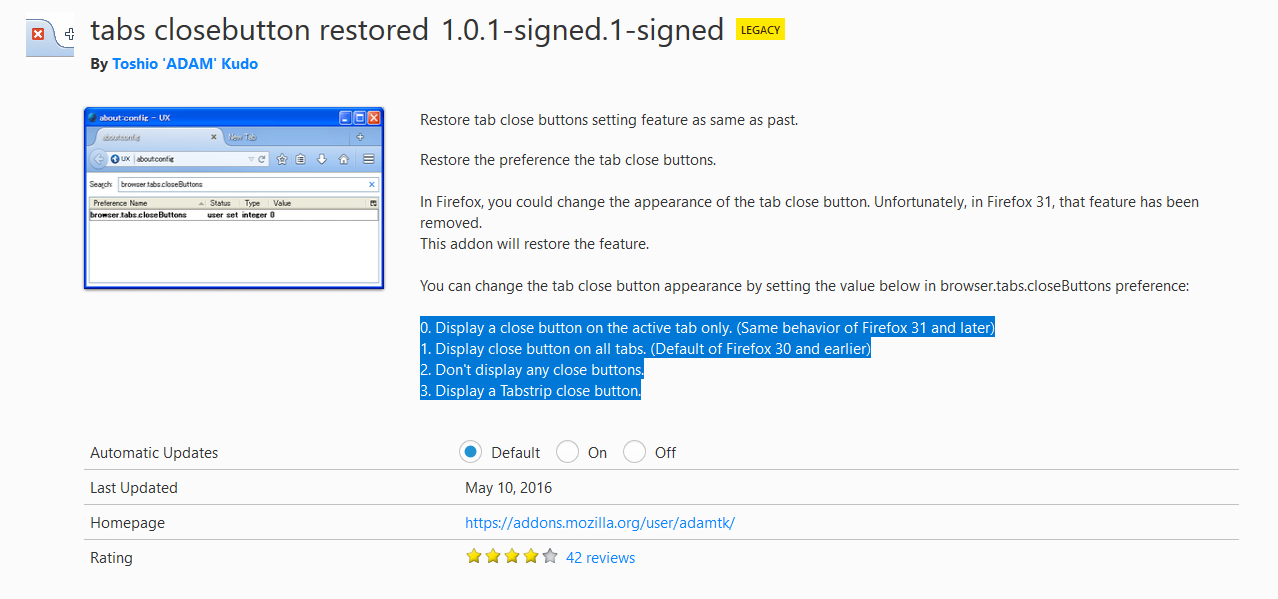
Hi there, I've just made the switch to Firefox Quantum (using 60.1.0 esr 64bit) and am looking to restore some usability. One feature that I've always used in firefox since its existence is having a single close button on the right (not one for each tab or anything else) as it was in Firefox 1.5. This feature was disabled as a user controlled feature in firefox 31, but could previously easily be restored by an extension (which is only legacy compatible). Is there a settings option, an extension or a way to edit the about:config in such a way to restore this functionality? "you can change the tab close button appearance by setting the value below in browser.tabs.closeButtons preference: 0. Display a close button on the active tab only. (Default of firefox 31 and later) 1. Display close button on all tabs. (Default of Firefox 30 and earlier) 2. Don't display any close buttons. 3. Display a Tabstrip close button." Looking for option 3. The about:config contains the above setting, but changing the value doesn't impact firefox currently. Thanks for your help!
Foto të bashkëngjitura ekrani

Krejt Përgjigjet (1)

Whoops, I replied to your later question: https://support.mozilla.org/questions/1230399

Let's continue there.