


Customize Firefox Developer dev tools color theme

Just as title says, I'd like to know if it's possible to change the color theme of Firefox Developer dev tools. Light and dark theme are nice, but I'd like to use a code color theme like Monokai or something similar, how can I do that?
Krejt Përgjigjet (7)

Take a look at this;
NoSquint {web link} NoSquint allows you to adjust the text-only and full-page (both text and images) zoom levels as well as color settings both globally (for all sites) and per site.
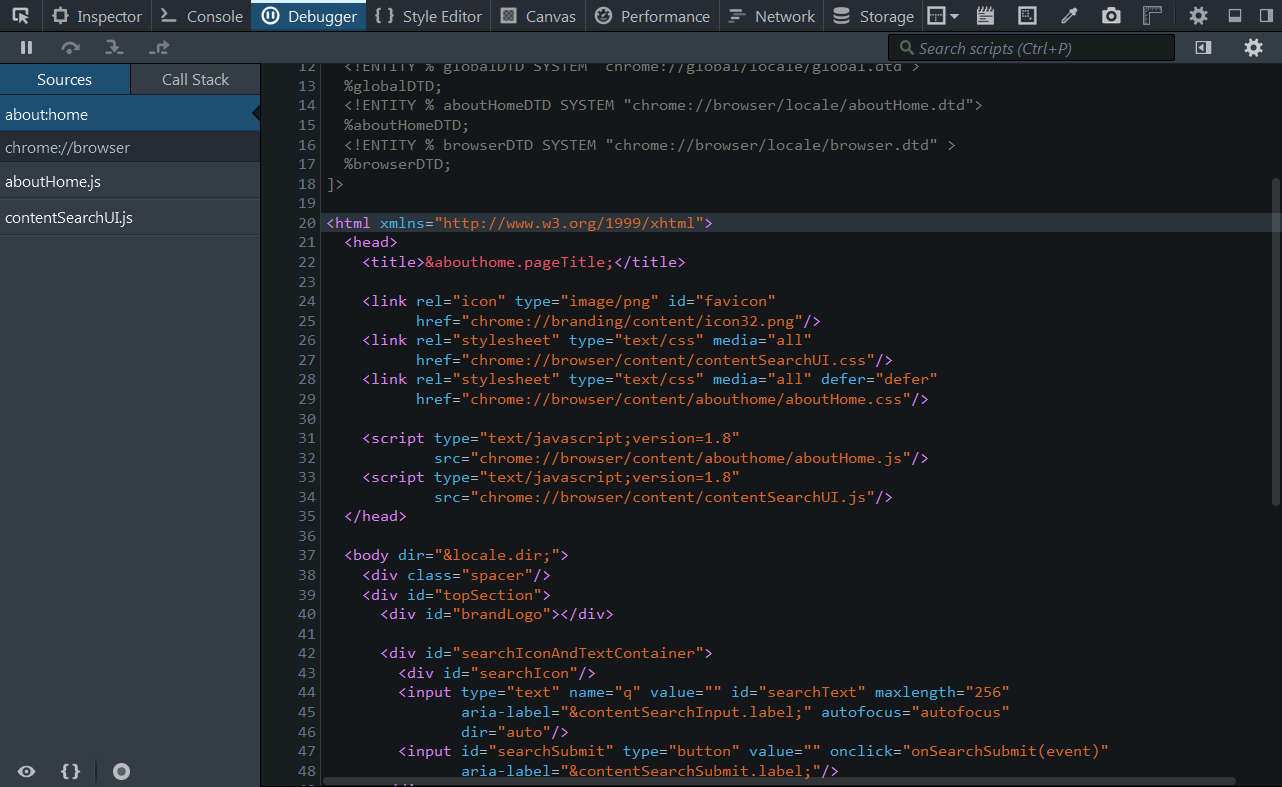
Thank you for your input, but unfortunately this extension affects the web page, I'm talking about the dev tools window from Firefox Developer (check the pic).
If anyone interested I posted this question also on Stackoverflow
Ndryshuar nga Gruber
You can look at this CSS file to see how the styling is done.
- chrome://browser/skin/devedition.css
- http://mxr.mozilla.org/mozilla-release/find?text=&string=devedition.css
This looks nice! Noob question tho: how can I access and modify this file? Where is it stored on my machine (win 7)?
You can't modify such a built-in CSS file because such files are stored in one of the omni.ja archives.
- resource:///chrome/browser/skin/classic/browser/
- resource:///chrome/browser/skin/classic/browser/devedition.css
You would have to write your own style rules and apply them via userChrome.css or Stylish. Use the !important flag to override existing style rules.
The customization files userChrome.css (user interface) and userContent.css (websites) are located in the chrome folder in the Firefox profile folder.
Great! Thank's a lot for your time, if you wish you can answer the same thing on Stackoveerflow. I'll dig in this and if everything works fine I will share the monokai theme surely ;)