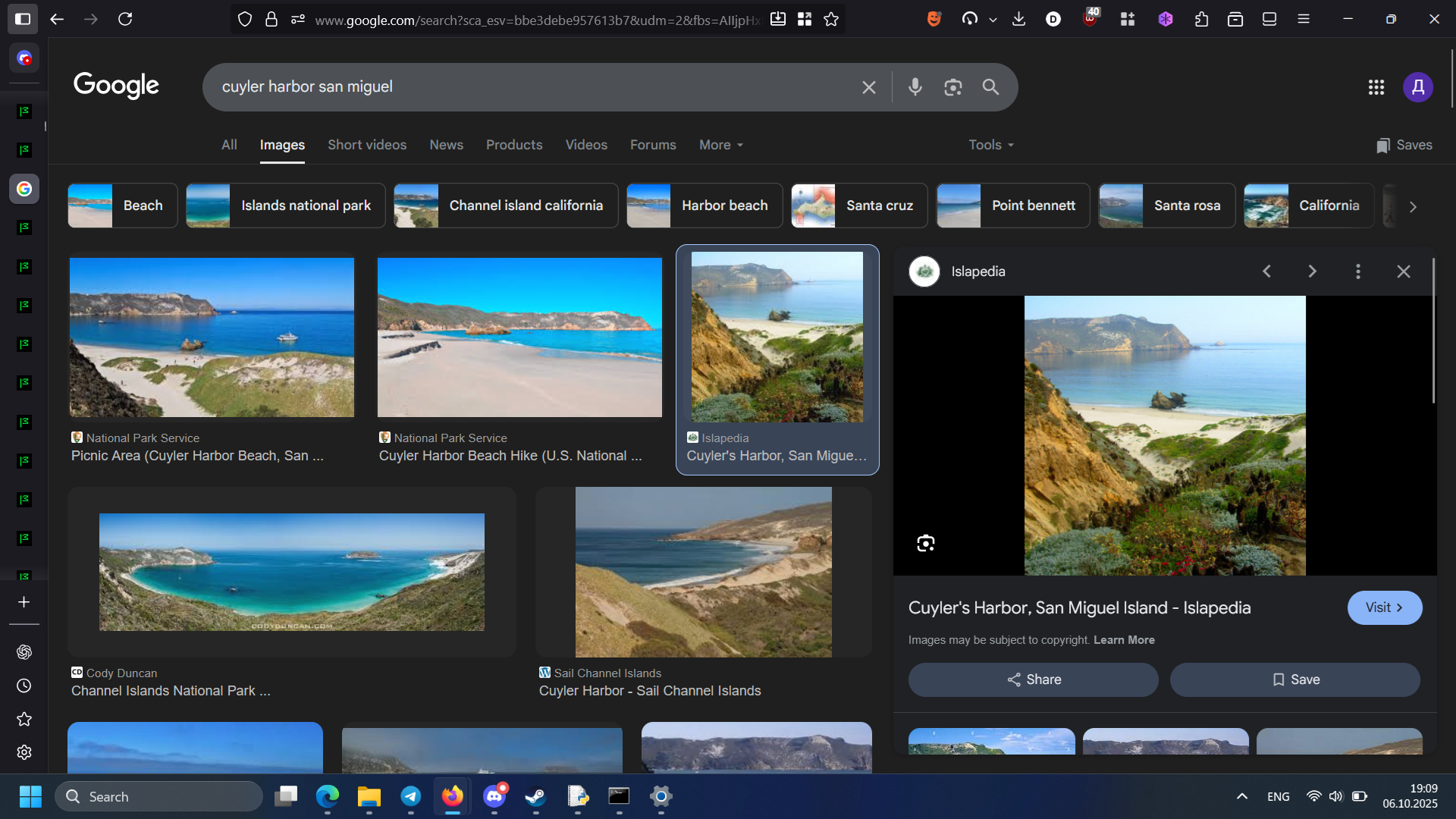
Trying to use google image search - doesn't work as expected

Hi!
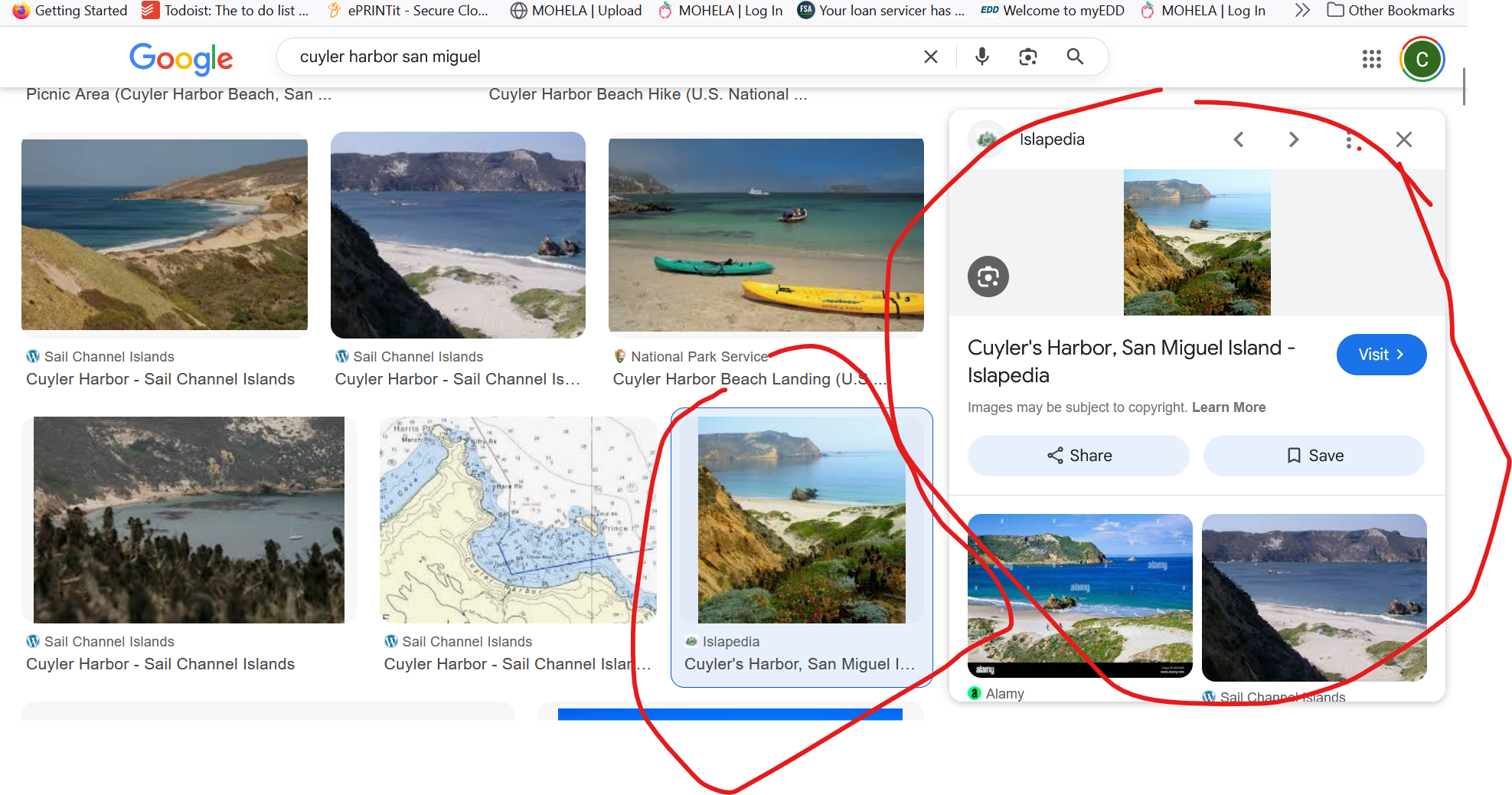
Firefox has been my default browers forever, but recently (i guess with the last update?) when I try and use google image search, when i click a thumbnail instead of making it larger and displaying, it opens up like a mini tab on the right side, which ends up with the image displaying smaller than the original. This seems minor, but I do enough image searches that this ends up making it unusable to me in practice. I'm hoping this is just a setting i havent been able to figure out how to switch off.
Thanks for your help!
Hi!
Firefox has been my default browers forever, but recently (i guess with the last update?) when I try and use google image search, when i click a thumbnail instead of making it larger and displaying, it opens up like a mini tab on the right side, which ends up with the image displaying smaller than the original. This seems minor, but I do enough image searches that this ends up making it unusable to me in practice. I'm hoping this is just a setting i havent been able to figure out how to switch off.
Thanks for your help!
All Replies (1)
Hi,
Hmm... I can't reproduce it. Could you please try clearing Firefox cache and clearing cookies and data for Google (warning: you will be logged out)? Does it help?