


pages being blocked by firefox
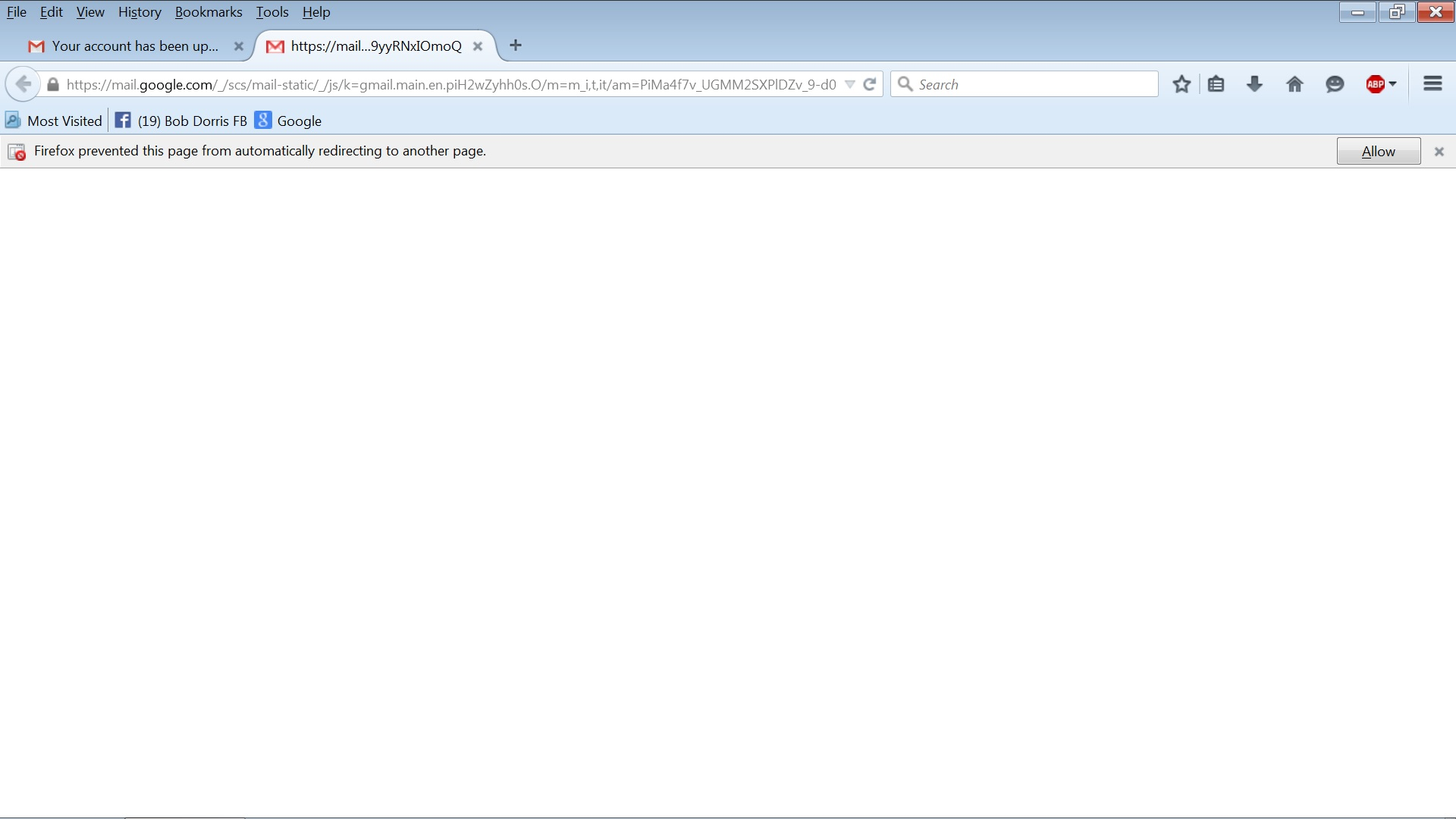
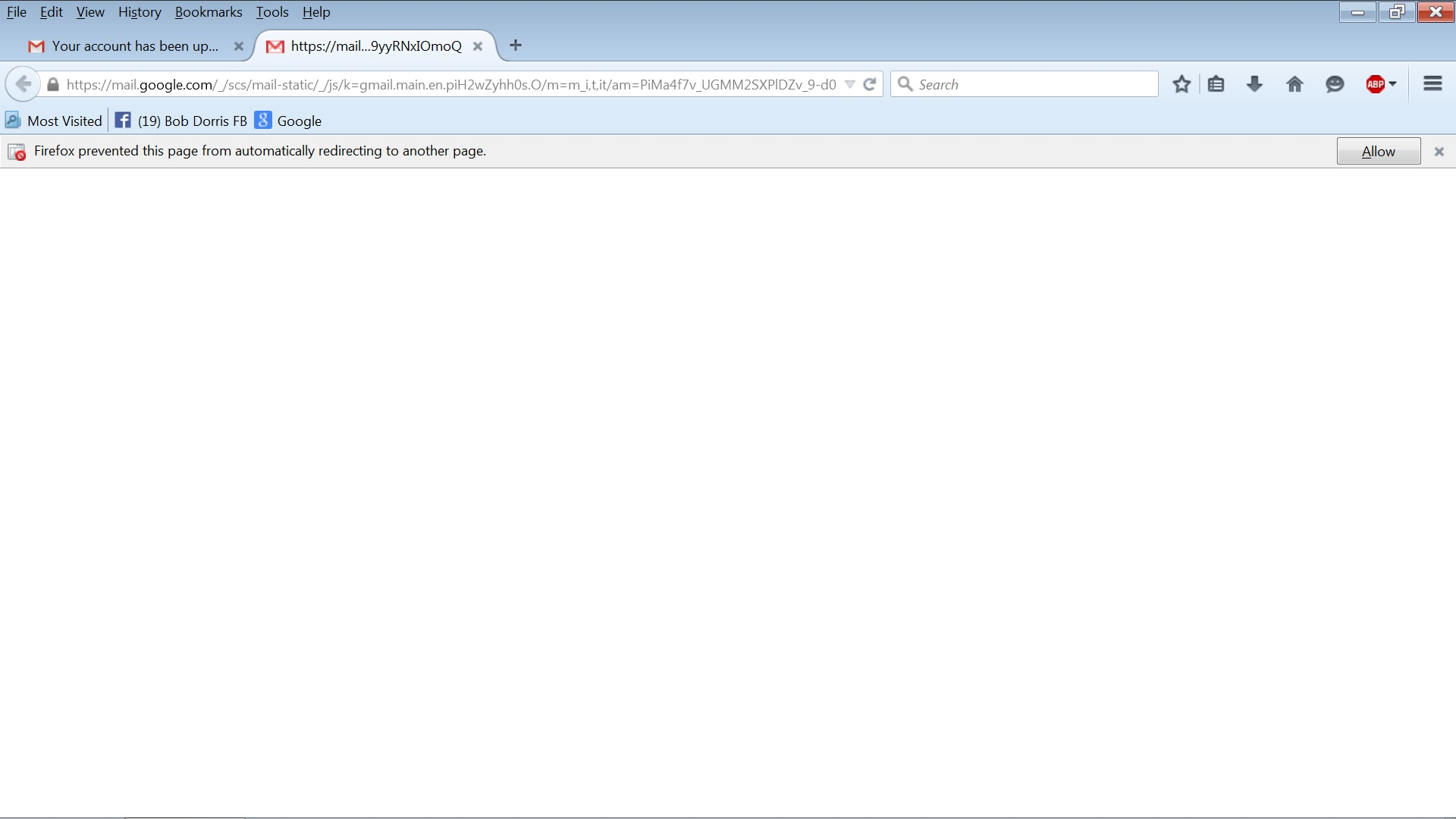
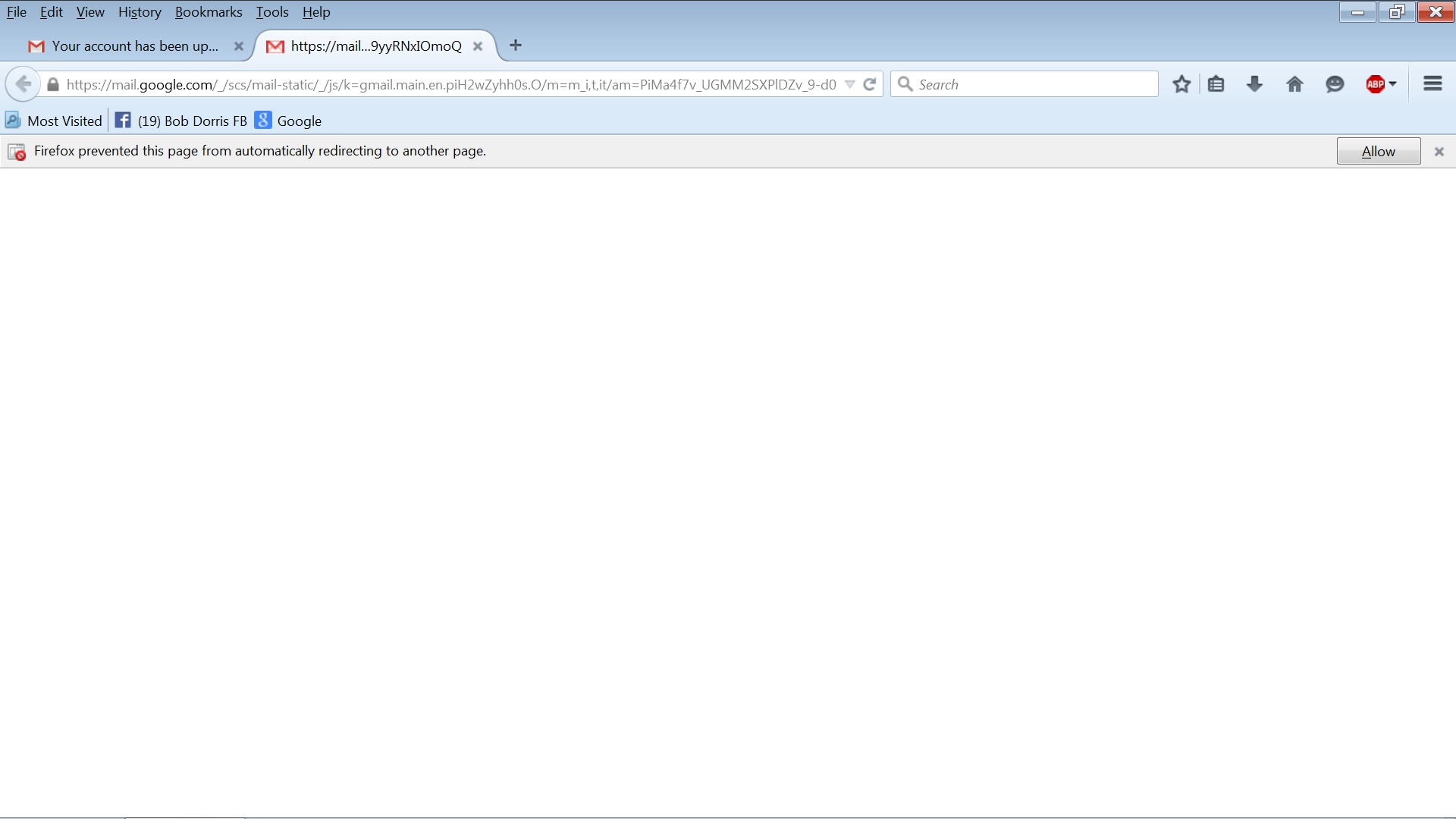
Some time when I go from one website to another I get this message.
How can I prevent this??
Выбранное решение
Hello sirrodbob, go from Tools (or 3-bar menu) > Options > Advanced panel > General tab > in Accessibility > UNCHECK the Warn me when websites try to redirect or reload the page > click OK to save it, exit firefox and restart it.
thank you
Прочитайте этот ответ в контексте 👍 1Все ответы (4)

Выбранное решение
Hello sirrodbob, go from Tools (or 3-bar menu) > Options > Advanced panel > General tab > in Accessibility > UNCHECK the Warn me when websites try to redirect or reload the page > click OK to save it, exit firefox and restart it.
thank you

Those notices warn of redirecting, giving you the option to not be redirected. Pressing the Allow would have sent you to the new web page.
Thanks for your response!!
Is there a way to stop this redirecting. Is there something I can uncheck to keep it from happening?
Some web links send you to a re-direct. The why is because someone made it that way. You have two choices; Allow the re-direct, or close it.