


Can't open websites

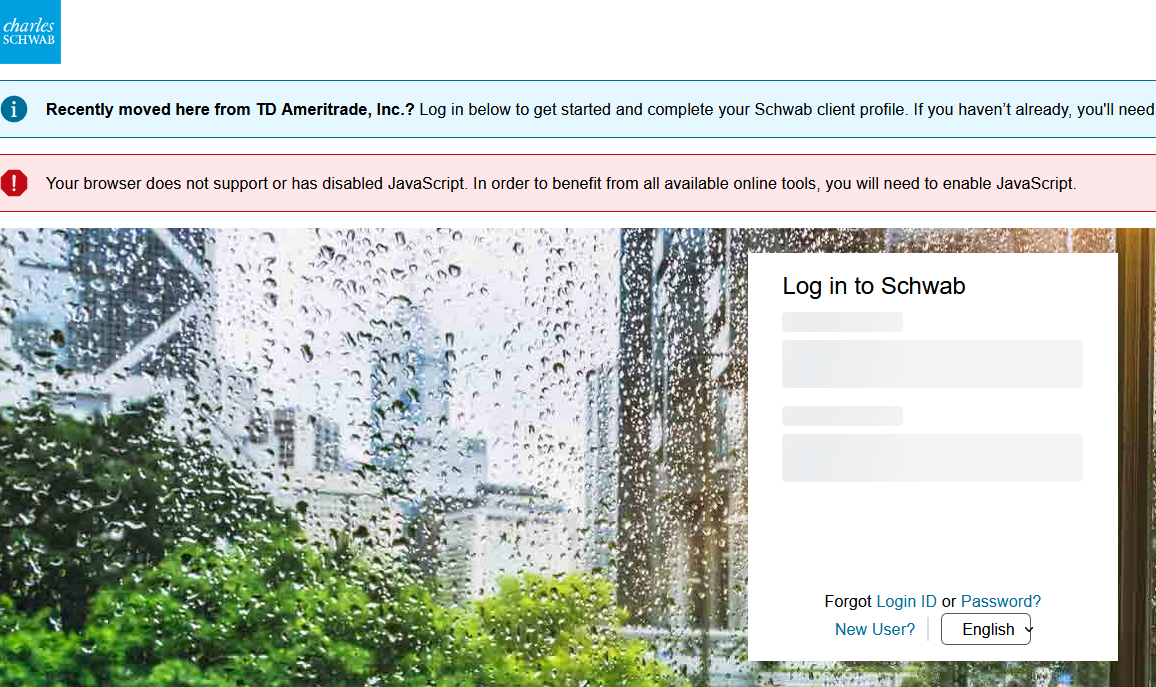
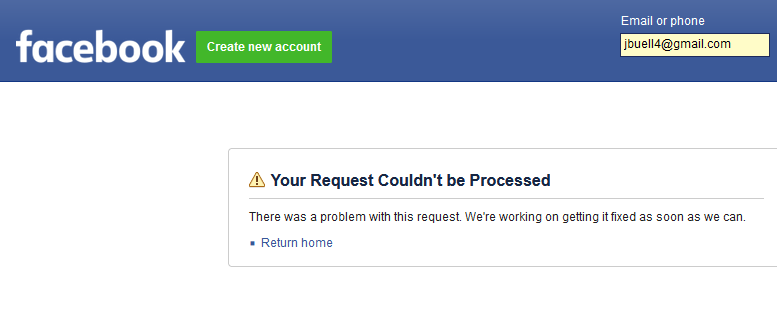
Suddenly my Firefox browser won't open popular websites, such as Schwab, Facebook and Wells Fargo. It displays an error message that the site uses Java, and that I need to enable javascript. When I check in Settings, javascript is already enabled. I tried restarting and reinstalling without success. When I use the Chrome browser the sites work normally.
Toate răspunsurile (2)

I have accounts with WF and have no issues there, Schwab comes up for me (see screenshot), and I don't do Facebook.
Did you try Firefox in Troubleshoot Mode? https://support.mozilla.org/en-US/kb/diagnose-firefox-issues-using-troubleshoot-mode#search104

Also, a full browser screenshot is more useful than using that built in option from Mozilla for screenshots. It only show what's in the browser when the issue is usually add-ons that are not shown.