


The last firefox update ruined my firefox browser

Ever since Firefox updated today I've been unable to use the browser. It takes at least 5 minutes or more minutes to load, I can't manually log into any websites until the speeddial finally loads, and the speeddial addon refuses to come up for at least 5 minutes, I can't log into Dropbox even with the speeddial up and running because the capcha won't popup...and on and on.
What in the world has been done to it? I'm using another browser just to contact support.
Soluție aleasă
Gotcha... Can you disable Malwarebytes and System Mechanic, reboot, and see if that makes a difference?
Citește răspunsul în context 👍 0Toate răspunsurile (9)
Have you tried with Firefox in Safe Mode? https://support.mozilla.org/en-US/kb/diagnose-firefox-issues-using-troubleshoot-mode The site loads in under 2secs for me and I can login. see screenshot Are you logging in with your google account or email and password. Try both ways to see if you can get in. Can you also post screenshots showing user issue and block any personal info. You can also try the option to Forget About This Site, but make sure you know the login details. https://support.mozilla.org/en-US/kb/remove-websites-address-bar-suggestions
Also, what security software are you running?

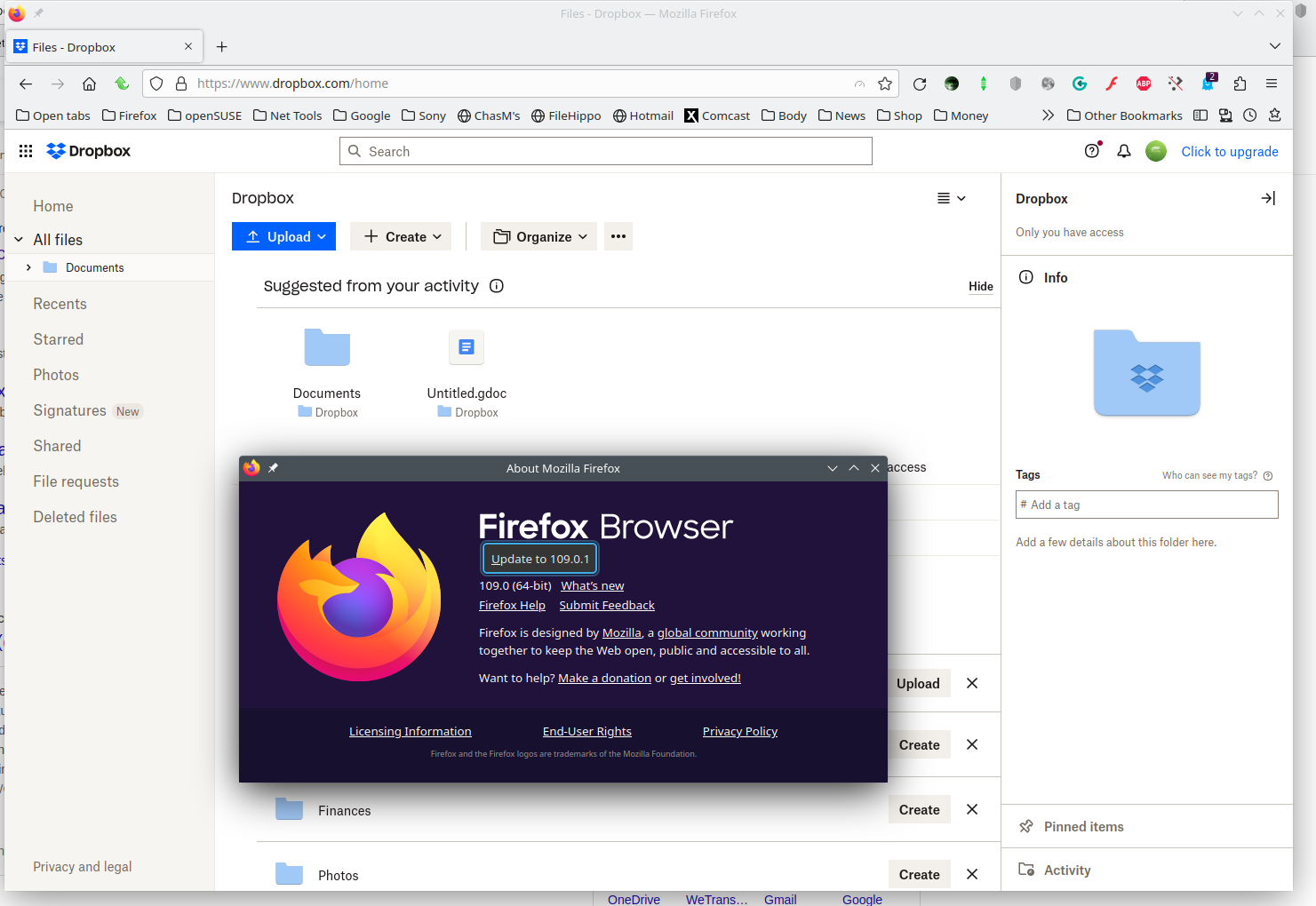
Modificat la de jonzn4SUSE
As you can see the browser is blank. I tried to start it in safe mode but then it wouldn't launch at all. I'm thinking that I need to uninstall and reinstall the darn thing. What do you think?

I'm using Malwarebytes and System Mechanic.
OK. Firefox finally booted up. All my extensions are still there.
If all is well, mark it as resolved and have a nice day.
Sorry but it's far from solved. It usually takes 5-10 minutes for the firefox browser to load where it used to be instantaneous. I need to have this fixed and I still blame the last update for the problem because it started after that update.
Can anyone help me?
Soluție aleasă
Gotcha... Can you disable Malwarebytes and System Mechanic, reboot, and see if that makes a difference?
Modificat la de jonzn4SUSE
It worked! I disabled real time protection in System Mechanic, rebooted the computer, and then clicked on Firefox...and it came right up.
Now, how can I enable real time protection and not have this problem again?
Boot the computer in Windows Safe mode with network support to see if that has effect in case security software is causing problems.