


I updated today and now there's a top-of-page solid bar on every site I visit. What happened?
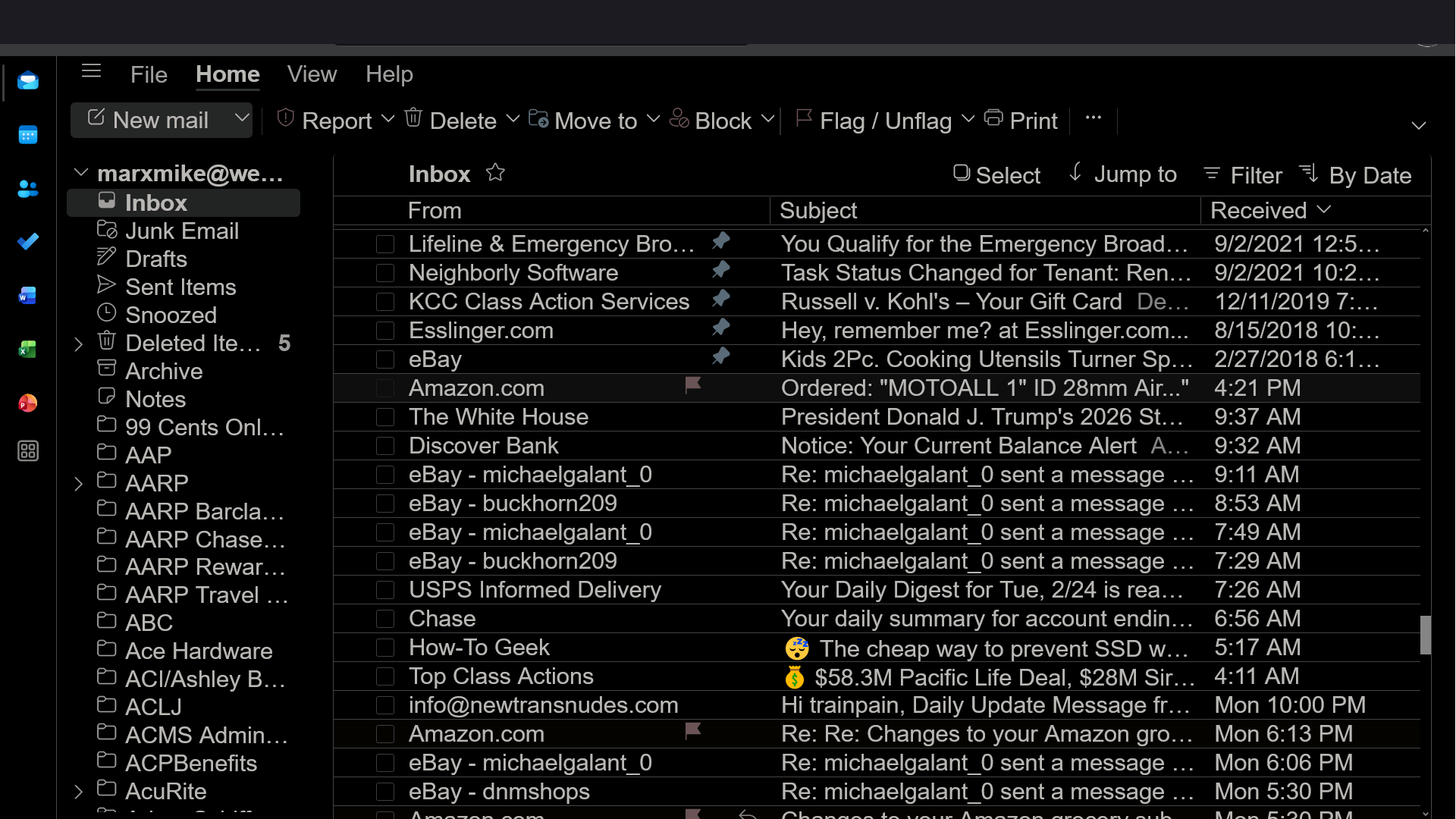
I updated today and now there's a very top-of-page solid bar on every site I visit, covering search boxes (Amazon) and other info (Outlook). What happened?
Solução escolhida
I solved the problem. When I mistakenly hovered my cursor over the black bar and scrolled up and down, it revealed itself as a message from one of my ad blocker add-ons. I quickly identified it as one I wasn't using, but had turned itself on after the update. I turned it off again, and the black bar disappeared! Thank God!
Ler esta resposta no contexto 👍 0Todas as respostas (19)
Hm, I was just a bit confused by the UI...
Does the issue persist if you run Firefox in Troubleshoot Mode?
See the linked article. Here's the link: https://support.mozilla.org/kb/diagnose-firefox-issues-using-troubleshoot-mode
OK, but I can't do it right now. I'm working on something else right now.
OK, will do, but here's another question...why doesn't Dark Reader work on this page?
MAGAMike said
OK, will do, but here's another question...why doesn't Dark Reader work on this page?
Dark Reader is a third-party extension, so you should report issues with it to its developers. As far as I can see, their GitHub would be the right place.
Just to note, Outlook has its own dark theme which should work.
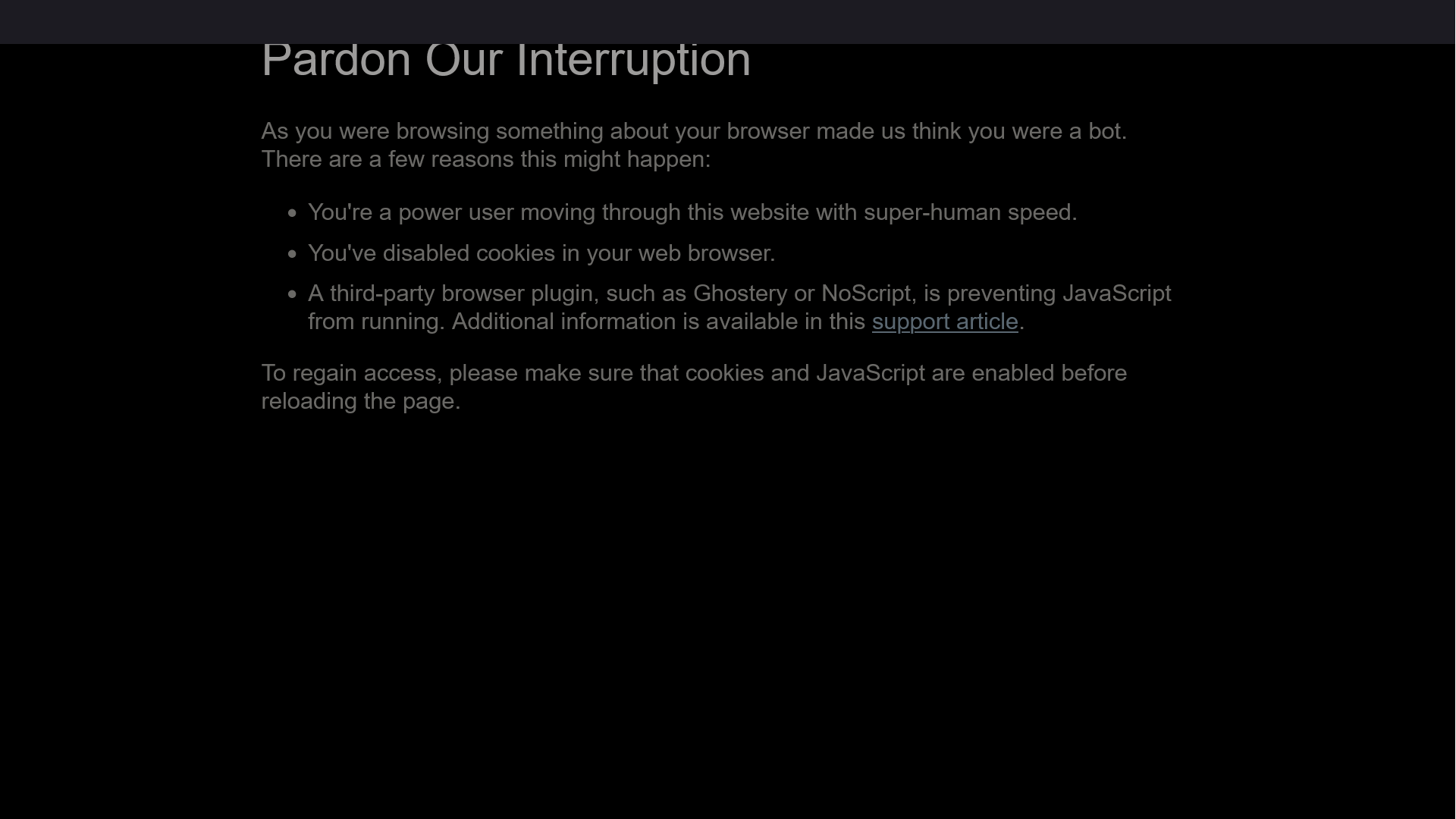
It's definitely Firefox. I am having problems getting on other sites...so, I went to Chrome, and guess what...no problems! Also, the solid bar contains info for a second, then the info disappears! The screenshot is from vons.com, which opens, but when I click on "vons for u" this screen appears...
Modificado por MAGAMike a
I tried troubleshooting and it did not fix the problem. There still is a solid black bar covering covering info and search boxes at the top of every page. Please ask Firefox to correct this Update problem!
Sorry for the late reply, but if you still experience the issue, could you please report it on Bugzilla, Mozilla's bug tracker (so that the developers can take a look)?
There's no single person to email, unfortunately. I can file a bug for you if you want, but that's less preferable because that way I'll have to repost all the messages here.
I'm sorry to just redirect you, but that really sounds like a bug, and if so, there's not much we can do here.
Redirect it and it IS a bug that occurred right after I updated. The top-of-the-page black bar covers info, search boxes, and/or menu choices on every page I visit, with some sites not working at all...saying that, to their site, I looked like a bot!
And, why doesn't Dark Reader work on this site???? The bright white page hurts my eyes!

MAGAMike, add-ons are disabled on this site for security reasons, so unfortunately they can't help. There are ways to bypass this restriction, but obviously that would reduce security.
Solução escolhida
I solved the problem. When I mistakenly hovered my cursor over the black bar and scrolled up and down, it revealed itself as a message from one of my ad blocker add-ons. I quickly identified it as one I wasn't using, but had turned itself on after the update. I turned it off again, and the black bar disappeared! Thank God!
Modificado por MAGAMike a