


Re: Unable to get Whatsapp web on Mozilla browser.

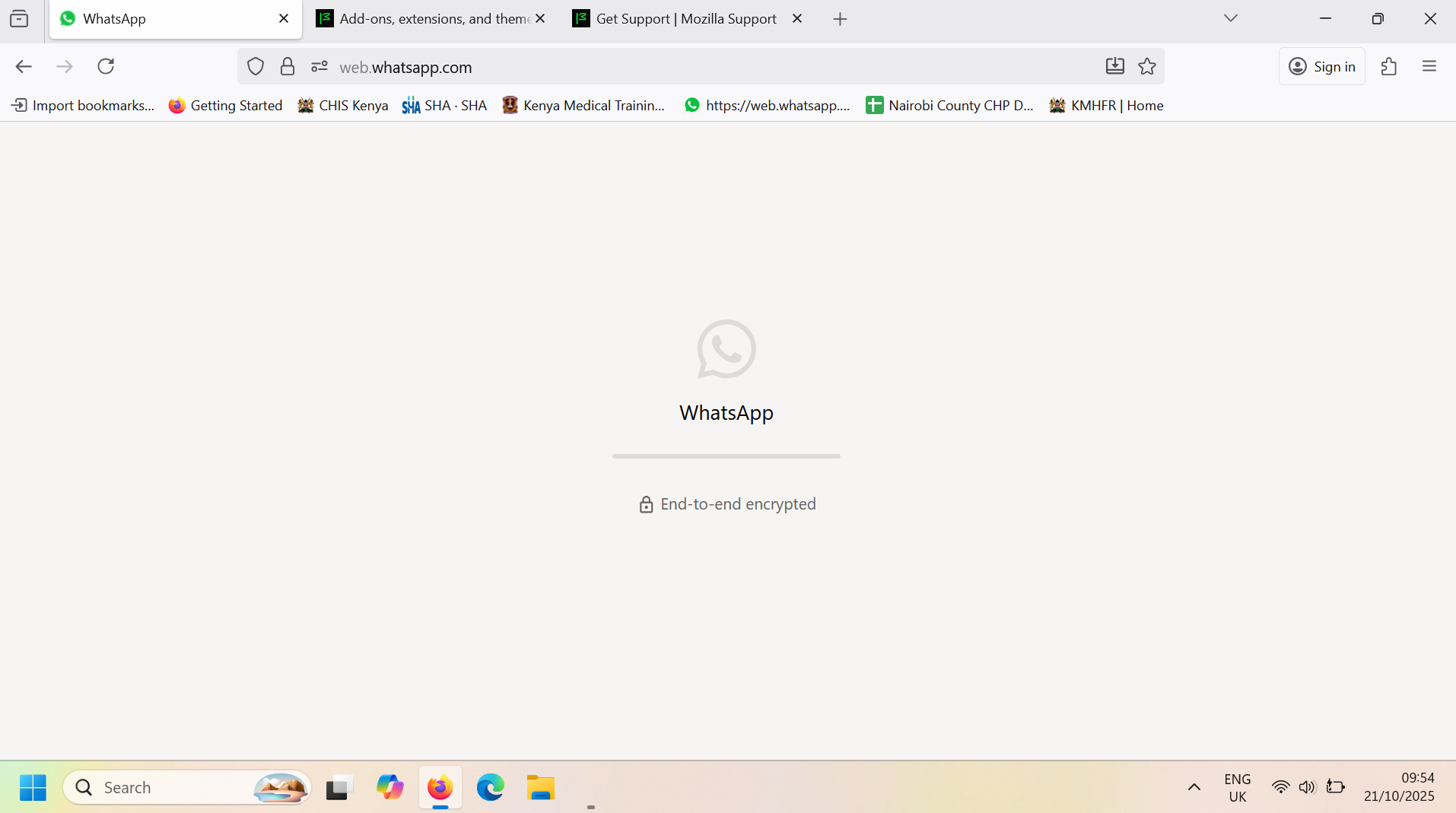
Good Morning, I have been trying to access Whatsapp web through the Mozilla browser but i have been unable now for the last four weeks. When i use other browsers then i am able to access the internet. Thank you.
Regards, Gitonga
Todas as respostas (2)
Hey Gitonga,
Try Firefox Troubleshoot Mode to see if the problem goes away. Firefox Troubleshoot Mode (previously known as Firefox Safe Mode) is a special diagnostic mode that temporarily turns off hardware acceleration, disables add-ons (extensions and themes) and resets some settings. See the Use Troubleshoot Mode in Firefox article for details.
If Firefox is open, you can restart in Firefox Troubleshoot Mode from the Help menu:
- Click the menu button
 , click Help, select Troubleshoot Mode and click Restart in the "Restart Firefox in Troubleshoot Mode?" dialog that opens.
If Firefox is not running, you can start Firefox in Troubleshoot Mode as follows:
- On Windows: Hold the Shift key when you open the Firefox desktop or Start menu shortcut.
- On Mac: Hold the option key while starting Firefox.
- On Linux: Quit Firefox, go to your Terminal and run firefox -safe-mode
(you may need to specify the Firefox installation path e.g. /usr/lib/firefox)
When the Firefox Troubleshoot Mode window appears, select "Open".
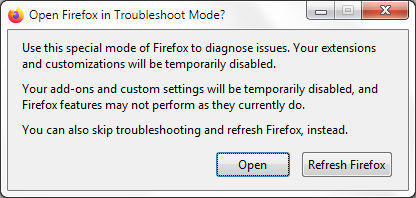
If the issue is not present in Firefox Troubleshoot Mode, your problem is probably caused by an extension, theme or hardware acceleration. Please follow the steps in the Troubleshoot extensions, themes and hardware acceleration issues to solve common Firefox problems article to find the cause.
To exit Firefox Troubleshoot Mode, just close Firefox and wait a few seconds before opening Firefox for normal use again. (If you can't exit Firefox Troubleshoot Mode, please see Firefox is stuck in Troubleshoot Mode).
When you figure out what's causing your issues, please let us know. It might help others with the same problem.
Hi Gitonga
If WhatsApp Web isn’t loading in Firefox but works fine in other browsers, here are a few things you can try:
Clear site data for WhatsApp:
- Go to Settings → Privacy & Security → Cookies and Site Data → Manage Data.
- Search for whatsapp and remove all related entries.
- Restart Firefox and try again at https://web.whatsapp.com.
Disable add-ons temporarily:
Some privacy or ad-blocking extensions can break WhatsApp Web. Try launching Firefox in Troubleshoot Mode:
- Menu ☰ → Help → Troubleshoot Mode… → Restart.
- Then open WhatsApp Web again.
Update Firefox: Make sure you’re running the latest version — WhatsApp Web uses modern web features that older builds may not support.
Check privacy settings: If Enhanced Tracking Protection is set to Strict, switch it to Standard and reload the page.
Clear cache or test in a Private Window — this helps rule out corrupted data.
If it still doesn’t work, please share which version of Firefox and which operating system you’re using (Windows, macOS, Linux, etc.), so we can help troubleshoot further.
Hope this helps you get WhatsApp Web working again!