


deleting a false account

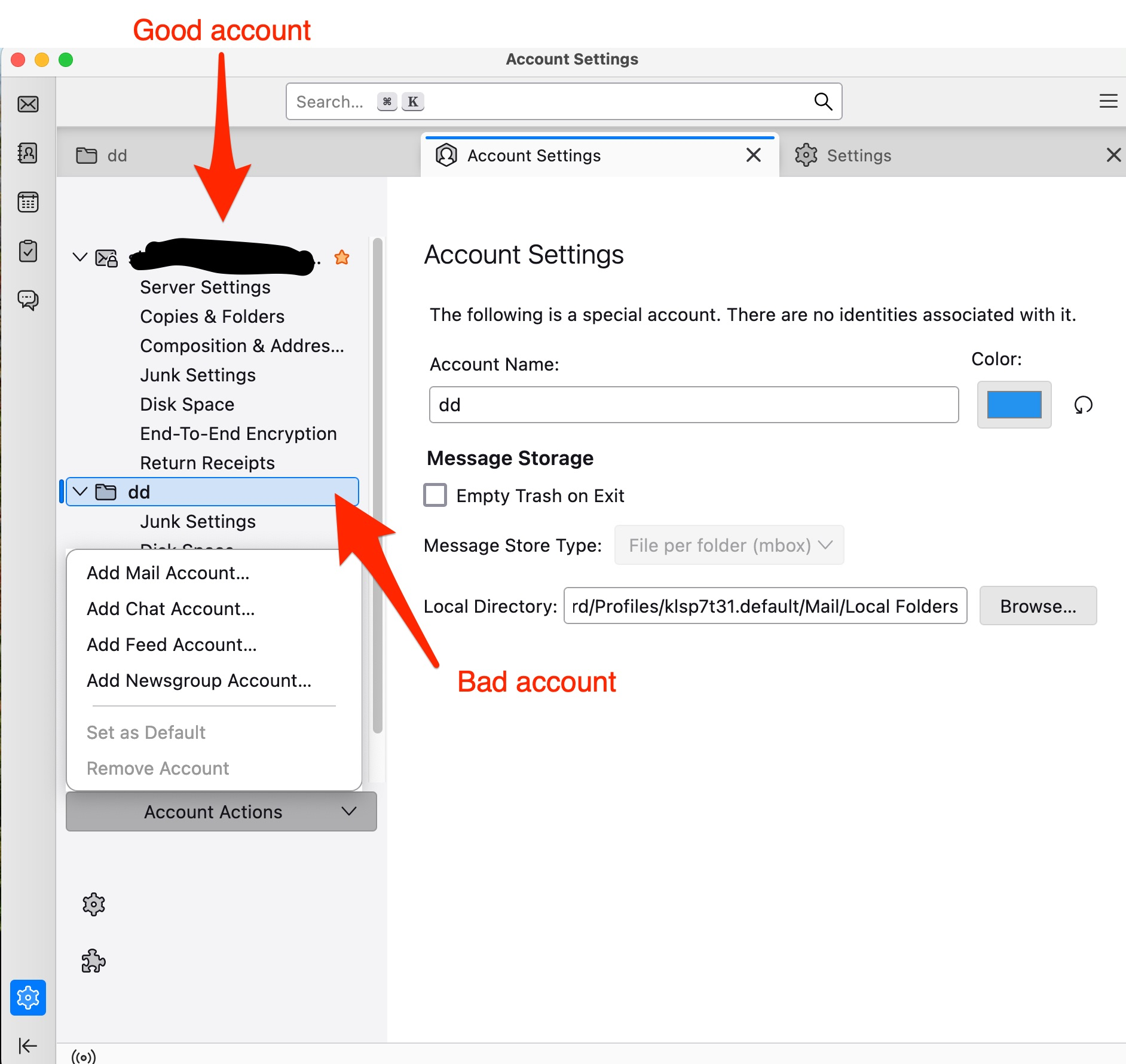
When first setting up my email accounts, I accidentally created a false account that I cannot now delete. It was not fully set up and now I cannot delete it from the left panel. When I go to account actions, delete account is grayed out, how do I clean this up?
Solução escolhida
Ahhh, now I got it! Nobody talked about the three little dots at the top of the list of folders on the left. Thanks all. My folder pane looks much better, cleaner and not so amateurish.
Ler esta resposta no contexto 👍 0Todas as respostas (8)
The account you're trying to delete is Local Folders, which somehow was renamed to dd. It isn't like a mail account that can be deleted, so I suggest you rename it to Local Folders.
I tried re-naming it to Local folders, but that didn't work. I also tried to use a faults email address and that didn't work. It seems the only way to get this to delete is to actually create a new email address with server settings and then delete it. I don't really want to create a new email account.
This data is stored somewhere in the Thunderbird dataset, and there should be a way to trace it down to take it out of that data set.
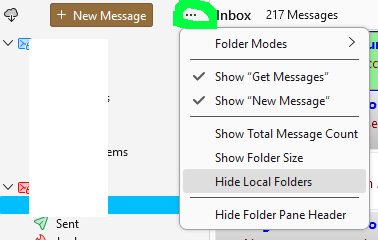
You can't delete Local Folders, but they can be hidden from the menu on the Folder Pane Header.
Yeah, I can close the chevron, so only the folder header shows and not the sub headers, I guess that's the best I can do. Thanks for trying.
Local Folders can be entirely hidden (see picture).
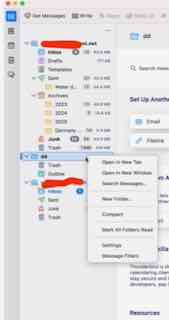
What version of Thunderbird are you using? I'm using 140.1.1esr on a iMac running 3.6 GHz 10-Core Intel Core i9 with OS Version 15.6 (24G84). I don't get the same dropdown that you are showing me - see Attchment
skip Blu said
I don't get the same dropdown that you are showing me - see Attchment
That's because you are looking at the context menu for folder/servers.
sfhowes' screen shot is a different location - in the folder pane header "...".
Solução escolhida
Ahhh, now I got it! Nobody talked about the three little dots at the top of the list of folders on the left. Thanks all. My folder pane looks much better, cleaner and not so amateurish.