


Facing Issue while trying to upload files from the system to a website

Facing Issue while trying to upload files from the system to a website
Todas as respostas (1)
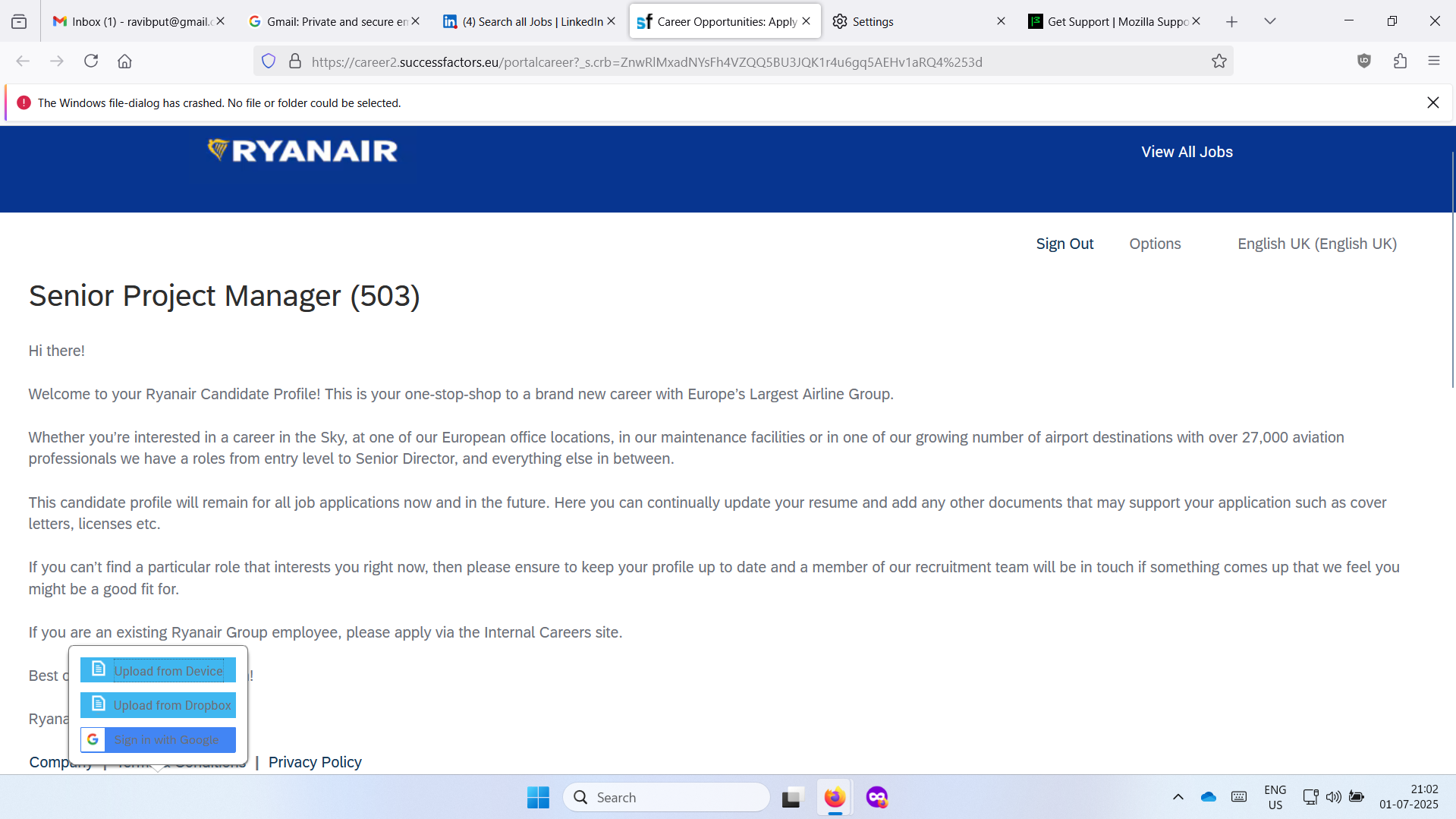
I see the message bar there: "The Windows file-dialog has crashed. No file or folder could be selected."
Does that happen for all sites? It looks like you were able to upload to this site, so maybe only some sites are affected? Or some types of files (like PDF, DOCX, but not PNG or JPG)?
Two immediate thoughts:
(1) Your Firefox reported itself to be version 135. Is there any reason you aren't updating Firefox? I don't know whether that would make any difference to this problem. See: Update Firefox to the latest release.
(2) Firefox uploading is sometimes affected by past downloads. You can try removing/hiding a file that stores associations between file extensions and file content types to see whether that makes any difference. Here's how:
Open your current Firefox settings (AKA Firefox profile) folder using either
- "3-bar" menu button > Help > More Troubleshooting Information
- (menu bar or Alt+H) Help > More Troubleshooting Information
- type or paste about:support in the address bar and press Enter
In the first table on the page, on the Profile Folder row, click the "Open Folder" button. This should launch a new window listing various files and folders in Windows File Explorer.
Leaving that window open, switch back to Firefox and Exit, either:
- "3-bar" menu button > Exit
- (menu bar) File > Exit
Pause while Firefox finishes its cleanup, then:
Right-click handlers.json then Rename to something like handlersOLD.json
Start Firefox back up again, and test the site.
If it works, you probably want to keep the new file Firefox created, but you may need to recustomize some of your download settings. See: Manage file types and download actions in Firefox.
If it doesn't work, you could remove the new handlers.json file and rename handlersOLD.json back to handlers.json (while Firefox is closed) to restore your previous customizations.