


Invalid captcha with https://replit.com/login

Hi,
On https://replit.com/login, no captcha is visible, and login in says "Your captcha token is invalid. Please refresh the page and try again.."
I tested with LibreWolf 128.0.3-2 and FF 129.0.2.
With Chrome, it works.
Todas as respostas (5)

Solução escolhida
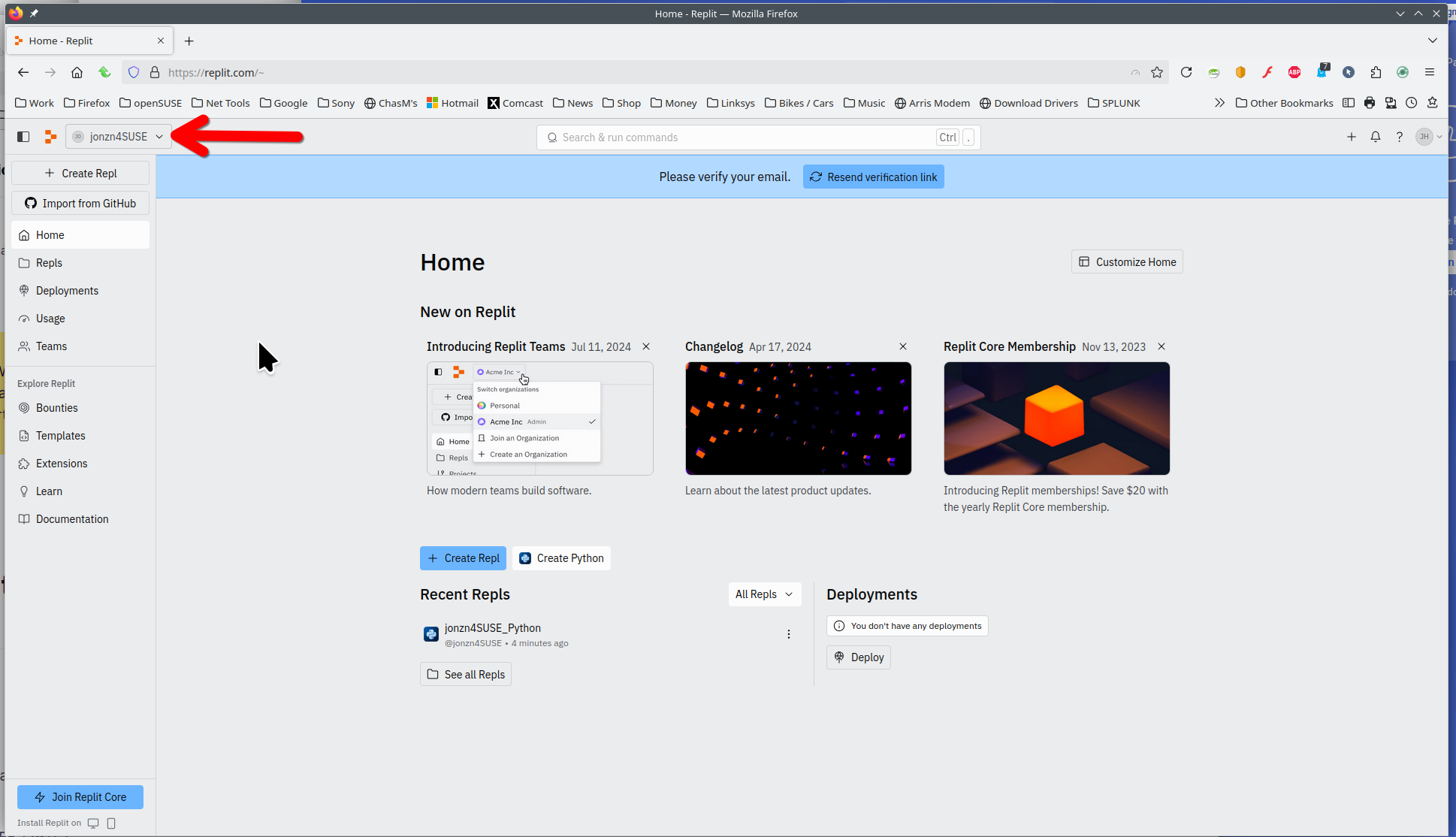
I was able to create an account and login. see screenshot Logged in a few times and never saw captcha. You need to advise how you're logging in by providing steps to replicate.
Seeing your answer, I started without add-ons, and indeed it works. I should have tried that before posting. I'll do a binary search and report here what add-on is causing the problem. Thanks!
Well, it was Malwarebytes.

It sounds like a browser-specific issue where certain security or privacy settings might be blocking the captcha from loading properly. Browsers like LibreWolf and Firefox often have stricter tracking and script-blocking policies compared to Chrome, which might interfere with captcha functionality. You could try disabling any extensions or privacy settings temporarily to see if that resolves the issue. Also, clearing the browser cache or testing in an incognito mode might help. Speaking of tracking, this reminds me of the seamless updates I get with tools like UMAC Express cargo tracking, which ensure reliability—something websites could learn from to improve user experience across all browsers!
Jake Jase said
It sounds like a browser-specific issue where certain security or privacy settings might be blocking the captcha from loading properly. Browsers like LibreWolf and Firefox often have stricter tracking and script-blocking policies compared to Chrome, which might interfere with captcha functionality. You could try disabling any extensions or privacy settings temporarily to see if that resolves the issue. Also, clearing the browser cache or testing in an incognito mode might help. Speaking of tracking, this reminds me of the seamless updates I get with tools like UMAC Express cargo tracking, which ensure reliability—something websites could learn from to improve user experience across all browsers!
Thanks for the explanation. But as you can see in my previous post, the Malwarebytes extension was the culprit. I removed this extension, it causes too many problems.