

Esta discussão foi arquivada.
Se precisar de ajuda, por favor, coloque uma nova questão.

Arquivadas
Credit card info
I went to settings and then to privacy and security and tried to find auto fill to remove credit card info. I couldn't find the setting the browser told me to find.
I went to settings and then to privacy and security and tried to find auto fill to remove credit card info. I couldn't find the setting the browser told me to find.
Todas as respostas (2)

What country are you in? https://support.mozilla.org/en-US/kb/credit-card-autofill?as=u&utm_source=inproduct
Post a similar screenshot.
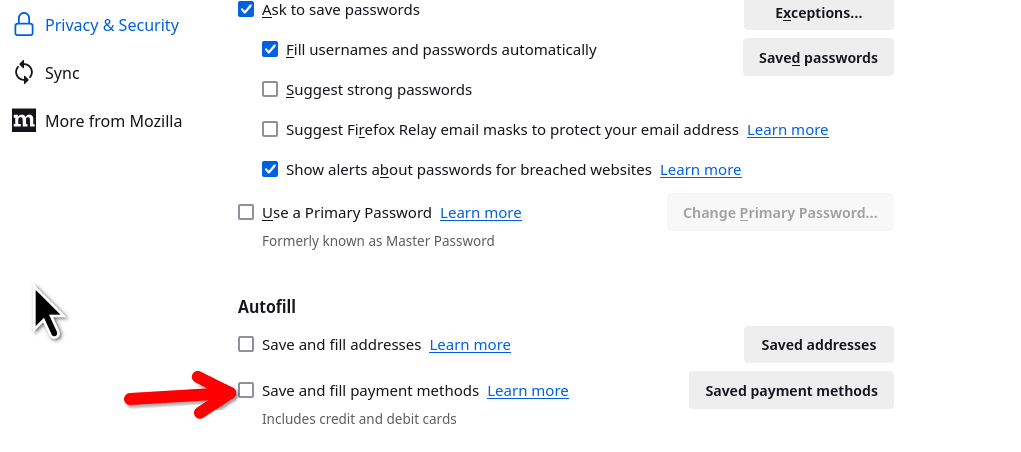
Modificado por jonzn4SUSE a
For me that was indeed a problem of country (I'm in Thailand). I opened a tab with the url "about:config", and then added "TH" (Thailand) to the following parameter: extensions.formautofill.availableRegions Then I restarted Firefox. Note: what matters is the country you're in, not the country your credit card is from.