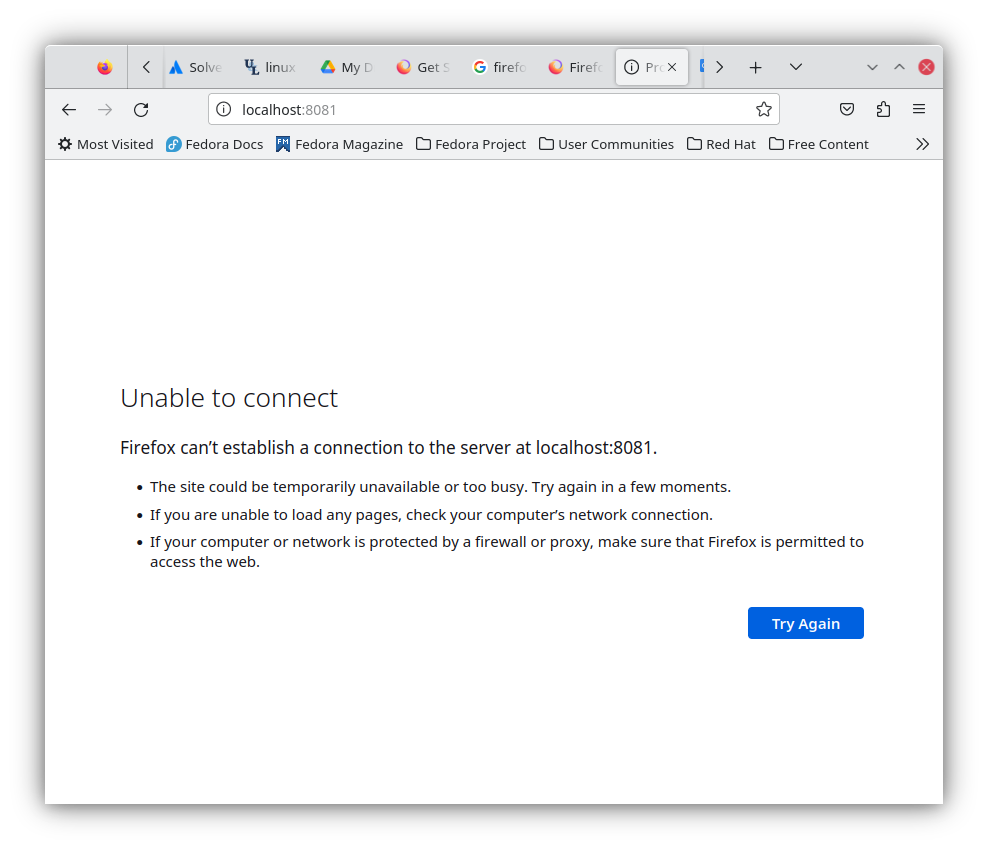
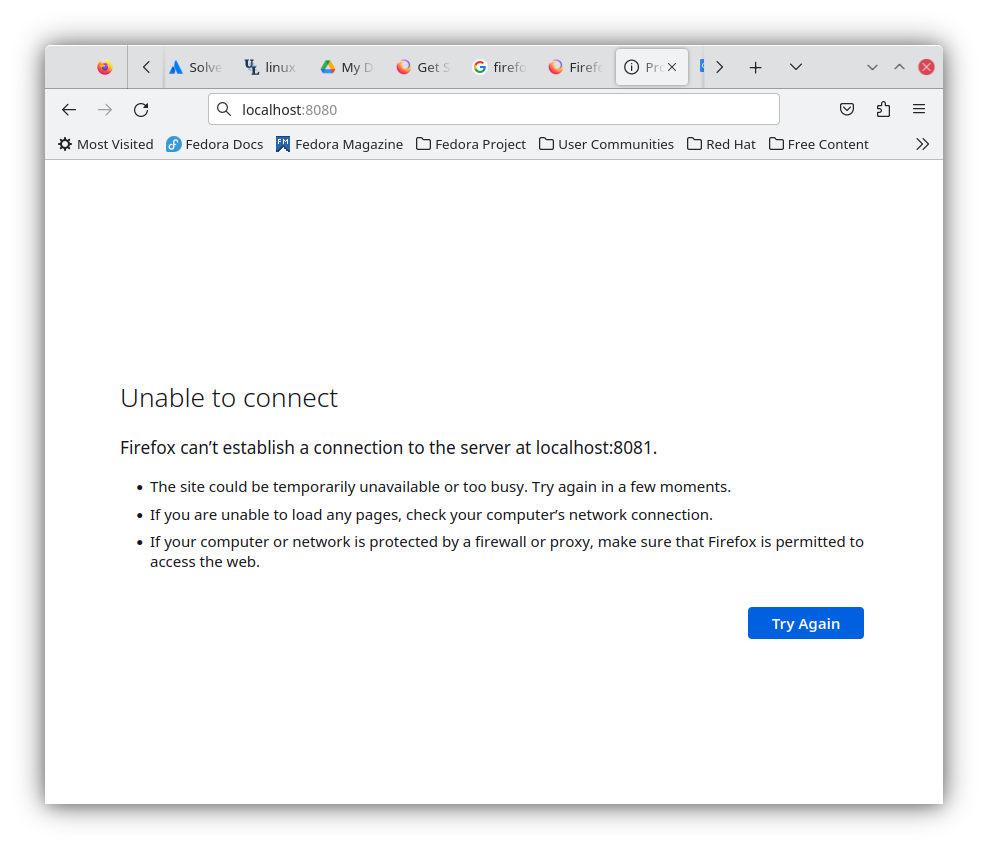
firefox is redirecting from localhost:8080 to localhost:8081
Currently Firefox is redirecting http://localhost:8080 to http://localhost:8081 , each time when type the address in the URL address bar.
I have been working with a container wordpress. I have tested in chrome the address http://localhost:8080 and all works fine.
How can we fix that problems, thanks in advance.
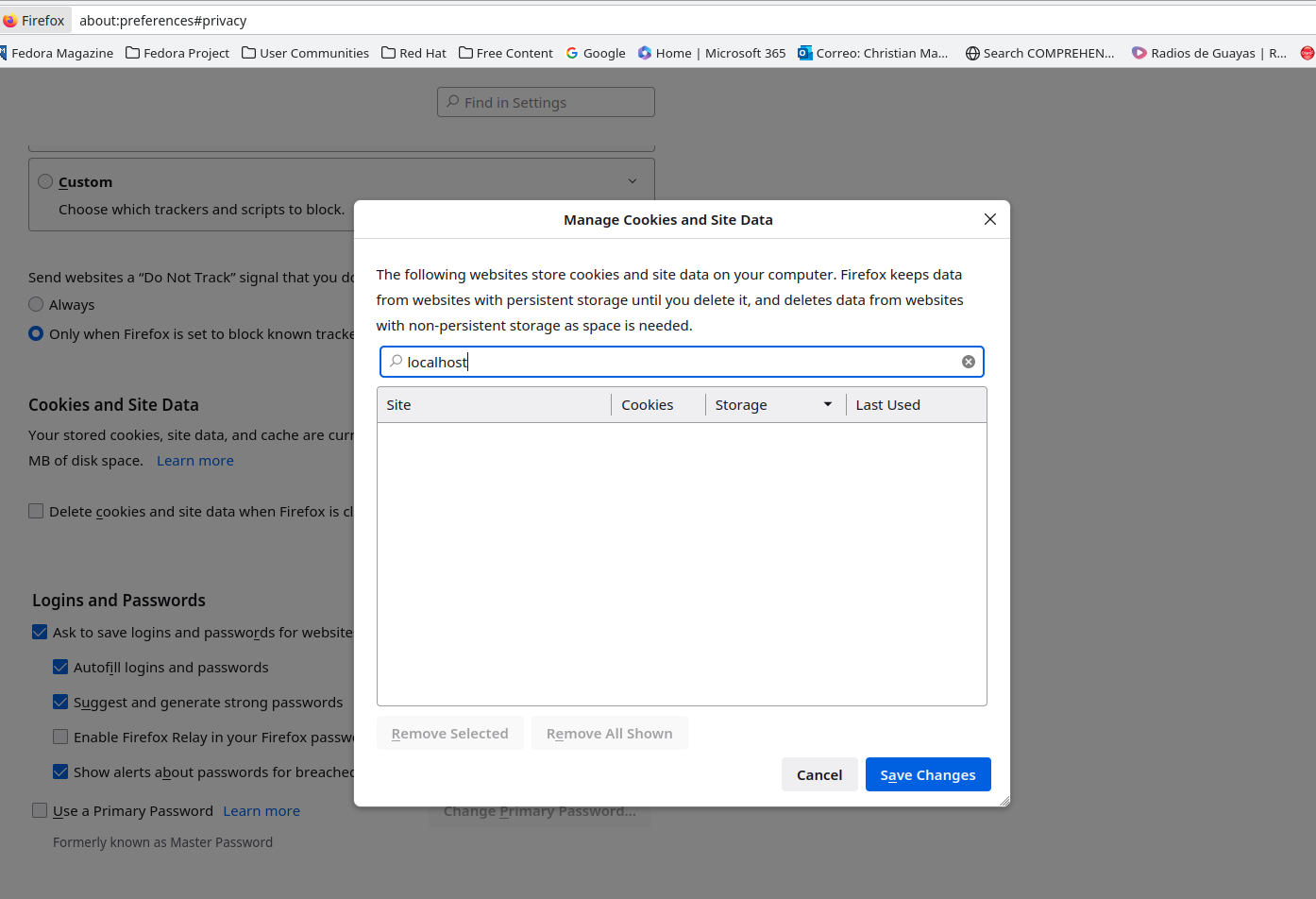
I have removed cookies and site data of localhost in Privacy-and-security> Manage-data>
screen-cast https://imgur.com/lWV1WFa
Modificado por christian a
Solução escolhida
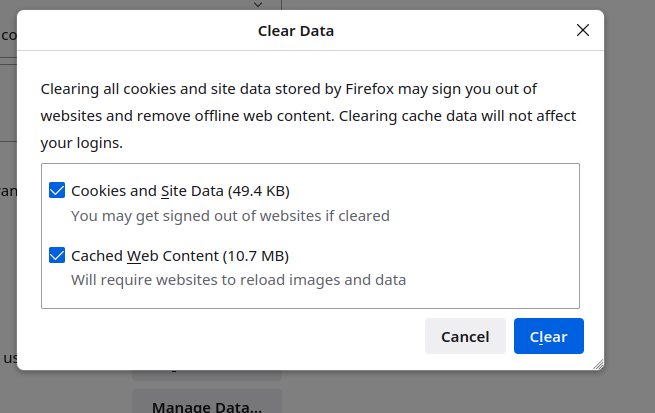
The solution was. Click in application menu> Settings> Privacy and Security> Clear Data. check in - cookies and site data - cached web content
After that, the address http://localhost:8080 is no longer being redirected. The problem with this solution is that have to log in again in all the web pages I use daily.
Ler esta resposta no contexto 👍 0Todas as respostas (1)
Solução escolhida
The solution was. Click in application menu> Settings> Privacy and Security> Clear Data. check in - cookies and site data - cached web content
After that, the address http://localhost:8080 is no longer being redirected. The problem with this solution is that have to log in again in all the web pages I use daily.