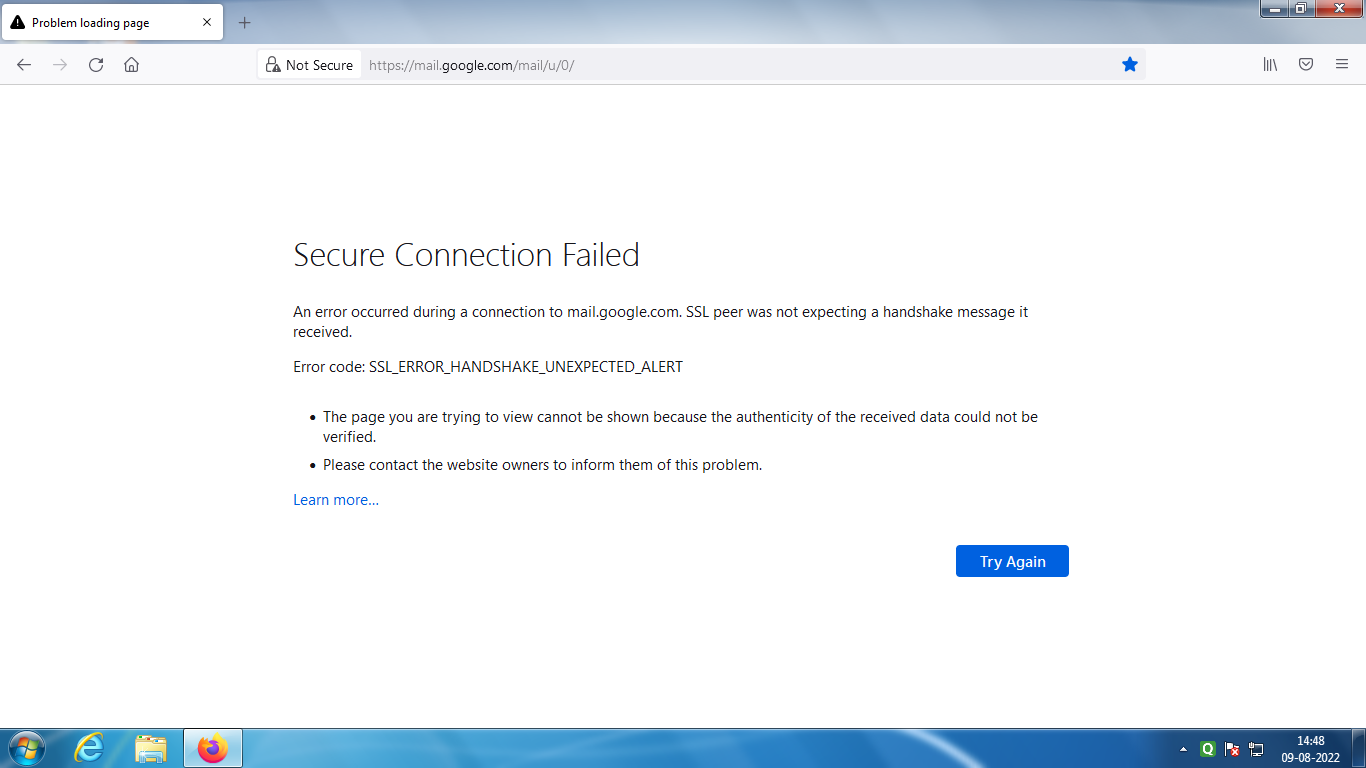
gmail connection failing frequently
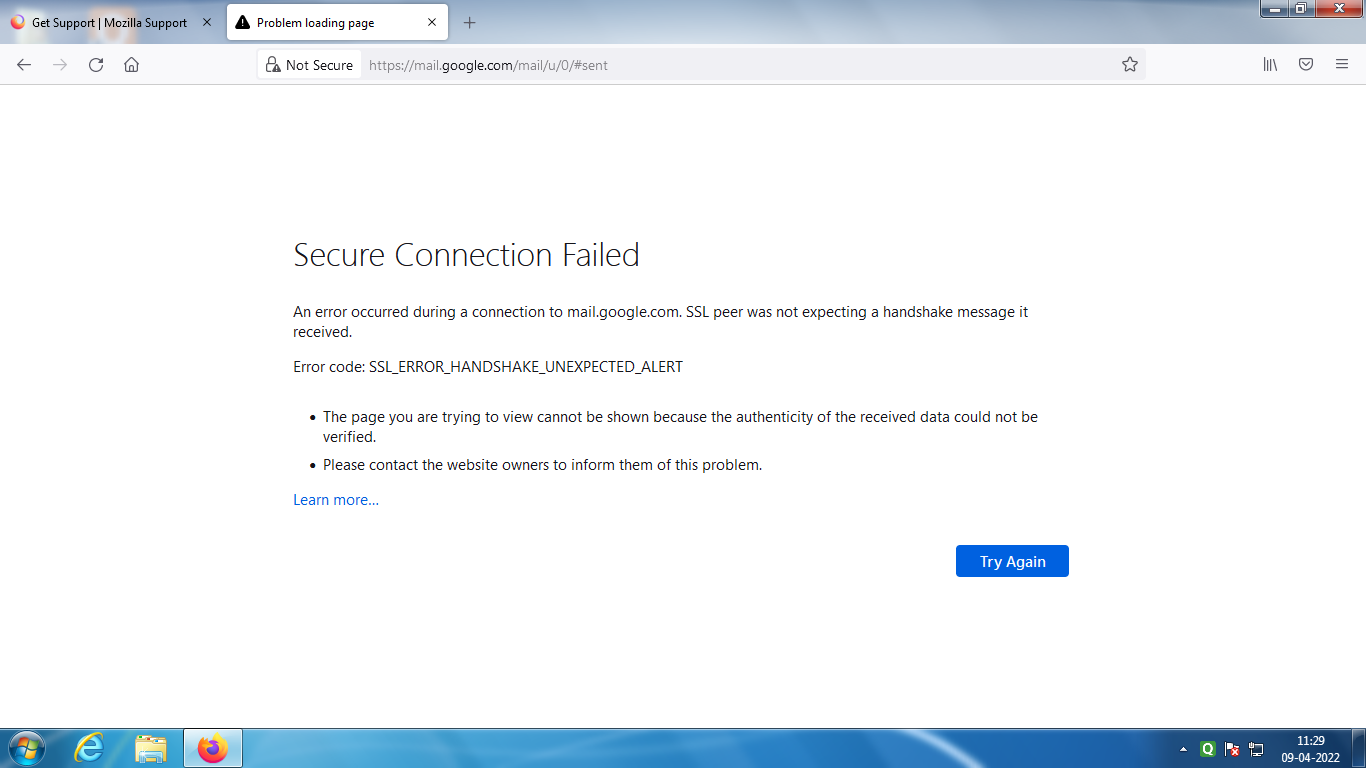
When I view gmail connection gets detached when I download or view a file. When I signout, the page as per the attachment comes. Please help.
Todas as respostas (8)
What security software are you running?

You can check the connection settings.
- Settings -> General -> Network: Connection -> Settings
If you do not need to use a proxy to connect to internet then try to select "No Proxy" if "Use the system proxy settings" or one of the others do not work properly.
See "Firefox connection settings":
Thank you for the reply of cor-el. I selected " No Proxy" in the settings of Fire Still, I have the problem with a different message as attached. Please help.
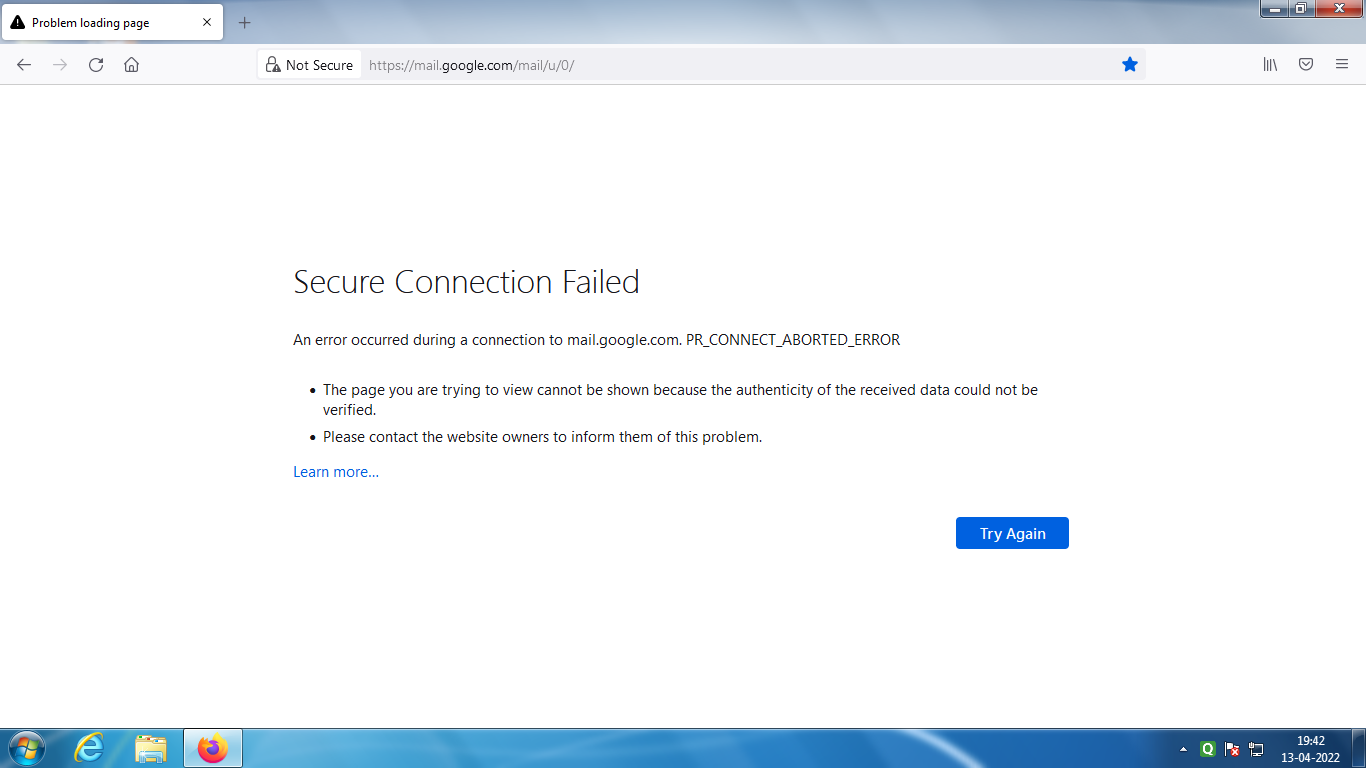
Web search: https://www.bing.com/search?q=PR_CONNECT_ABORTED_ERROR https://appuals.com/pr-connect-reset-error/ The PR_CONNECT_RESET_ERROR issue is encountered when the user tries to use Mozilla Firefox to connect to a website server with the HTTPS protocol but the request gets denied. This error message essentially means that the peer or some middlebox in between (most likely a firewall) is terminating the connection forcibly.
I am using Quick Heal anti virus. Should I contact them to solve the problem?
Ramamoorthy G S said
I am using Quick Heal anti virus. Should I contact them to solve the problem?
Yes. They might know what the issue is
The problem still continues. If you cant find a solution I will be tempted to make chrome as my browser. I requst someone to guide me properly to solve the problem. Recent screenshot of the problem attached.