


77.0.1 Problems

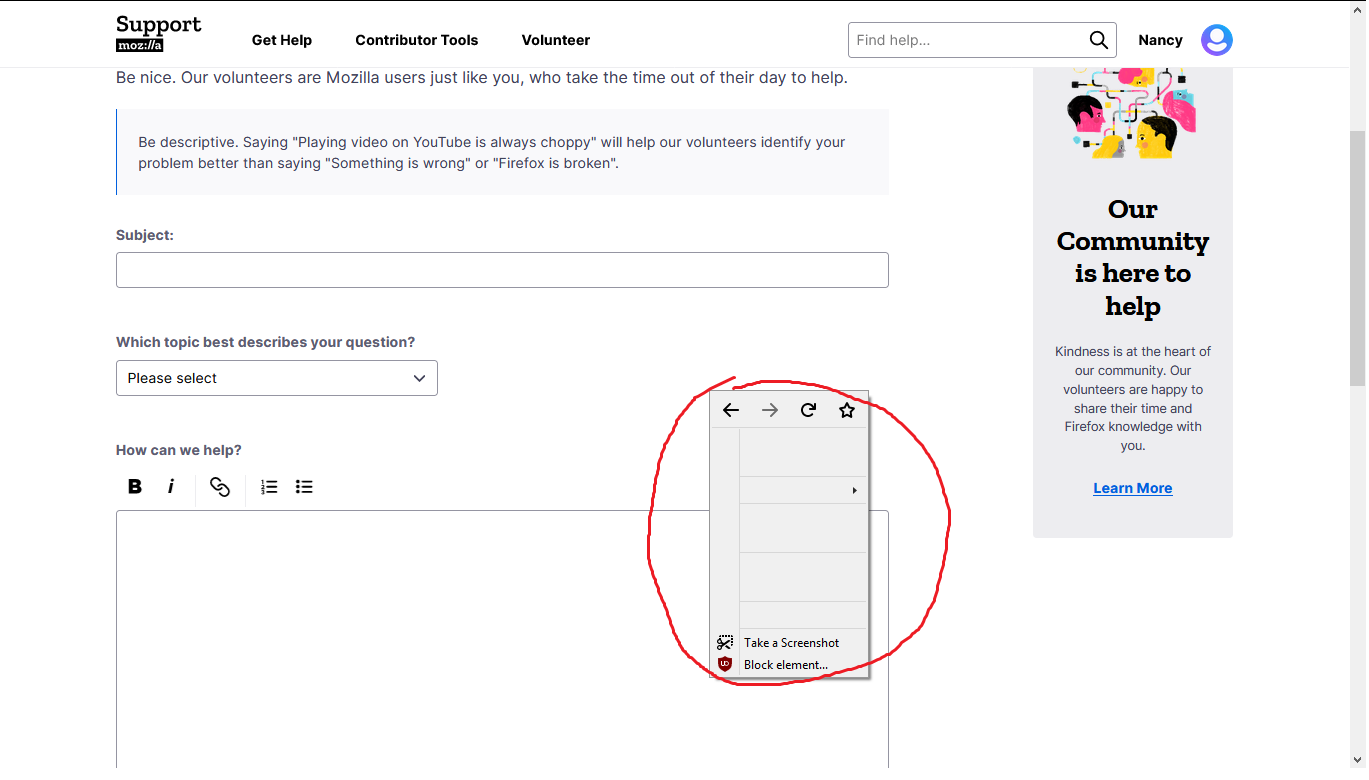
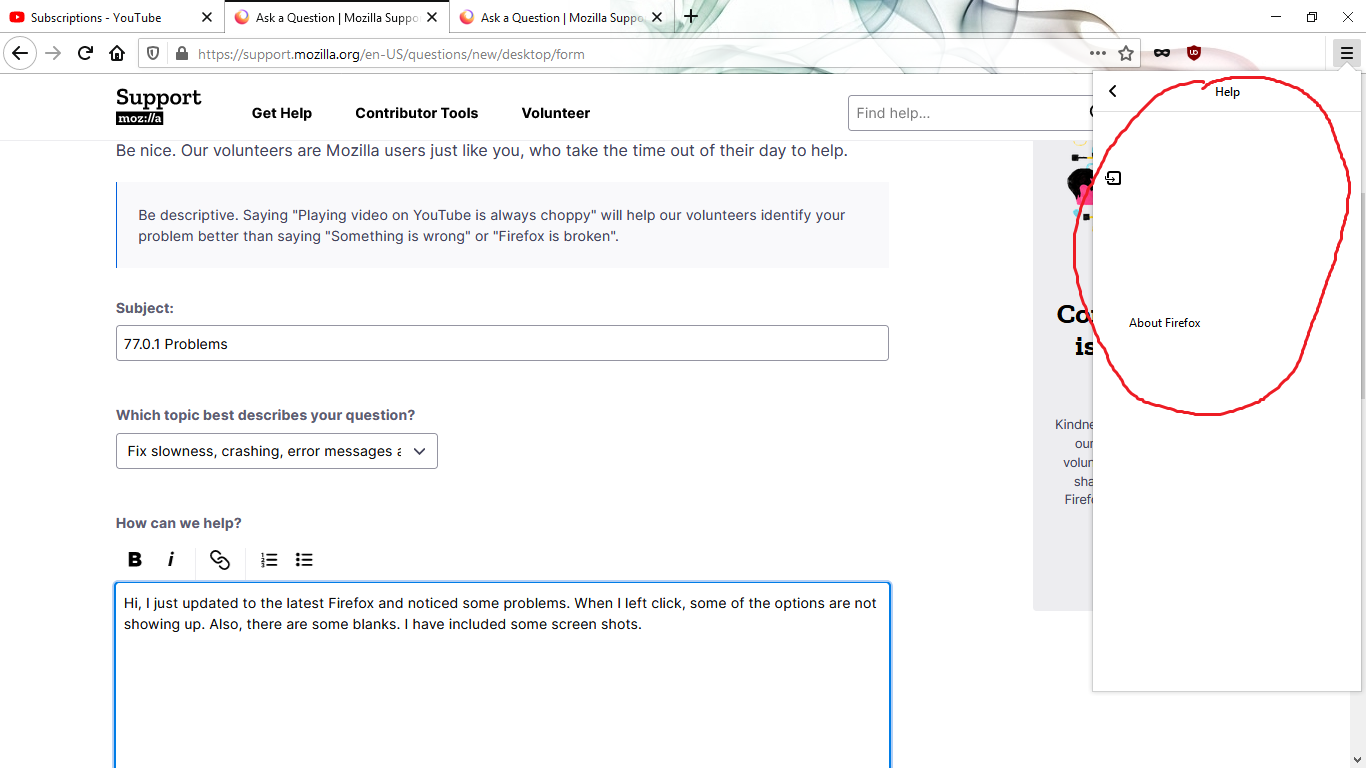
Hi, I just updated to the latest Firefox and noticed some problems. When I left click, some of the options are not showing up. Also, there are some blanks. I have included some screen shots.
Solução escolhida
Nevermind. After 25 mins after updating it works now.
Ler esta resposta no contexto 👍 0Todas as respostas (2)
Solução escolhida
Nevermind. After 25 mins after updating it works now.
I also disabled one called MapsTrek which was somehow added to my Firefox (I didn’t do it). Hi Barry, unknown extensions can creep in when you install other software, so while the symptoms have abated for now, you may want to dig into that a little more deeply when time permits: (1) Open the Windows Control Panel, Uninstall a Program. After the list loads, click the "Installed on" column heading to group the infections, I mean, additions, by date. This can help in smoking out undisclosed bundle items that snuck in with some software you agreed to install. Be suspicious of everything you do not recognize/remember, as malware often uses important or innocent sounding names to discourage you from removing it. Take out as much trash as possible here. If you're not sure, feel free to post program names or a screenshot of the list. (2) Open Firefox's Add-ons page using either: Ctrl+Shift+a (Mac: Command+Shift+a) "3-bar" menu button (or Tools menu) > Add-ons type or paste about:addons in the address bar and press Enter/Return In the left column of the Add-ons page, click Extensions. Then cast a critical eye over the list on the right side. Any extensions Firefox installs for built-in features are hidden from this page, so everything listed here is your choice (and your responsibility) to manage. Anything suspicious or that you just do not remember installing or why? If in doubt, disable (or remove). Any improvement? (3) You can search for remaining issues with the scanning/cleaning tools listed in this support article: Troubleshoot Firefox issues caused by malware. These on-demand scanners are free and take considerable time to run. If they finish quickly and especially if they require payment, you may have a serious infection. I suggest the specialized forums listed in the article in that case. Hopefully that will flush anything on your system and in your Firefox that could rear its ugly head, er, popup...