Google Search Blocked
¡Hello! Firefox generates problems when searching on Google, it shows the verification constantly. Verification is not generated in other browsers.

Solução escolhida
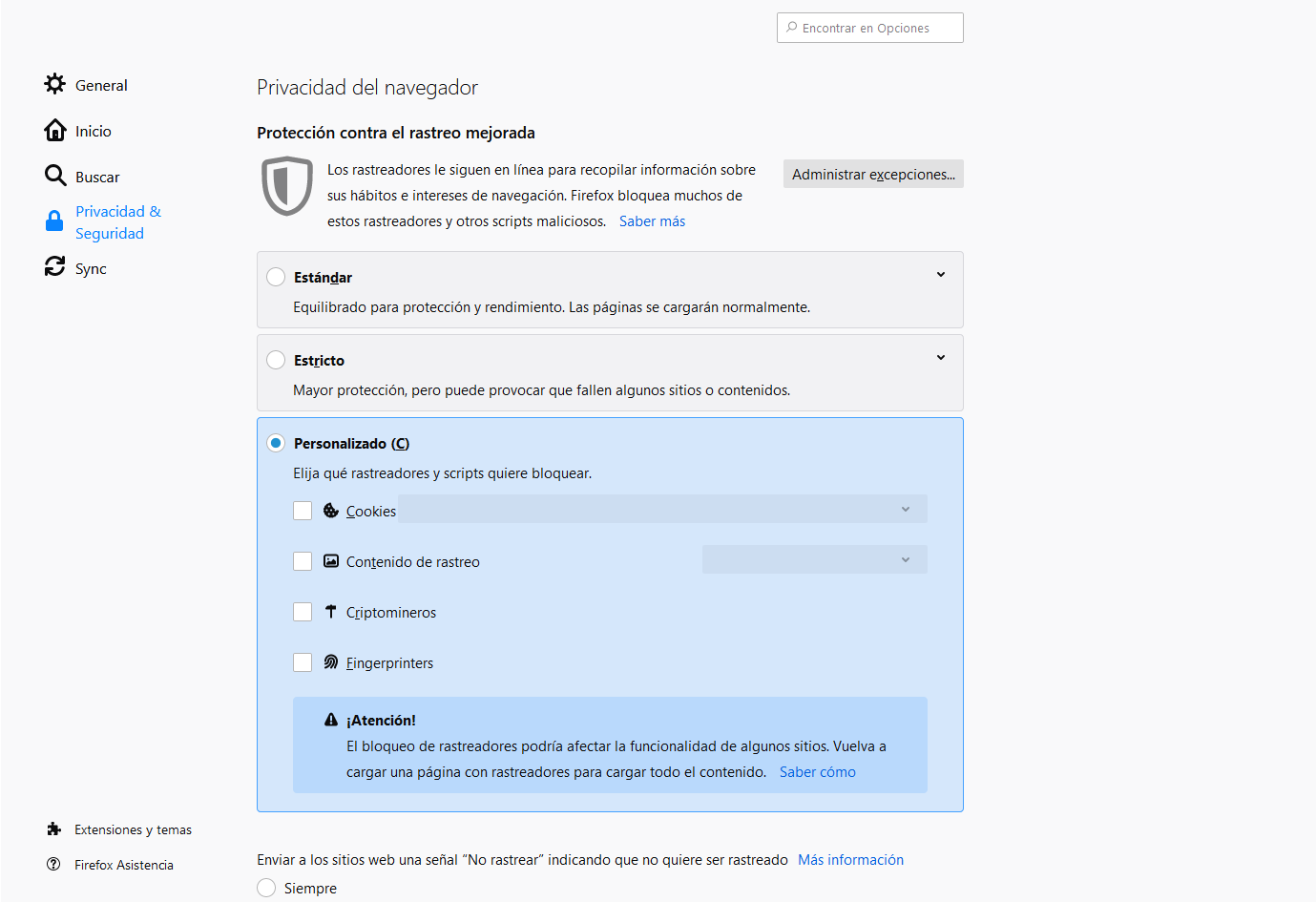
Hello, I have fixed the error by disabling the trace protection. Thanks for your comments.
Attached image in case someone else has the same problem.
Ler esta resposta no contexto 👍 0Todas as respostas (3)
Hi Diego, sometimes a complicated query will cause that.
But in other cases, your Firefox might be blocking some information that most browser send, making Google think you are a bot rather than a human. You could consider whether you are blocking Google cookies, trimming information Firefox normally sends to sites, or using any features/add-ons/external software that might modify how your connection appears. I realize that is very general, but as far as I know, Google doesn't reveal the specific criteria it uses to spot bots, so we have to make a few guesses.
You can remove all data stored in Firefox for a specific domain via "Forget About This Site" in the right-click context menu of an history entry ("History -> Show All History" or "View -> Sidebar -> History").
Using "Forget About This Site" will remove all data stored in Firefox for this domain like history and cookies and passwords and exceptions and cache, so be cautious. If you have a password or other data for that domain that you do not want to lose then make sure to backup this data or make a note.
You can't recover from this 'forget' unless you have a backup of involved files.
If you revisit a 'forgotten' website then data for that website will be saved once again.
Solução escolhida
Hello, I have fixed the error by disabling the trace protection. Thanks for your comments.
Attached image in case someone else has the same problem.