


I cannot turn off dark mode in windows.
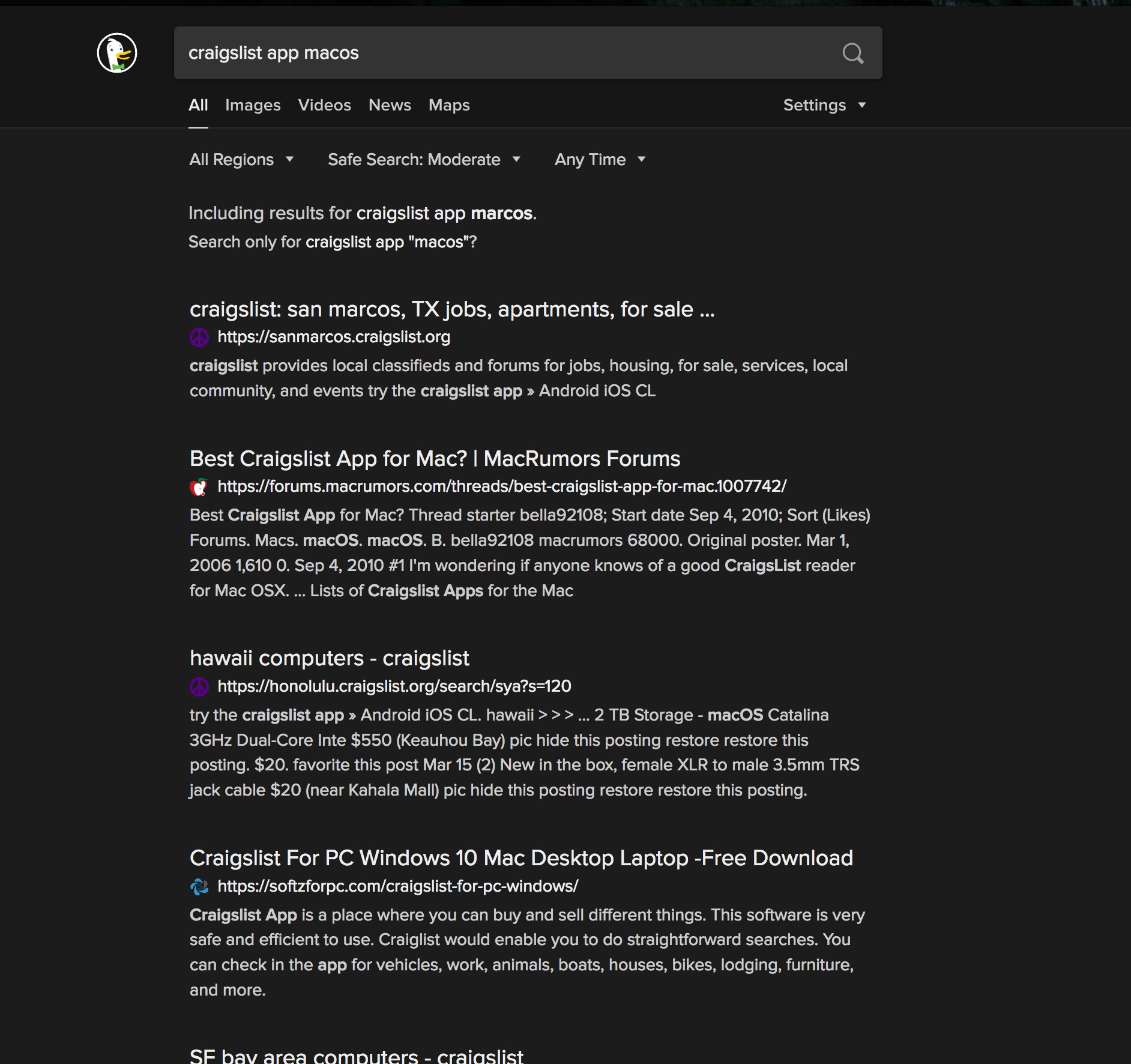
Every time I open up a search window (for both Google and DuckDuckGo) or Twitter, the entire page is dark with white lettering. I've been trying to turn this off, but cannot figure out how. Yes, I've searched all over before asking here. Any help would be appreciated!
Todas as respostas (2)
The following has been reported to work on Catalina:
(1) In a new tab, type or paste about:config in the address bar and press Enter/Return. Click the button accepting the risk.
(2) In the search box, type or paste ui.systemUsesDarkTheme
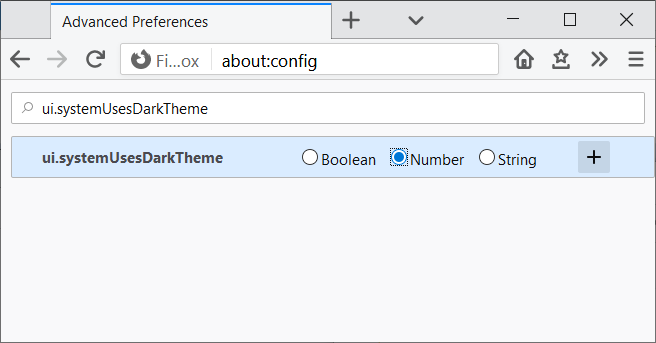
(3) Firefox should display a bar with some radio buttons to choose a new preference type, followed by a + button. Choose Number and click the + button:

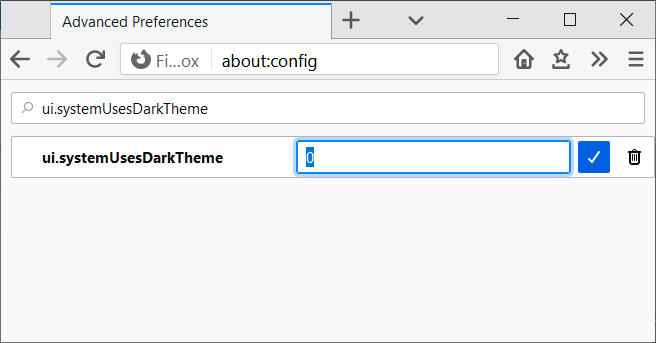
(4) For the value, 0 is correct, so click the blue check mark button or press Enter/Return to save the change.

For reference, this value is used to answer websites' inquiries about your preferred color scheme. Setting it manually overrides Firefox answering the inquiry based on your system theme:
- 0 => Light
- 1 => Dark
- 2 => No Preference
Does that work on yours?
Modificado por jscher2000 - Support Volunteer a
YES! Many many thanks -
- D