


Cant play mp3 files on websites

Hi,
I have a html5 chat where you can send mp3 sounds so everyone else in the room can hear them but not if you have firefox. Why is that? It works fine on chrome and every other browser.
Thank you.
Todas as respostas (20)

Then, I think problem is with your device. Try to update the sound drivers.
Is there any way to debug it? There is a guy that has FF 54.0.1 and says it works there. It cant be a problem with my device because I can hear it on any other browser except Firefox.
Do one thing, Reset your browser and removed unwanted extensions.
I did that already and no use. Do you mind to give it a try?
Hello?? Help please??
Hey!! What about some help??? HEEEEEEEEEEEEEEEEEEEEEEEEEEEELP!!
THERE IS NO HELP HERE!!! FIREFOX HAS ABANDONED ANY SIMILANCE OF GIVING A GODDAMN ABOUT YOU!
[Profanity removed by moderator. Please read Mozilla Support rules and guidelines, thanks.]
Modificado por Chris Ilias a
You need to make sure you have native OS support to play mp3 and mp4 (H.264) files if you have problems with playing these files with the HTML5 media player.
cor-el, as I already said, I can hear the sounds on every other browser, I can even hear the sounds from the player but not from the javascript request just it happened to you. So I dont think it has anything to do with file support.
May I suggest this : https://www.videolan.org/vlc/index.html It will play anything. See if the Problem is still there.
Modificado por Shadow110 a
What version Firefox are you now running please. Current version is 59.0.2
This may also concern you but need to read to make sure : https://www.howtogeek.com/345946/microsoft-blocks-all-windows-7-security-updates-unless-you-have-antivirus/
I am running 59.0 and I have already installed videolan. Its not a problem with my computer, I can assure you that, but rather a problem with firefox because I sent a sample to cor-el and he cant hear it either on firefox.
How about 7min fix if works : uninstall Firefox. Then Delete the Mozilla Firefox Folders in C:\Program Files , C:\Program Files(x86) & C:\ProgramData Then restart system. Then run Windows Disk Cleanup. (Note: This should be Pinned and run Weekly, If never done below expect 10's of gig's) Then run it again and click the button that says Cleanup System Files. Note: your Firefox Profile is saved. But you should make a back up before you do :
- https://support.mozilla.org/en-US/kb/back-and-restore-information-firefox-profiles
- https://support.mozilla.org/en-US/kb/export-firefox-bookmarks-to-backup-or-transfer
Reinstall with Current Release Firefox 59.0.1 with a Full Version Installer
Please let us know if this solved your issue or if need further assistance.
Thank you for your support but I have even tried on other computers and I got the same result. Its a problem with firefox programming, maybe a bug. I can send you the sample so you can test it yourself to see what I mean.
Please help me! I have tried all!
I assume that this is a problem with content retrieved via XHR and not loaded in the normal way to launch the HTML5 media player. I don't know how this content is retrieved and what the browser (Firefox) is supposed to do with it and why Firefox doesn't launch the player.
No player is supposed to be launched, its just a 1 second-long sound. Its not meant to be rewind or fast forwarded, not even paused. The command should play the sound automatically as soon as the button is pressed just like it does on chrome. I hope somebody from the mozilla developers team could take a look, I would really appreciate it.
cor-el said
I assume that this is a problem with content retrieved via XHR and not loaded in the normal way to launch the HTML5 media player. I don't know how this content is retrieved and what the browser (Firefox) is supposed to do with it and why Firefox doesn't launch the player.
I was writing and writing and suddenly All Text Dissappeared.
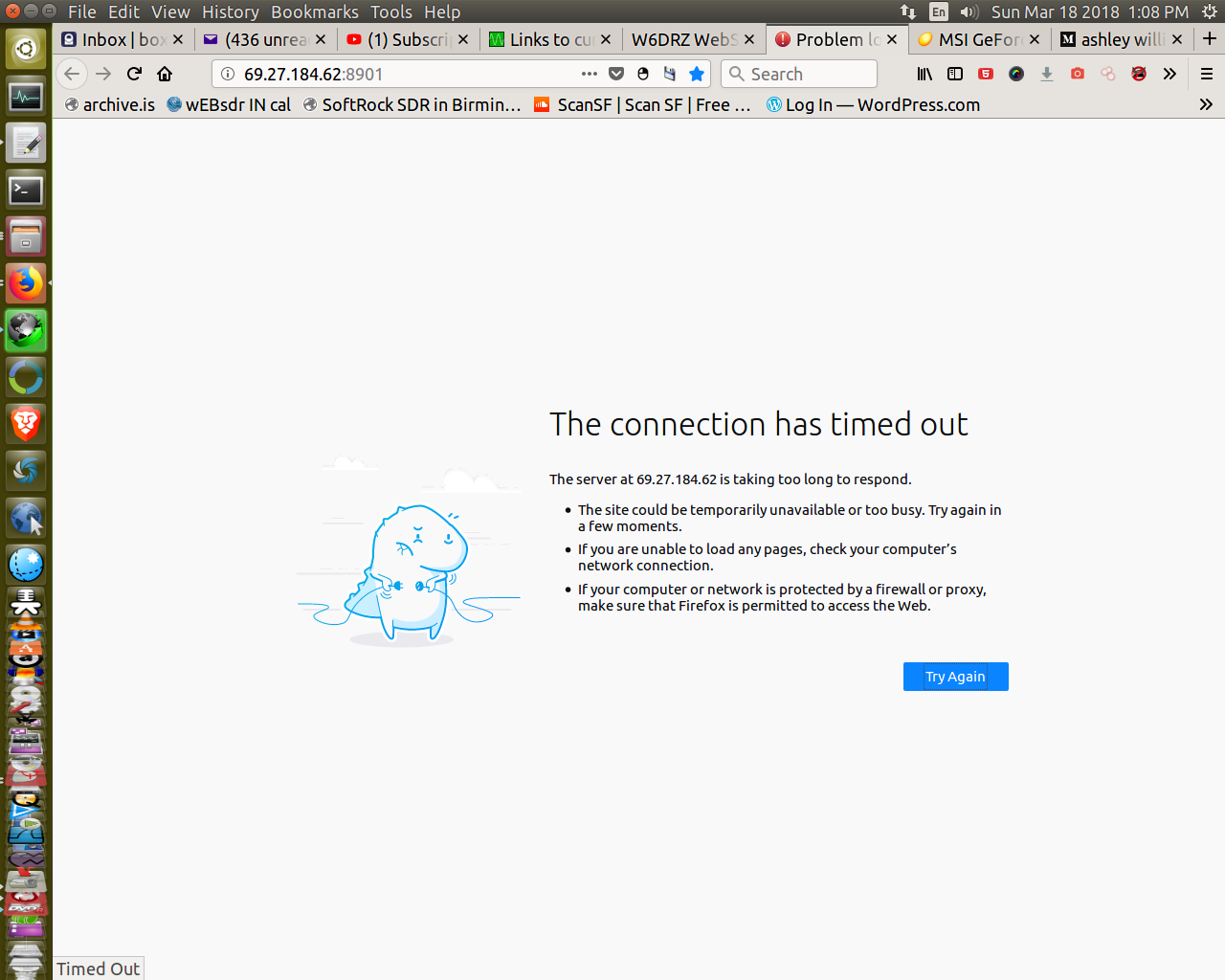
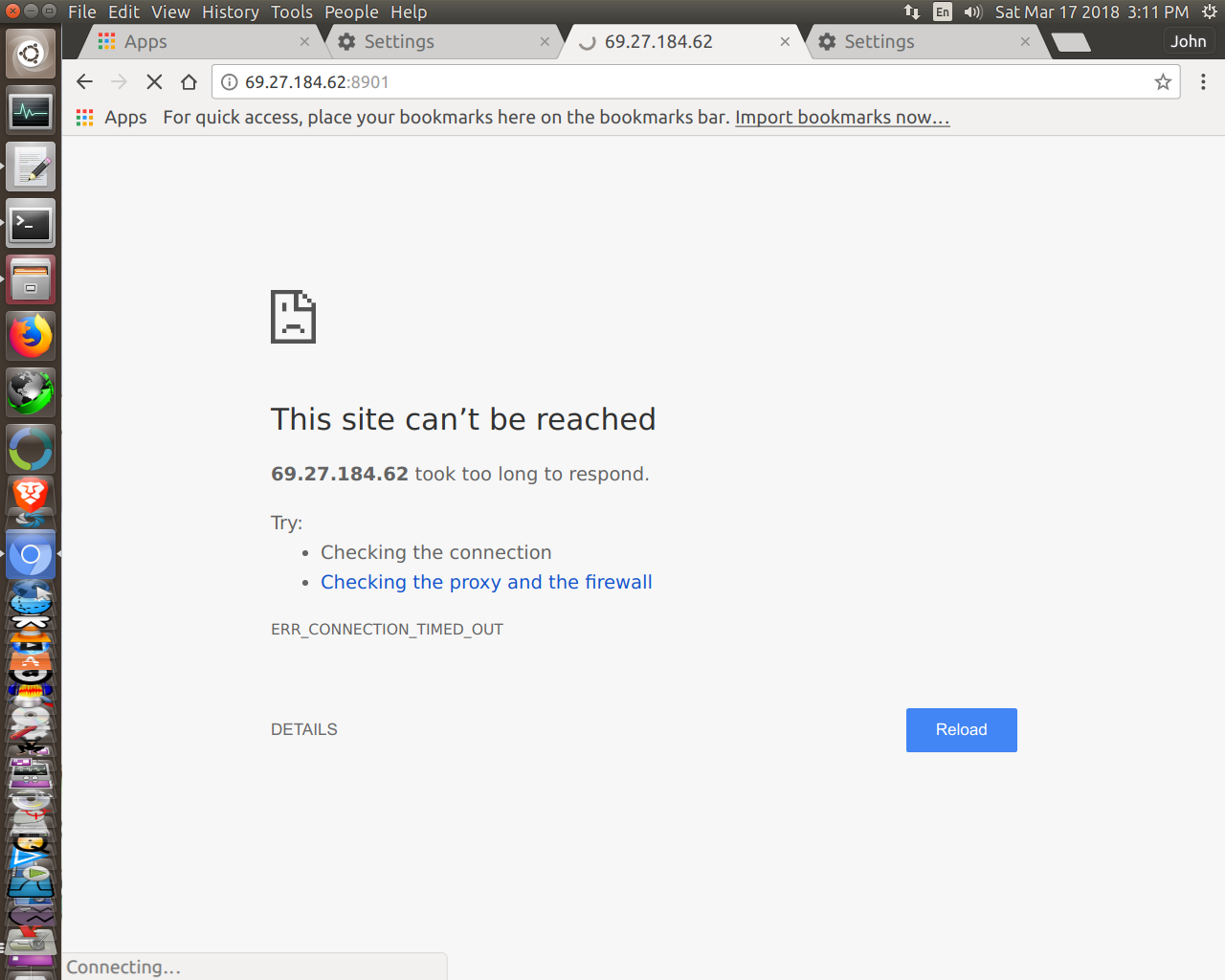
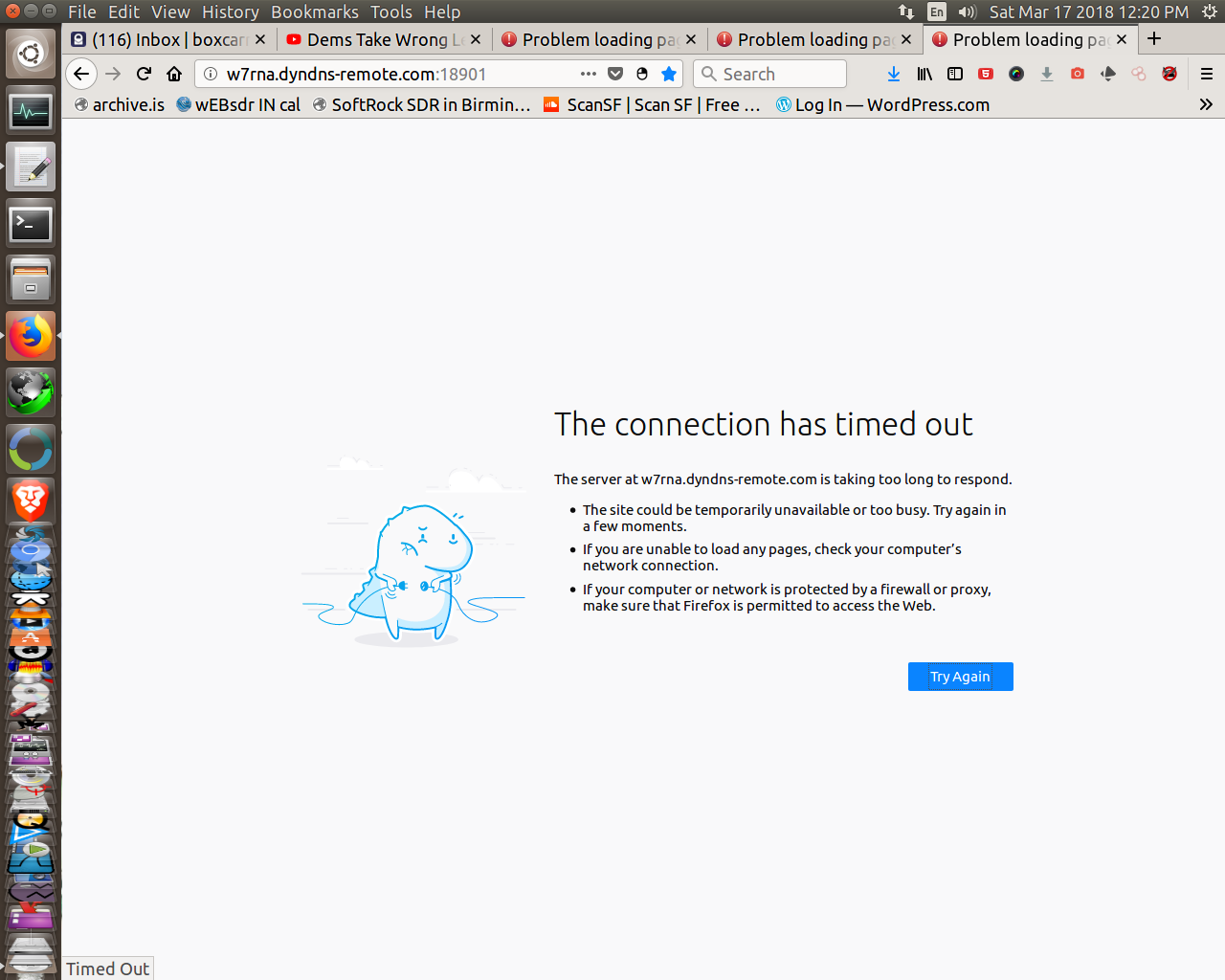
Here si 2 more you see and on RBN.org streaming dies not work from Web Page, neither renseradio.com...does not work.
I asked Comcast about this when it first sataerted they gave EVASIVE ANSWERS...Others (Like Darren Kitchens at HAK5 Youtube Channel mentioned COMCAST was doing this.
I need better PROOF that COMCAST is IMPLIMENTING the BAN INTRODUCED BY FACEBOOK and GOOGLE about 3 weeks ago.
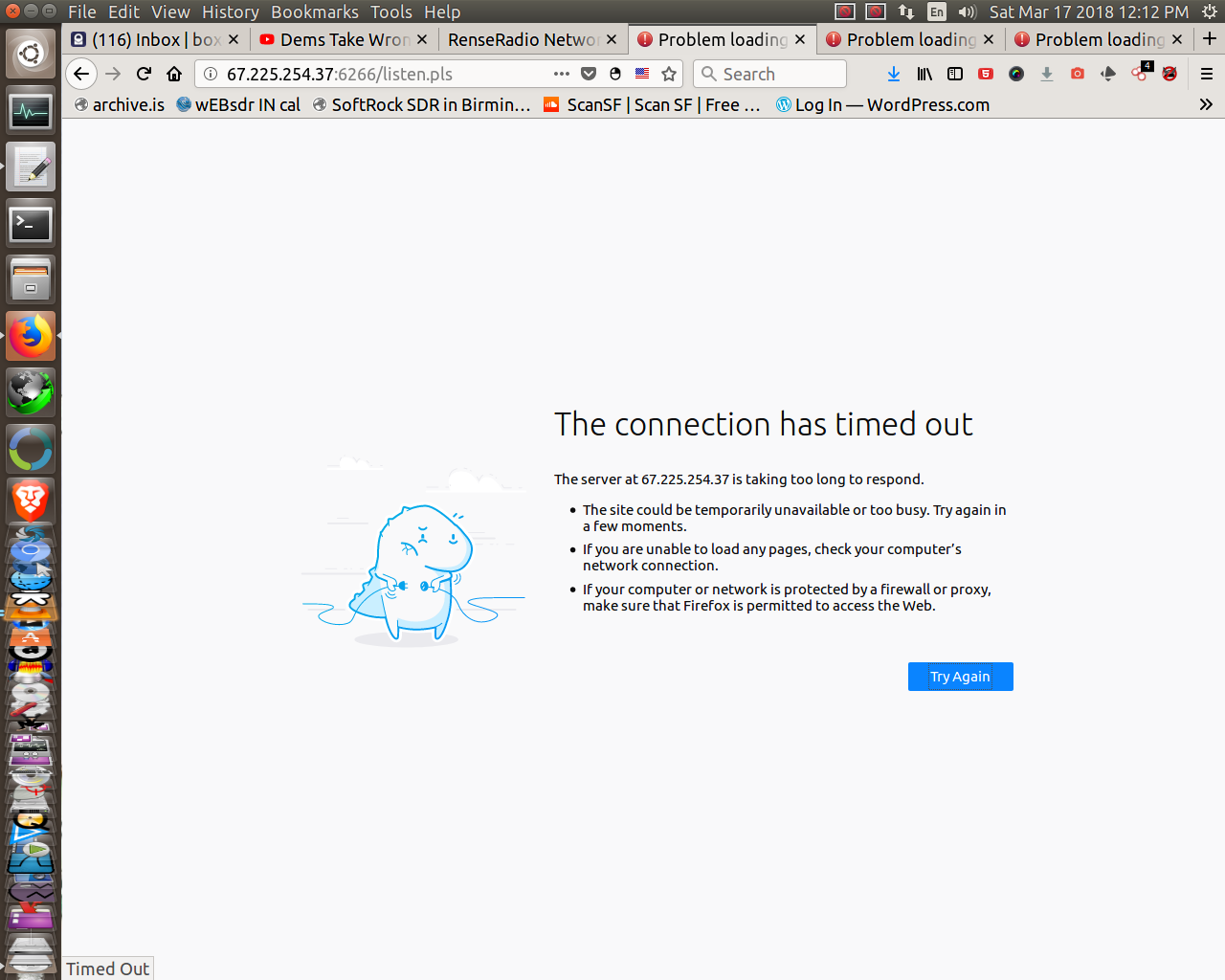
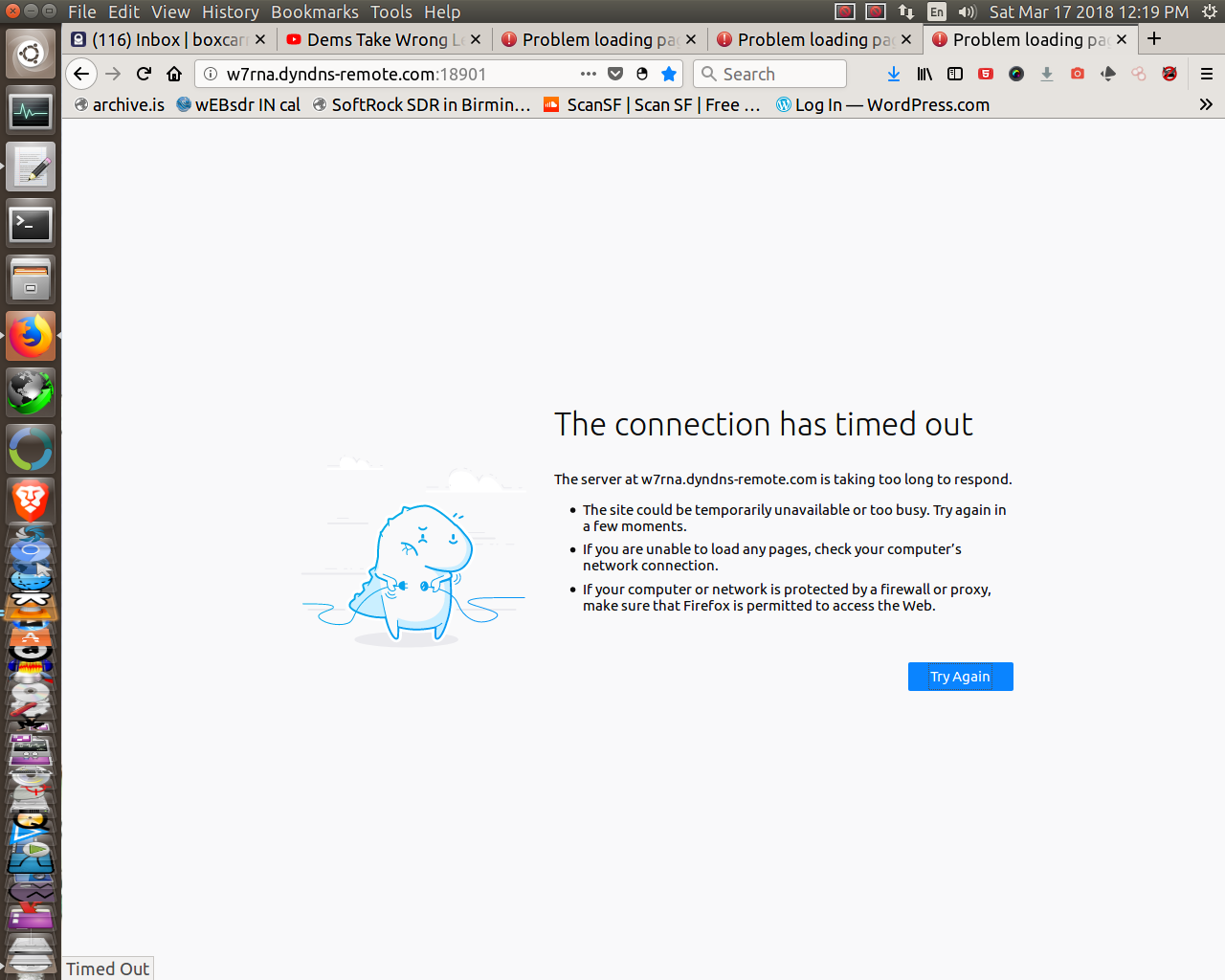
Seems like nobody can help out with this...