


Flash doesn't work after I updated it

I am using Firefox 34.0.5 and updated my flash player but after the update it stopped working. The videos doesn't show up. I tried disabling all add-ons and found out that Shockwave Flash 16.0 is causing the problem. What should I do to make it work again?
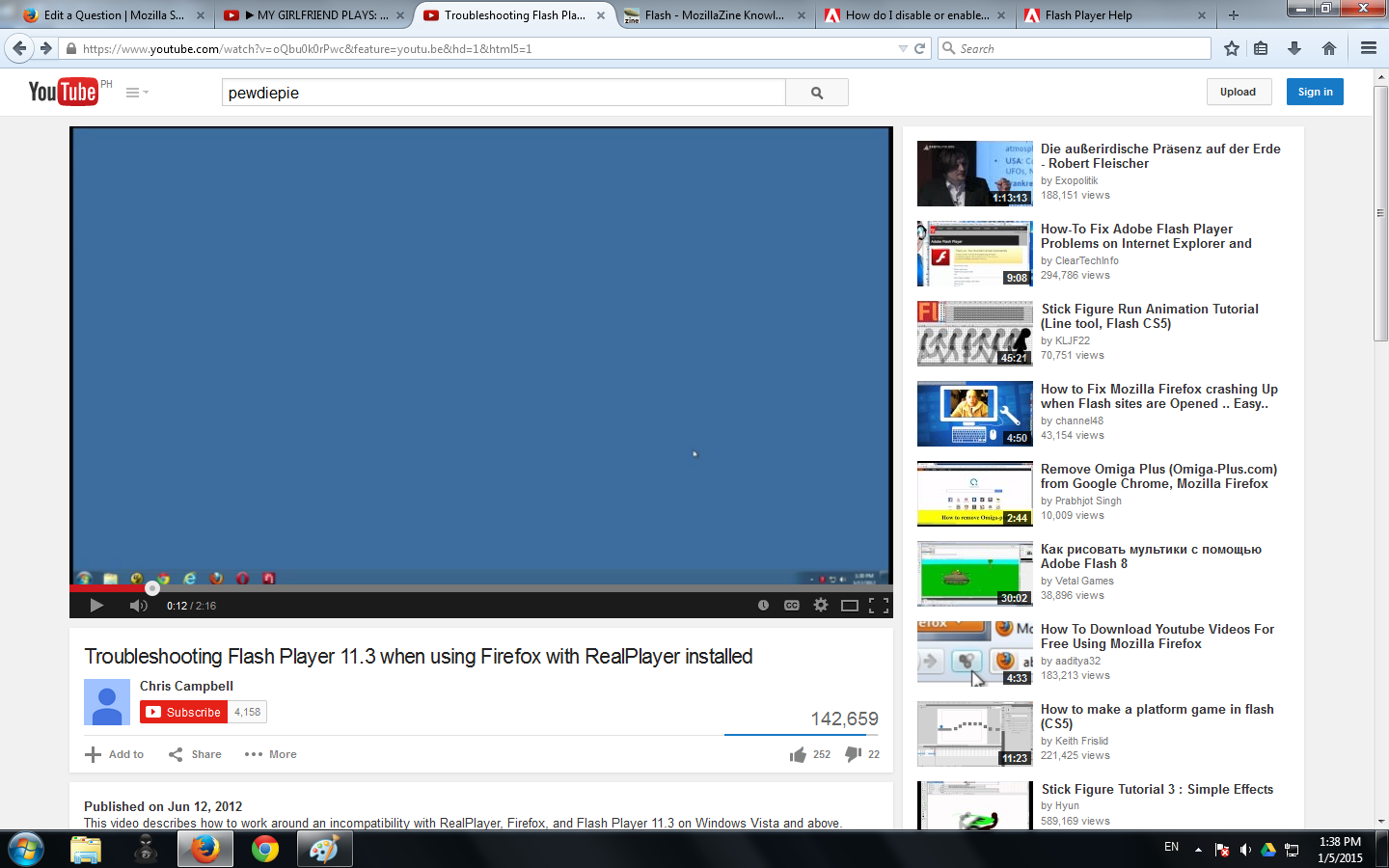
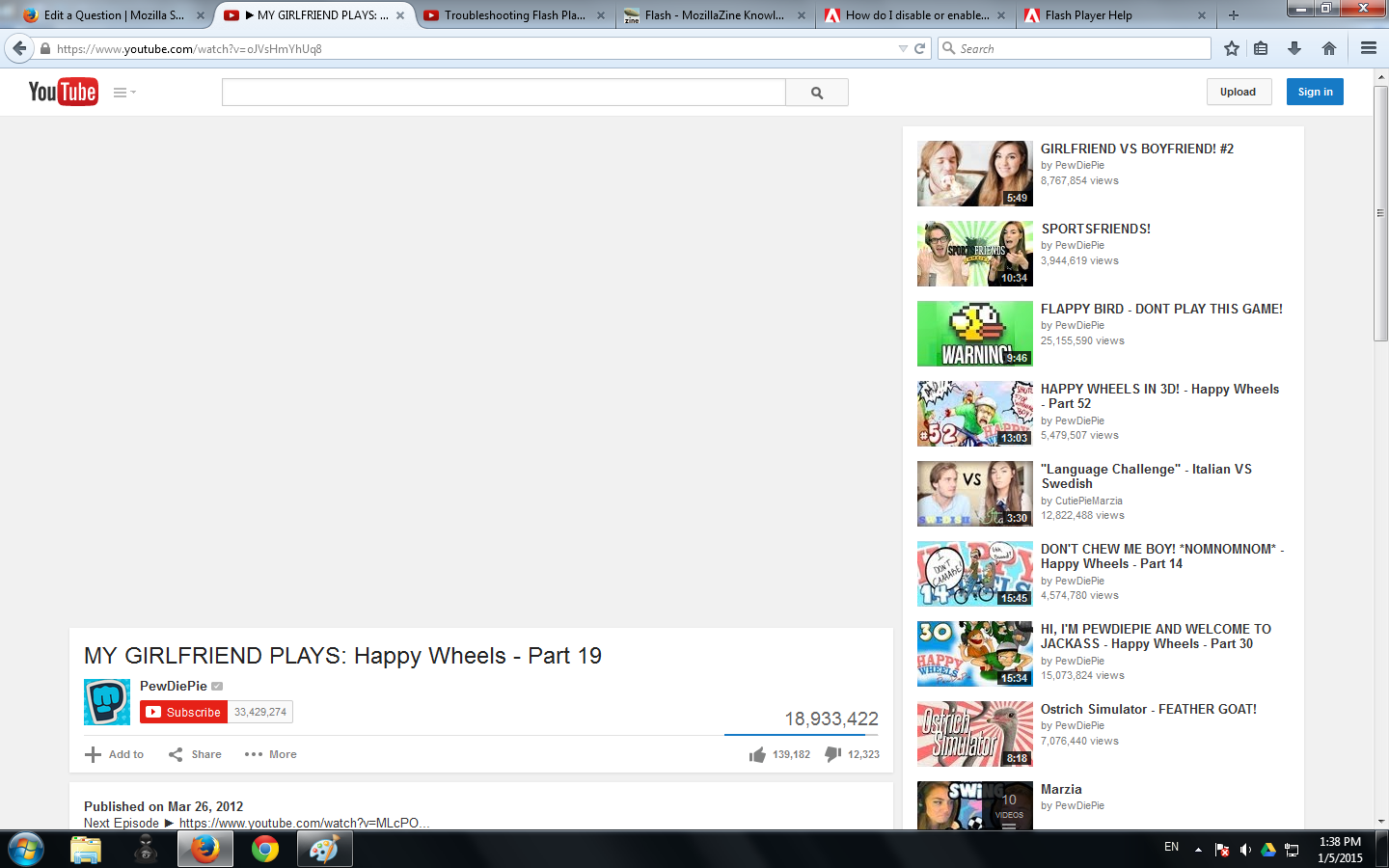
I don't know why but some videos work just fine and other videos doesn't show anything even a white or black screen, even though they're from the same site. When a video doesn't show up, the cursor changes from the normal cursor to "working in background" cursor rapidly.
Modificado por tanthan a
Todas as respostas (3)
Hey,
Did you try these typical Flash fixes?
(1) Disable hardware graphics acceleration in Firefox and in Flash
(A) In Firefox, un-check the box here and restart:
orange Firefox button or classic Tools menu > Options > Advanced > General > "Use hardware acceleration when available"
(B) In Flash, see this support article from Adobe: http://helpx.adobe.com/flash-player/kb/video-playback-issues.html#main_Solve_video_playback_issues
(2) Disable protected mode (Win Vista & Win 7 & maybe Win 8)
See this support article from Adobe under the heading "Last Resort": Adobe Forums: https://forums.adobe.com/message/4468493#TemporaryWorkaround
Hope it helps.

If you have problems with current Shockwave Flash plugin versions then check this:
- see if there are updates for your graphics drive drivers
https://support.mozilla.org/kb/upgrade-graphics-drivers-use-hardware-acceleration
- disable protected mode in the Flash plugin (Flash 11.3+ on Windows Vista and later)
https://forums.adobe.com/message/4468493#TemporaryWorkaround
- disable hardware acceleration in the Flash plugin
https://forums.adobe.com/thread/891337 See also:
Talha said
Hey, Did you try these typical Flash fixes? (1) Disable hardware graphics acceleration in Firefox and in Flash (A) In Firefox, un-check the box here and restart: orange Firefox button or classic Tools menu > Options > Advanced > General > "Use hardware acceleration when available" (B) In Flash, see this support article from Adobe: http://helpx.adobe.com/flash-player/kb/video-playback-issues.html#main_Solve_video_playback_issues (2) Disable protected mode (Win Vista & Win 7 & maybe Win 8) See this support article from Adobe under the heading "Last Resort": Adobe Forums: https://forums.adobe.com/message/4468493#TemporaryWorkaround Hope it helps.
I did both of these but it still didn't work. I tried using another browser and found out that the problem only occurs in firefox.