


Resotring session show content but no url

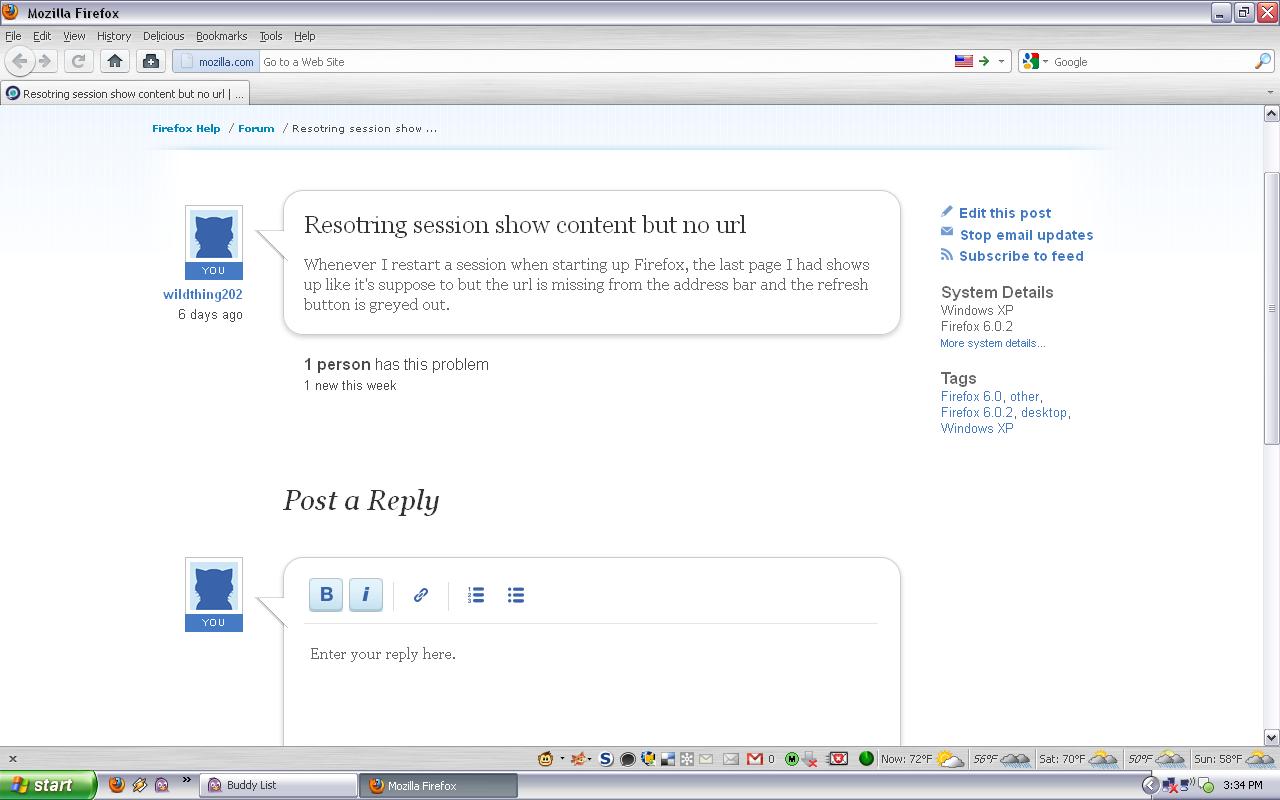
Whenever I restart a session when starting up Firefox, the last page I had shows up like it's suppose to but the url is missing from the address bar and the refresh button is greyed out.
Diubah oleh wildthing202
Penyelesaian Terpilih
Start Firefox in Use Troubleshoot Mode in Firefox to check if one of the extensions or if hardware acceleration is causing the problem (switch to the DEFAULT theme: Firefox (Tools) > Add-ons > Appearance/Themes).
- Don't make any changes on the Safe mode start window.
- https://support.mozilla.com/kb/Safe+Mode
See also:
All Replies (5)
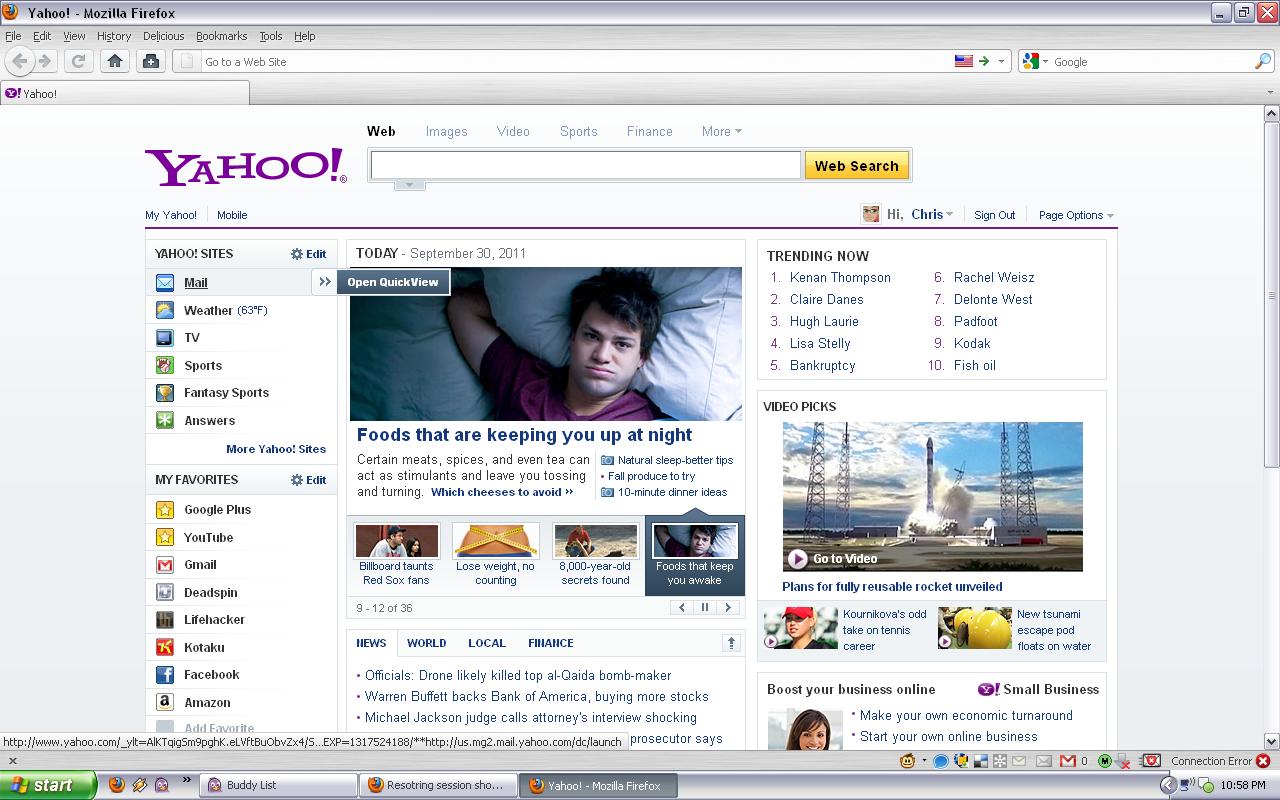
Here's a screenshot of the error. It's still doing it after I've updated to the newest version 7.0.1
Try a new window to see if that works better and close the current window.
You can also try http://kb.mozillazine.org/Corrupt_localstore.rdf
Tried opening a new window and the same thing occurs, content with no url. I also deleted the file shown in the link and it still happens.
Penyelesaian Terpilih
Start Firefox in Use Troubleshoot Mode in Firefox to check if one of the extensions or if hardware acceleration is causing the problem (switch to the DEFAULT theme: Firefox (Tools) > Add-ons > Appearance/Themes).
- Don't make any changes on the Safe mode start window.
- https://support.mozilla.com/kb/Safe+Mode
See also:
After going through everything it looks like the culprit was Google Plus Manager 0.6.5. When that was disabled, whenever I opened a new window the error would occur. Thanks for the help.