


Unwanted "Account Setup" window when opening .eml file.

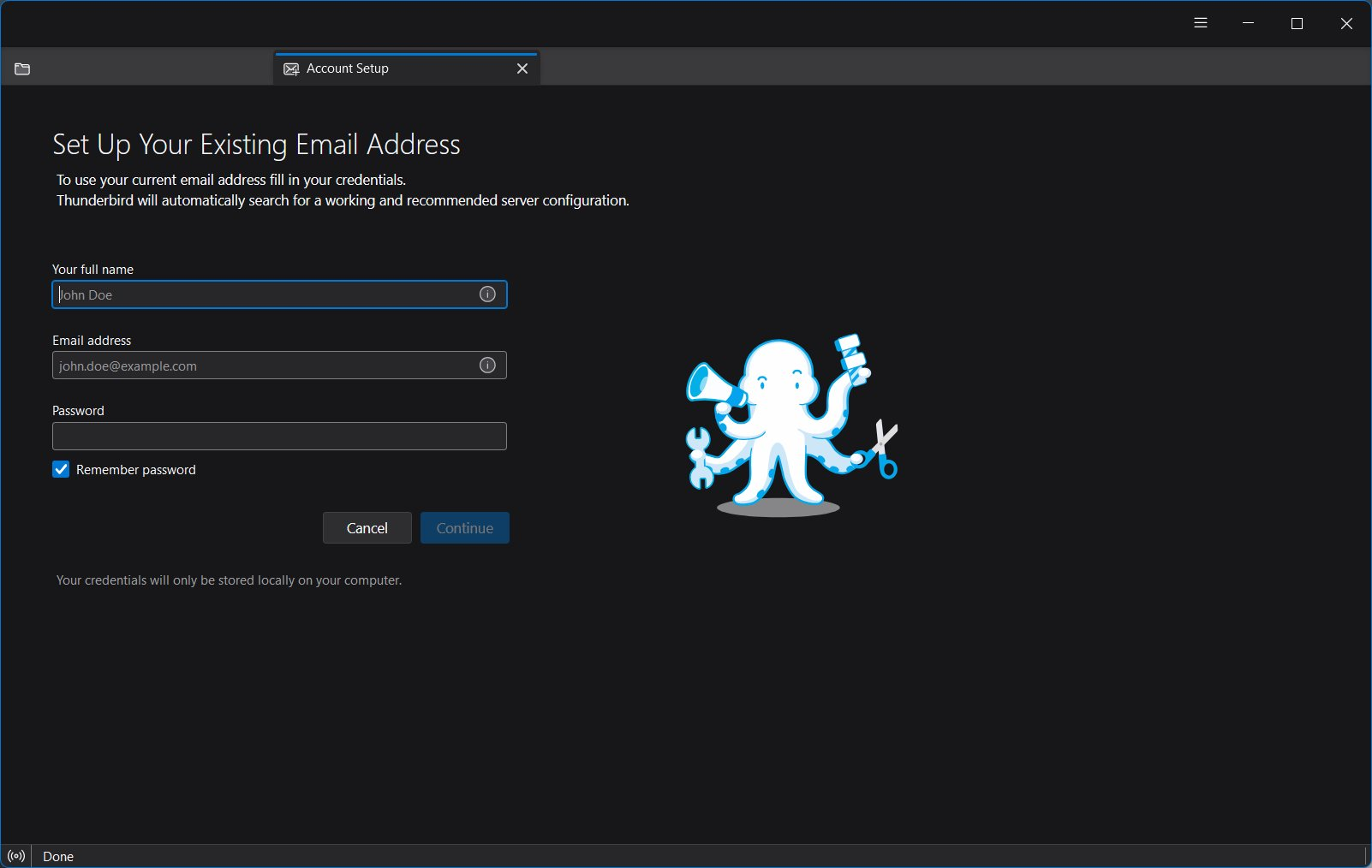
Whenever I attempt to open a .eml file from my hard drive, I receive the "Account Setup" window before the actual file opens. How do I get rid of "Account Setup" as an initial window when opening a file?
All Replies (2)

Are you actually using TB with a valid account? If so, that will need to be troubleshot, as I can't reproduce the problem. If not, what you want to do won't work; do a web search for .eml viewer.
Ed said
Are you actually using TB with a valid account? If so, that will need to be troubleshot, as I can't reproduce the problem. If not, what you want to do won't work; do a web search for .eml viewer.
I am using a valid account (otherwise I could not have this exchange with you). I frequently save emails to my local hard drive as .eml (defalut) files, and need to retrieve them at a later date / time. When retrieving the saved file, by double-clicking on the file, Thunderbird always gives me the "Account Setup" screen, then opens the saved file in another window shortly thereafter. This condition happens even when I have a Thunderbird process open in another window.