


"already a subscriber?" does not work

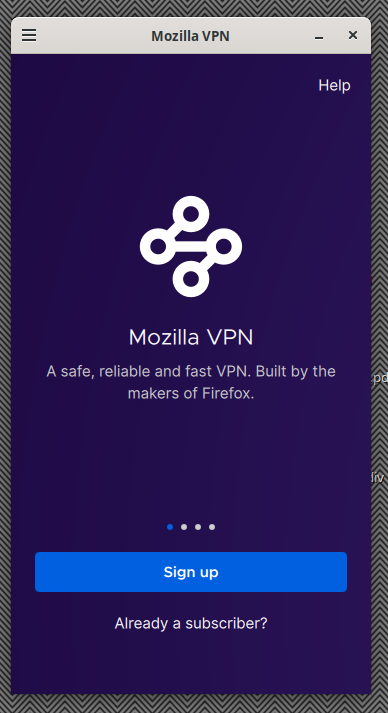
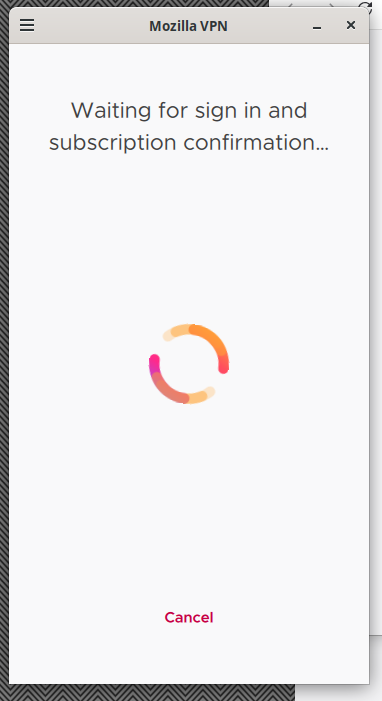
This is a new install of debian 13 trixie. I have a subscription to mozillavpn. It was working on a previous install of debian. I use synaptic to install flatpak. I use flatpak to install warehouse. I use warehouse to install mozillavpn. Once installed I highlight the package mozilla vpn in warehouse then click open. A mozillavpn icon appears in the taskbar. Also a window that is shaped like a cell phone open up. This window has a button to "sign up", also it has a link to "already a subscriber?". I click the "already a subscriber" link. It changes to a page that says "waiting for sign in and subscription confirmation..." with a rotating circle and a button to cancel. It also opens a separate browser to a start page. I wait awhile but nothing happens. I change the browser page to my mozilla account page at "https://accounts.firefox.com/settings" Nothing happens. There's a button on the account page to "connect a device" but I don't know what to do with it. Under the heading "Everything you are using and signed into." it has 2 entries: "Firefox 153, Linux" and "Mozilla Support". Both entries have a "sign out" button. Back at the mozilla vpn cell phone shaped window the spinner just spins and nothing else. So I'm stuck. I click cancel and it goes back to the "sign up' / "already a subscriber?" page. From the icon in the taskbar I click quit and both the window and the icon go away. Everything seems to working but I am not registering as a subscriber. I've tried this several times over the course of 2 days. It's always the same.
All Replies (1)
Mozilla VPN is one of Mozilla's premium products. In order to get premium support from a dedicated agent, please submit your question with your Mozilla VPN app by going to Settings > Help > Contact Support. Alternatively, you can sign in to the Mozilla account connected to your subscription here (if not already) and then use this link.
The Mozilla VPN form can also be found at top at Ask a Question > Mozilla VPN as you posted this thread in the desktop Firefox support forum section.
Also the KB articles for Mozilla VPN are at https://support.mozilla.org/en-US/products/mozilla-vpn