


Some sites/pages have messed up characters

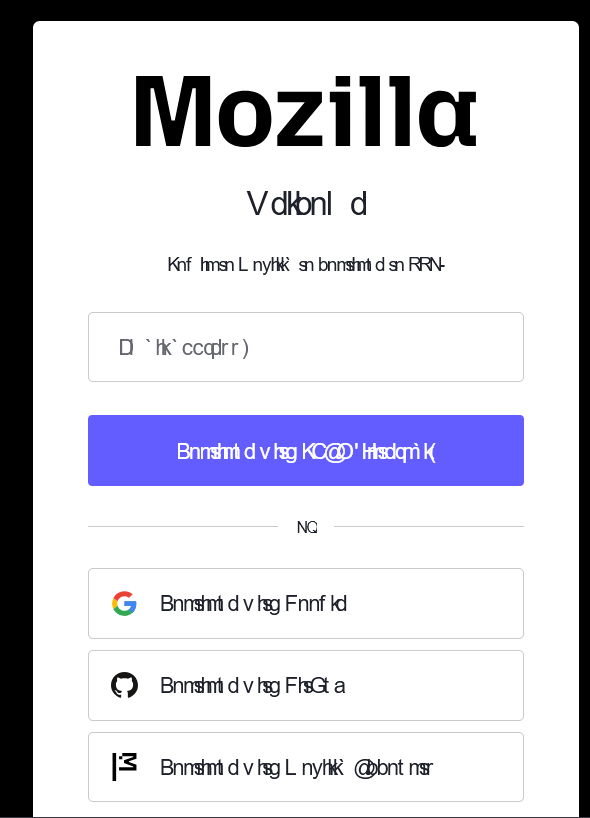
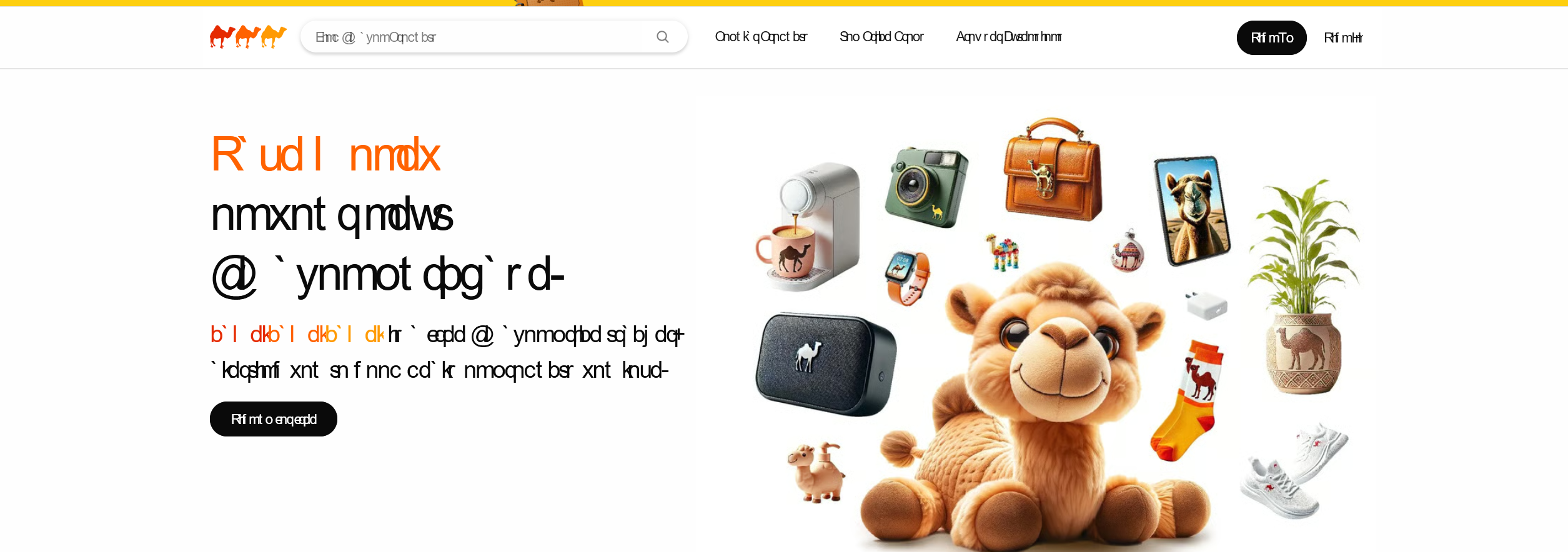
See attachment, some sites are not loading correctly at all, which ironically includes the mozilla sign in page. I also noticed it on camelcamelcamel.com. See attachments.
I already tried clearing cookies etc. Unchecking the "allow sites to choose their own fonts" fixes it but obviously I don't really want that disabled. I switched off Chrome recently so I'm already quite disappointed tbh.
All Replies (3)
+++ I think it's something to do with the roboto font, because removint it from the font family on the page after pressing F12 fixes it, but it works fine in other browsers..
Could it be you have versions of Roboto installed locally, these would take priority over the remote ones, but the local ones have trouble loading? Could you try removing any local Roboto fonts to see if it improves? (Or, generally, clean up duplicate instances or remove all older local occurrences of that font and upgrade to current versions if you need them on your local system?)
There isn't away to remove it in the fonts page in Settings and it doesn't even appear in the Windows/Fonts folder. One time I restarted my PC and it wasn't anywhere, which allowed the pages to load correctly, but now it's broken again.