


As of today, Firefox gets an "Access Denied" when accessing goddady.com. Chrome works.

Access Denied You don't have permission to access "http://www.godaddy.com/" on this server.
Reference #18.acf7d517.1771548295.4f66cee0
https://errors.edgesuite.net/18.acf7d517.1771548295.4f66cee0 is what I get when going to https:\goddady.com as of today. Running on Windows7 (no, I won't upgrade). Tried a variety of changes. But Chrome works fine. Any suggestions?
All Replies (25)

I've been looking for answers too and found one on this forum that worked for me. Maybe it will help others.
Disable Compatibility Mode in Firefox
https://support.mozilla.org/en-US/questions/1569994#question-reply
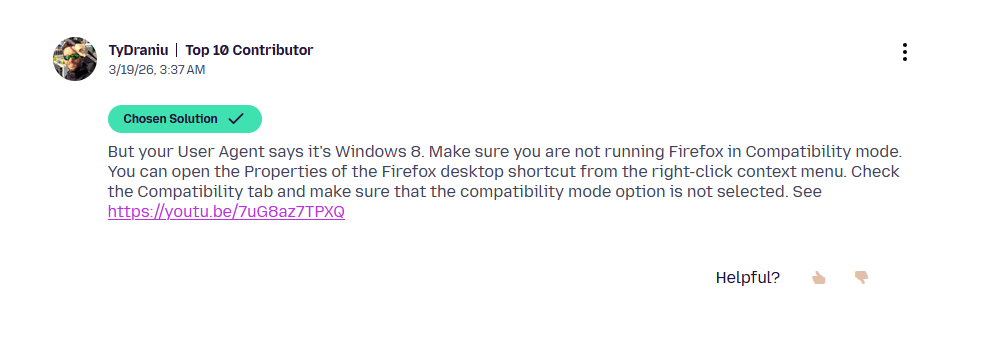

[https://support.mozilla.org/en-US/que.../1573011]
Reply from Akamai community. Your browser is too old, you'll have to find a newer version (less than 3 years old), or a different browser. Each Akamai customer (i.e. website operator) can have their own settings so there's no consistency.
Diubah oleh advax
"it isn't obvious to me how Windows 7 is to blame […] surely they could have their websites report something like "We detected you are using Windows 7. Screw you" …"
They are provided with security advisory and rating from third party they don't have insight into. So they don't probably even know they're doing exactly that. Just that their knobs and sliders are set to something, and every now and then the third party comes with new paperwork that gets shoved in the drawer. Nobody does that on purpose, and they probably don't even have the ability to single out every rule of the hundreds or thousands they use — the error comes from that third party providing them with security and cost management, and they don't really want folks to know on what grounds they are denied, so that they don't attempt tampering with such rule.
Notably, some of the affected sites work fine in the public content and unpersonalized views, and only start breaking down trying to order, log in, use personalized deals, do custom filtering etc. — where they employ additional systems that might rely on the protections above… so that's why they don't reject you right at the entrance — they don't even know how far you can actually get successfully before it happens. 🤷
"is there a way to roll back to an older version of Firefox 115"
Yes, but it's more likely the Akamai rules changed around that time, than a patch release of an old ESR had any impact on them. If you're willing to test, you can pick any arbitrary version to go back to from https://ftp.mozilla.org/pub/firefox/releases/ but please keep in mind you might damage your profile and cause data loss, so experiment with downgrades at your own risk.
"how to manually change the user-agent string"
Again, this probably won't have any different impact than using e.g. https://addons.mozilla.org/firefox/addon/user-agent-string-switcher/ which gives you a good selection of user agents to try, and has been verified to circumvent those edgesuite protections that were configured so that just masking the browser and system versions were enough (and not others), but you can set general.useragent.override in your about:config to any header you deem appropriate, e.g.: Mozilla/5.0 (Windows NT 10.0; Win64; x64; rv:148.0) Gecko/20100101 Firefox/148.0 but keep in mind you'd need to maintain the value over time, as sites will also stop supporting release versions as newer ones are published, you begin to stand out more from the crowd, and also the security signature of the connection really differs from what you're claiming to be so that's yet another red flag to deny access on security grounds. For some, setting that to just one ESR newer instead the most current stuff seemed to yield better results, so YMMV: Mozilla/5.0 (Windows NT 10.0; Win64; x64; rv:128.0) Gecko/20100101 Firefox/128.0
Hello
These similar discussions
https://support.mozilla.org/en-US/questions/1576403 https://support.mozilla.org/en-US/questions/1585074
Firefox support for Windows 7, 8 and 8.1 https://support.mozilla.org/en-US/kb/firefox-users-windows-7-8-and-81-moving-extended-support
As for me, i installed Linux, in dual-boot with Windows7
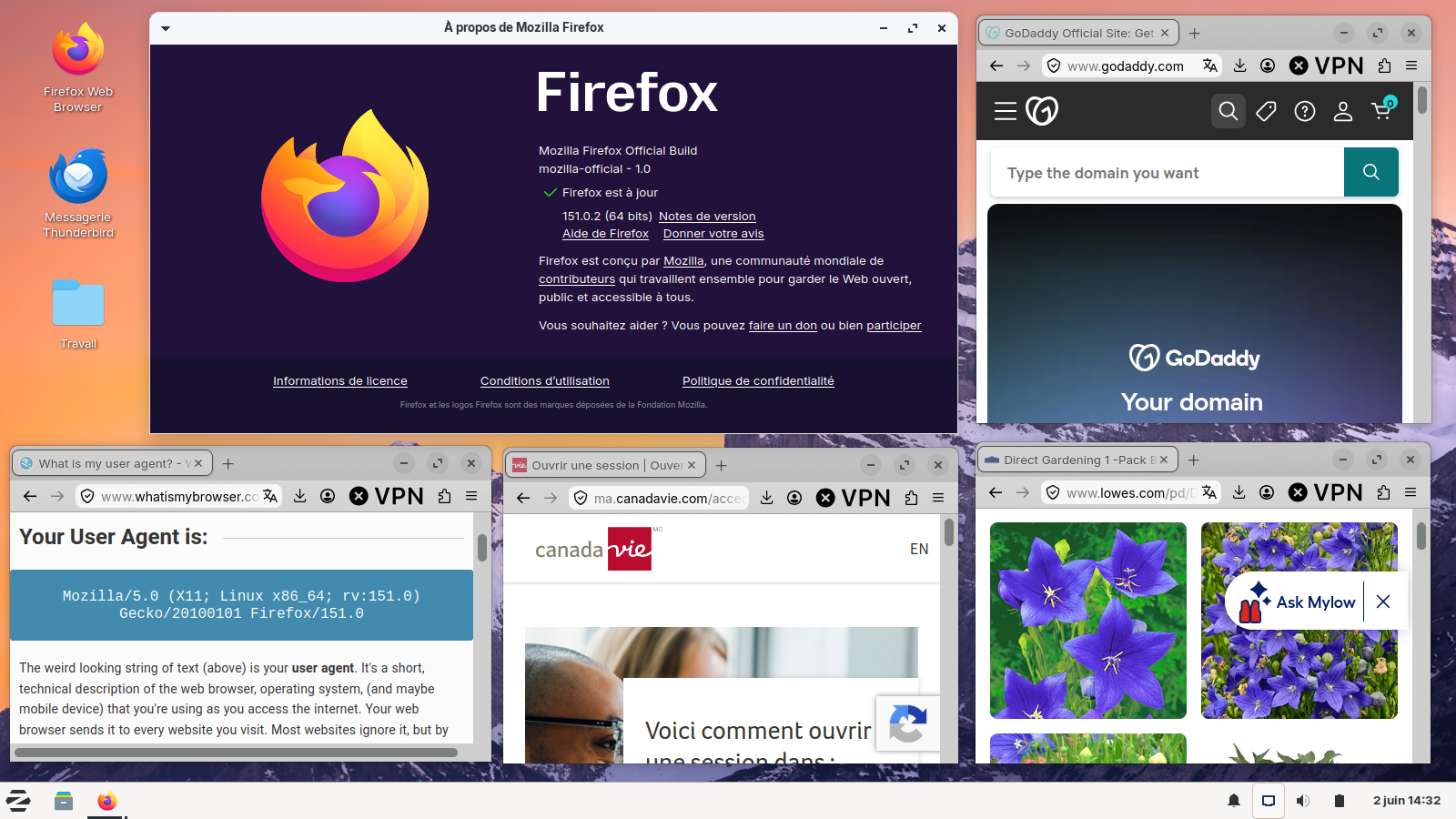
Updates
151.0.3 https://www.firefox.com/en-US/firefox/151.0.3/releasenotes
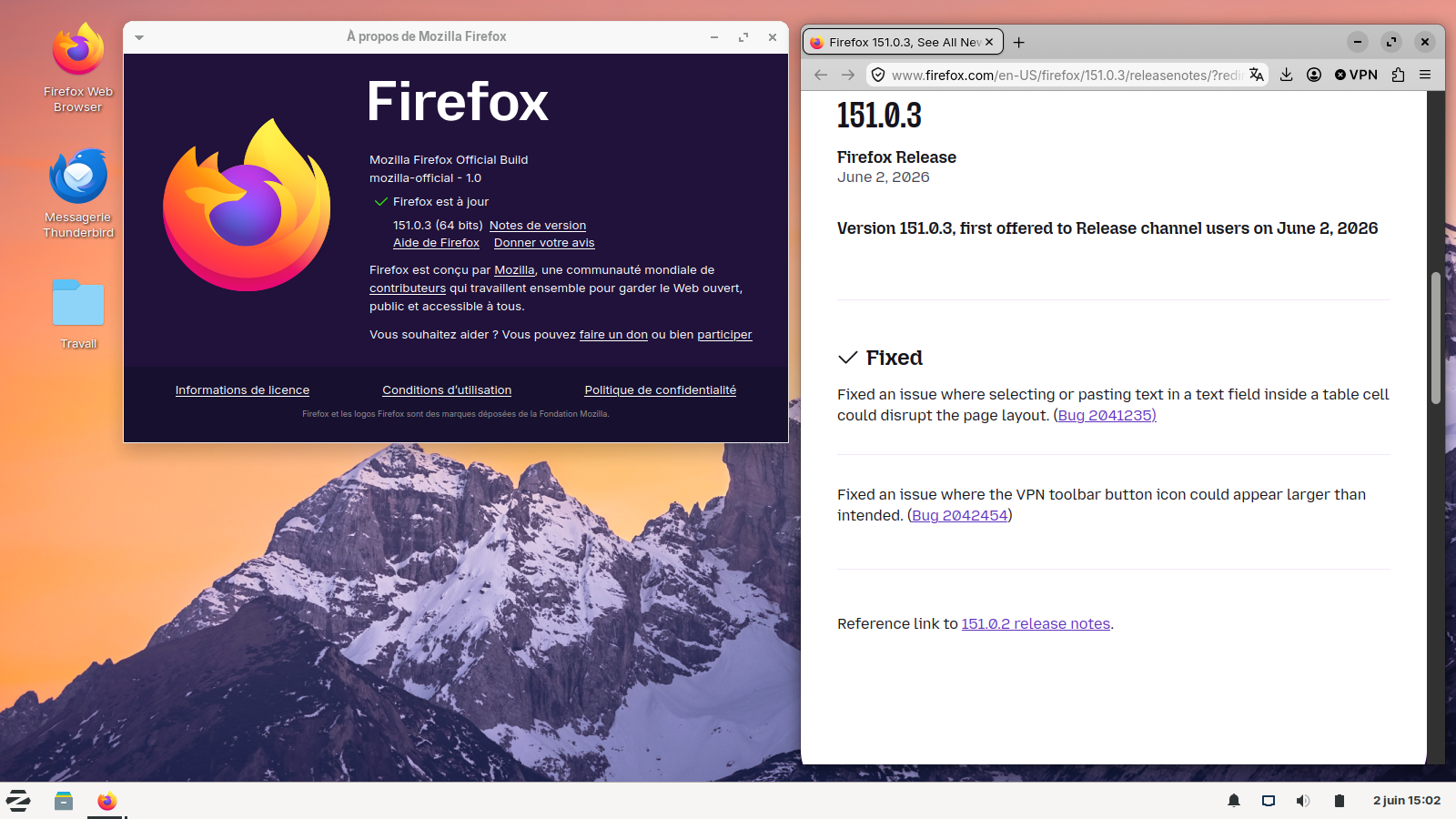
Diubah oleh Agent virtuel