


The screenshot doesn't work.

Hello,
I just installed a new version of Linux Mint (Zara) and all is right with Firefox, except the screenshot who doesn't work. The buttons "Capture the visible area" and "Capture the entire page" don't work. The additional tool in the toolbar doesn't work. What can i do, please? Thanks for your answer. Pierre
Penyelesaian terpilih
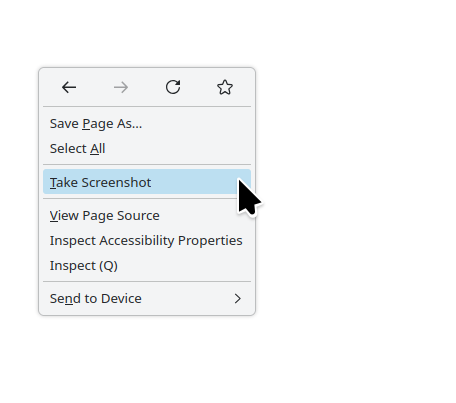
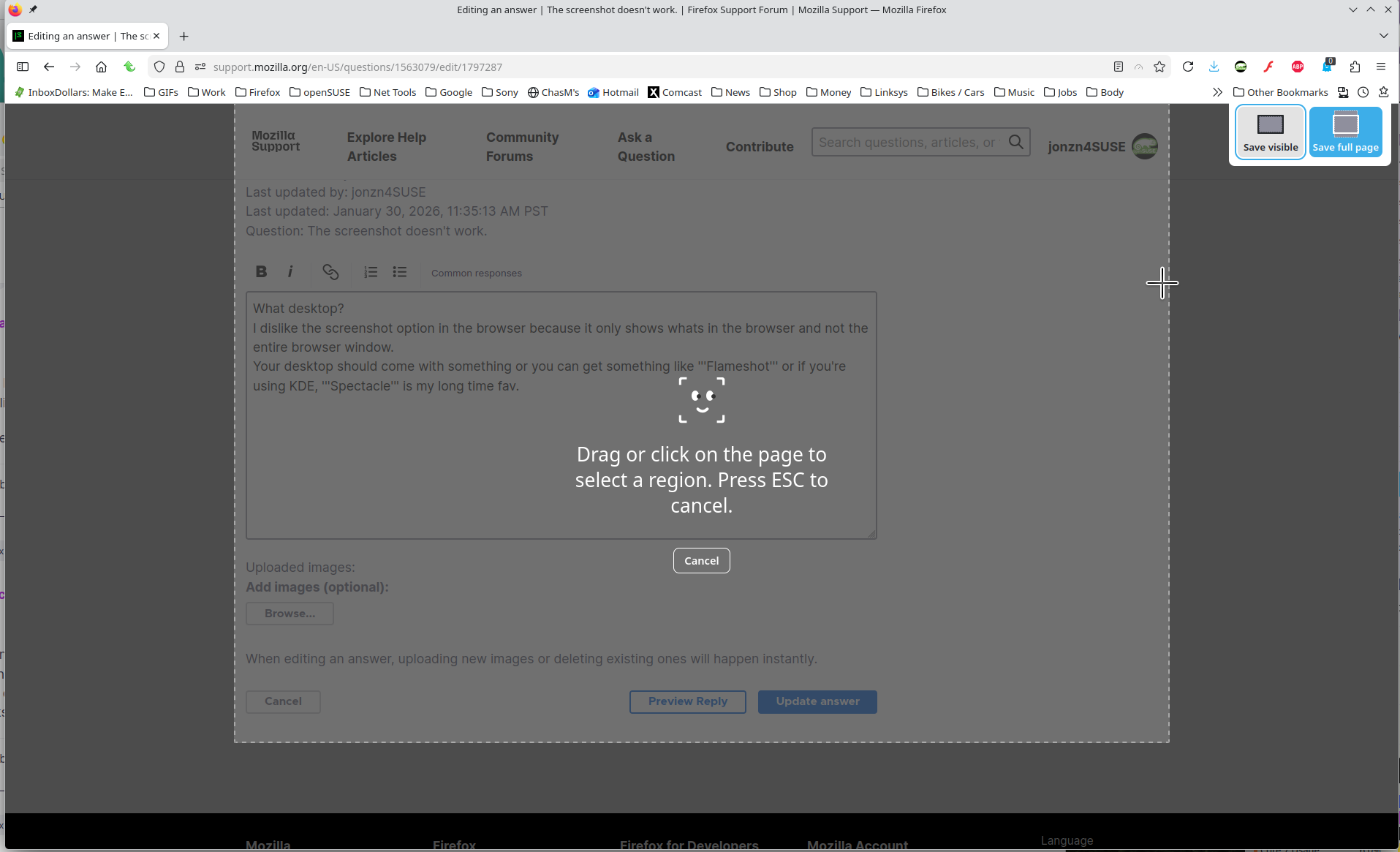
What desktop? I dislike the screenshot option in the browser because it only shows whats in the browser and not the entire browser window. Your desktop should come with something or you can get something like Flameshot or if you're using KDE, Spectacle is my long time fav.
Baca jawapan ini dalam konteks 👍 0All Replies (1)
Penyelesaian Terpilih
What desktop? I dislike the screenshot option in the browser because it only shows whats in the browser and not the entire browser window. Your desktop should come with something or you can get something like Flameshot or if you're using KDE, Spectacle is my long time fav.
Diubah oleh jonzn4SUSE