


1 of my 2 email clients shows plain text instead of HTML. (bitdefender)

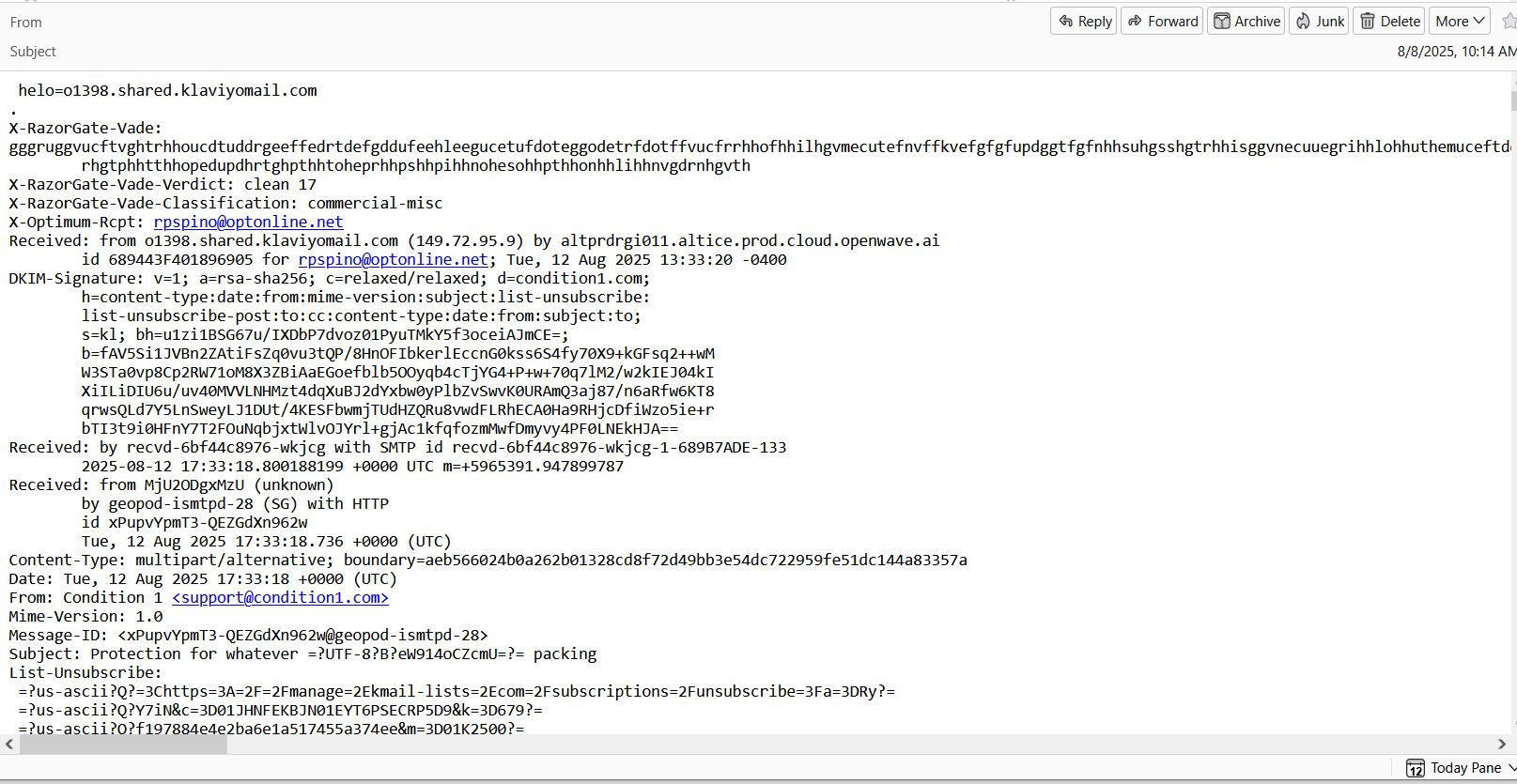
Since midday on the 10th, one of my 2 email clients shows plain text instead of HTML. My optonline email is the one in question. It no longer shows a sender or subject, and the body of the email received is in plain text. I have attached an example. Any help would be greatly appreciated. Thanks. Rick.
Diubah oleh Wayne Mery
Penyelesaian terpilih
You are using bitdefender? If so, In Bitdefender -> Protection -> Online Threat Prevention -> toggle off the setting Encrypted web scan. Restart computer and Thunderbird.
Are new messages better?
If not, then Help > Troubleshoot Mode better?
Baca jawapan ini dalam konteks 👍 1All Replies (3)
Penyelesaian Terpilih
You are using bitdefender? If so, In Bitdefender -> Protection -> Online Threat Prevention -> toggle off the setting Encrypted web scan. Restart computer and Thunderbird.
Are new messages better?
If not, then Help > Troubleshoot Mode better?
Thanks. It worked. I'm not sure why after all these years of using Bitdefender the setting was changed, but thanks for your help.
Solution update posted at 8:48 Eastern time (12:48 UTC) Thursday by Alexlandru_BD, an admin at bitdefender, "The developers reverted the changes made in the last signature update and this should do the trick until a permanent fix is deployed. Just click on update in systray and reboot once completed. But keep in mind this change is being rolled out gradually, so it may not reach everyone at the same time.." More details at https://www.reddit.com/r/Thunderbird/comments/1mo693n/comment/n8ammvq/