

Thread ini telah diarkib.
Sila tanya soalan baru jika anda perlu bantuan.

Solved
Diarkib
The Firefox cache

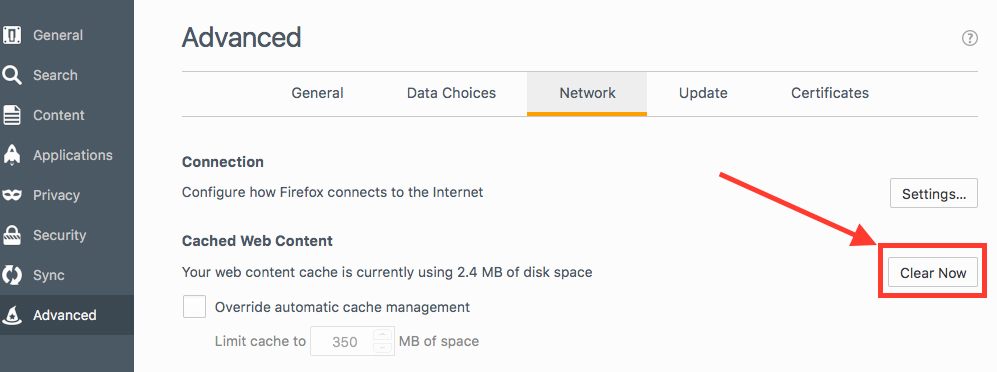
I have to repeatedly hit the Firefox Cache "Clear Now" button to clear the cache. I cannot just click it once I have to keep hitting the button until it gets down to zero cache. This has been happening since the Firefox 44 update.
I have to repeatedly hit the Firefox Cache "Clear Now" button to clear the cache. I cannot just click it once I have to keep hitting the button until it gets down to zero cache. This has been happening since the Firefox 44 update.
Diubah oleh saneman
All Replies (2)
Penyelesaian Terpilih
Try to reload the about:preferences page a few times to see if that updates the count. Clearing the cache is likely done asynchronously (i.e. in the background) and the about:preferences page may not update automatically to show the current state if it takes a long time to clear the cache.
Diubah oleh cor-el
That seems to have fixed the issue, thanks!
Diubah oleh saneman