


Remove default language

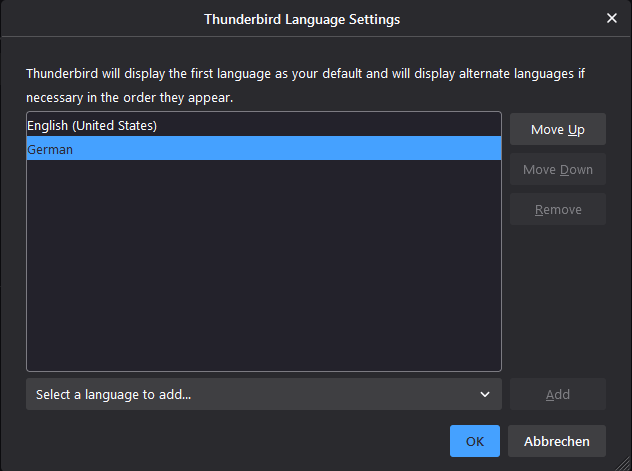
Thunderbird got installed in german but I want it to be in english. Can I somehow remove German completely from Thunderbird because the languages are mixed everywhere
Chosen Solution
Try this: start in safe/troubleshoot mode (hold Shift when launching TB), check 'Reset toolbars and controls', 'Make changes & restart'. If there is still some German, see if it remains with a new profile, created from Help/More Troubleshooting, about:profiles.
എല്ലാ മറുപടികളും (3)
Language packs were a problem in versions of TB 91 before the current 91.4. It looks like you installed the EN-US pack in the pure German version. I would remove the EN-US pack, uninstall German TB, and install the EN-US version. Your data in the separate profile folder is not affected.
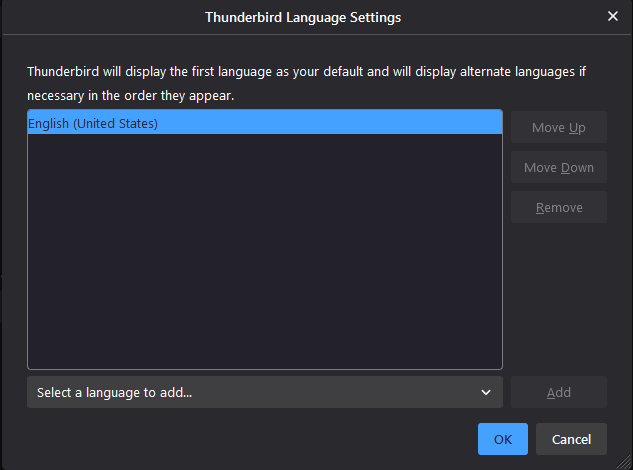
I installed the English version of Thunderbird but there is still some text in German although German isn't even in the languages list anymore
Chosen Solution
Try this: start in safe/troubleshoot mode (hold Shift when launching TB), check 'Reset toolbars and controls', 'Make changes & restart'. If there is still some German, see if it remains with a new profile, created from Help/More Troubleshooting, about:profiles.