"Checking for Updates" keeps running while I'm working
Hello, Within the past hour, "Checking for Updates" keeps running. I thought checking "choose to install" would limit the numerous times this happens per day, but it hasn't.
I've been experiencing this for a couple weeks and it's getting worse. I'm not sure what's going on.
I'm running Windows 11 and the last FF Mozilla update was #147.01.
Please advise.
Thank you, Gina
All Replies (1)
I have not received a reply on this question. FF updated to 147.02 after I had checked choose to install, as I mentioned above.
I then created a new profile, which mind you, I'm not a computer wiz, so this wasn't an easy task. The "check for updates" still kept running a few times while I'm working.
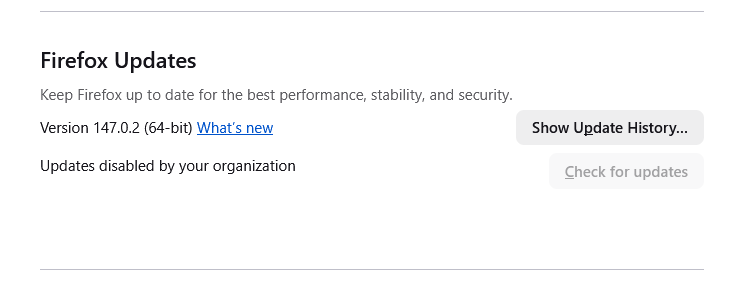
Yesterday, I changed changed to "updates disabled by your organization" and that didn't work either.
This is getting ridiculous. I have used FF for a long time, but I'm starting to doubt this browser is the right one for me.
Is there anyone who can help me?